
Printer profiles, slicing and filaments | Advanced line collision example
The line collision detection tool is pretty neat but it has a caveat. It does not know about support structures which may widen the model with extra geometry. This may lead to collisions which cannot be calculated with ease.
The Statue of Atlas
On this page we use "Statue of Atlas" model to find some good working collision detection solution with goal to maximize the size (height) of the statue within in the build volume. We use the automatic center placement of PrusaSlicer to force the model to bein the middle. The model globe's Z axis is nearly exactly overlapping with Z axis.
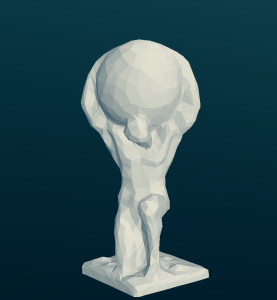
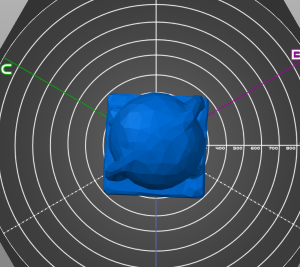
Statue of Atlas (thingiverse.com/thing:911104
Approximate collision checks
At first we try to find a range of proper scales by generating different-sized STL files by PrusaSlicer. We put the model files to the machine where we installed the line-collision-detector (see Printer profiles, slicing and filaments for a quick How-To). Please note the following output was re-ordered by model size manually to see the Z values. But in reality i incremented/decremented the model sizes one by one to see what happens for each height.
DOCKER:/line-collision-detector# sudo run ./'Statue of Atlas 600.stl' params -l 1
No collision detected
DOCKER:/line-collision-detector# sudo run ./'Statue of Atlas 700.stl' params -l 1
No collision detected
DOCKER:/line-collision-detector# sudo run ./'Statue of Atlas 710.stl' params -l 1
Collision detected at z=545.272
DOCKER:/line-collision-detector# sudo run ./'Statue of Atlas 730.stl' params -l 1
Collision detected at z=559.938
DOCKER:/line-collision-detector# sudo run ./'Statue of Atlas 750.stl' params -l 1
Collision detected at z=633.605
DOCKER:/line-collision-detector# sudo run ./'Statue of Atlas 770.stl' params -l 1
Collision detected at z=650.272
DOCKER:/line-collision-detector# sudo run ./'Statue of Atlas 800.stl' params -l 1
Collision detected at z=675.272
DOCKER:/line-collision-detector# sudo run ./'Statue of Atlas 900.stl' params -l 1
Collision detected at z=829
Detailed collision check with generated supports
The previous results say that we can print a 700mm high statue within the print volume. Now we try to find out if there are also no collisions of the model requires some support structures (it does require some to be well printed!).
Load the model into PrusaSlicer
- Place the model on the bed
- configure the scaling
- configure infill
- adjust support (we allow some dark-blue overhangs because they are just really small and should not matter in the model)
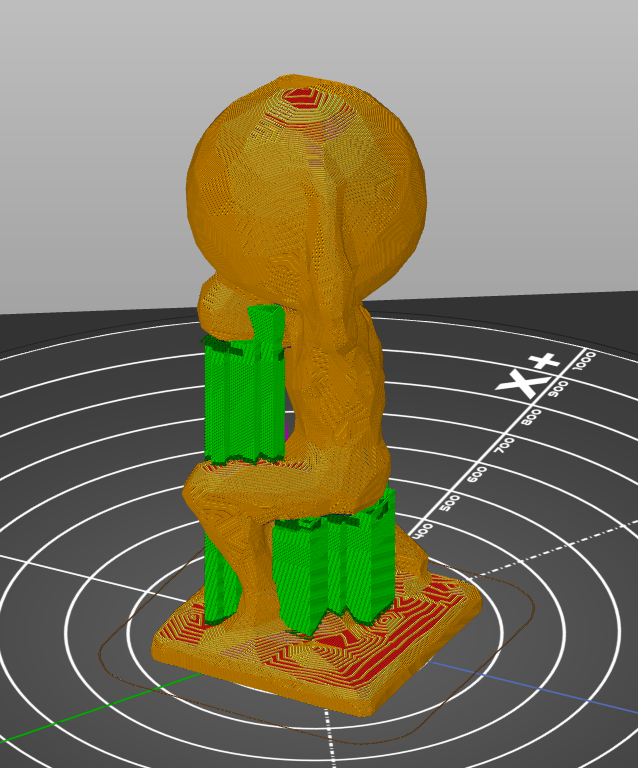
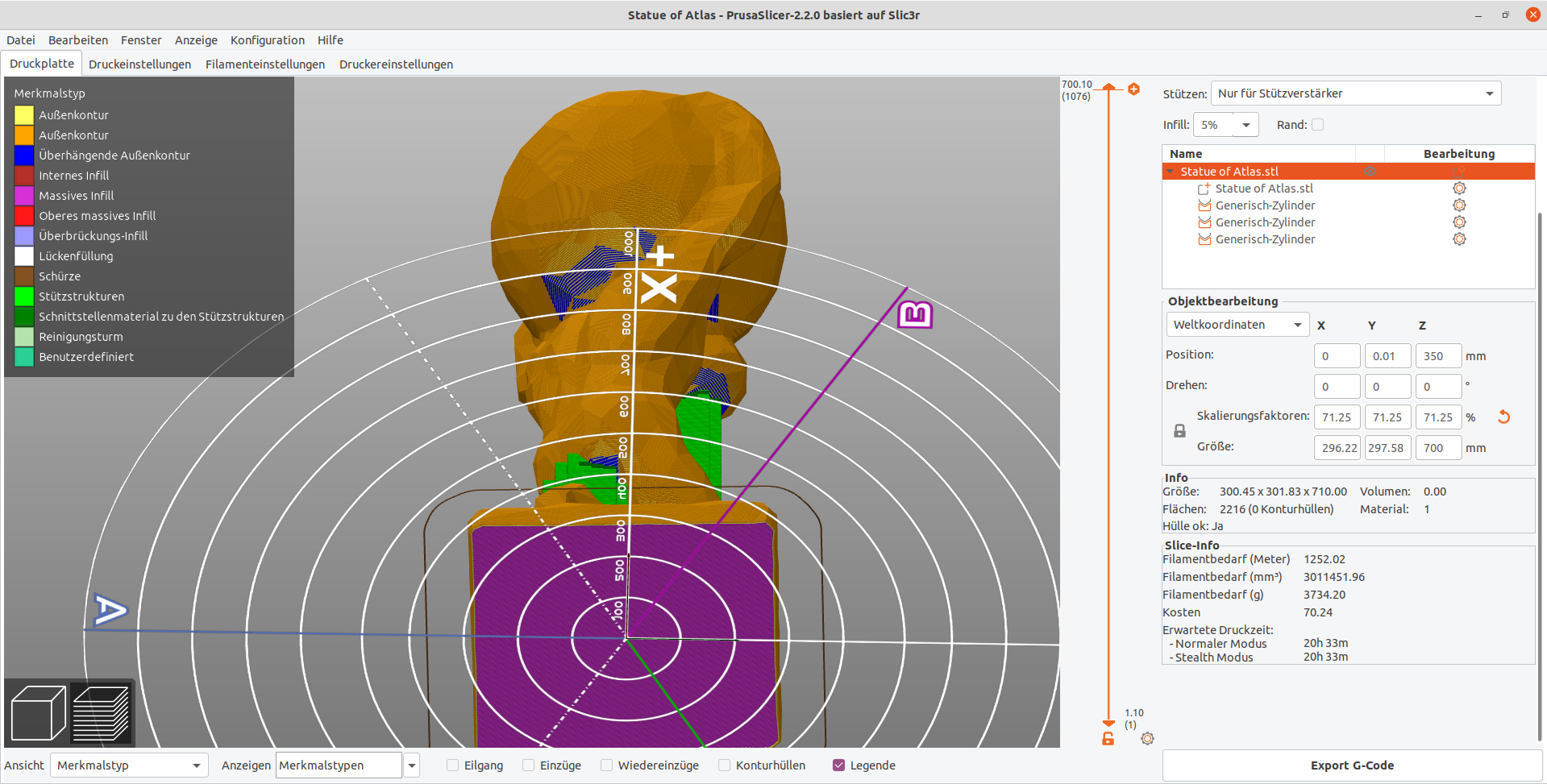
Export and convert the model using Blender
For a good collision check we do not require the model only. We need the support structures as well. PrusaSlicer is able to export the slicer output to Wavefront object (.obj), but not to STL. We are going to import the objfile into Blender and re-export it as STL:
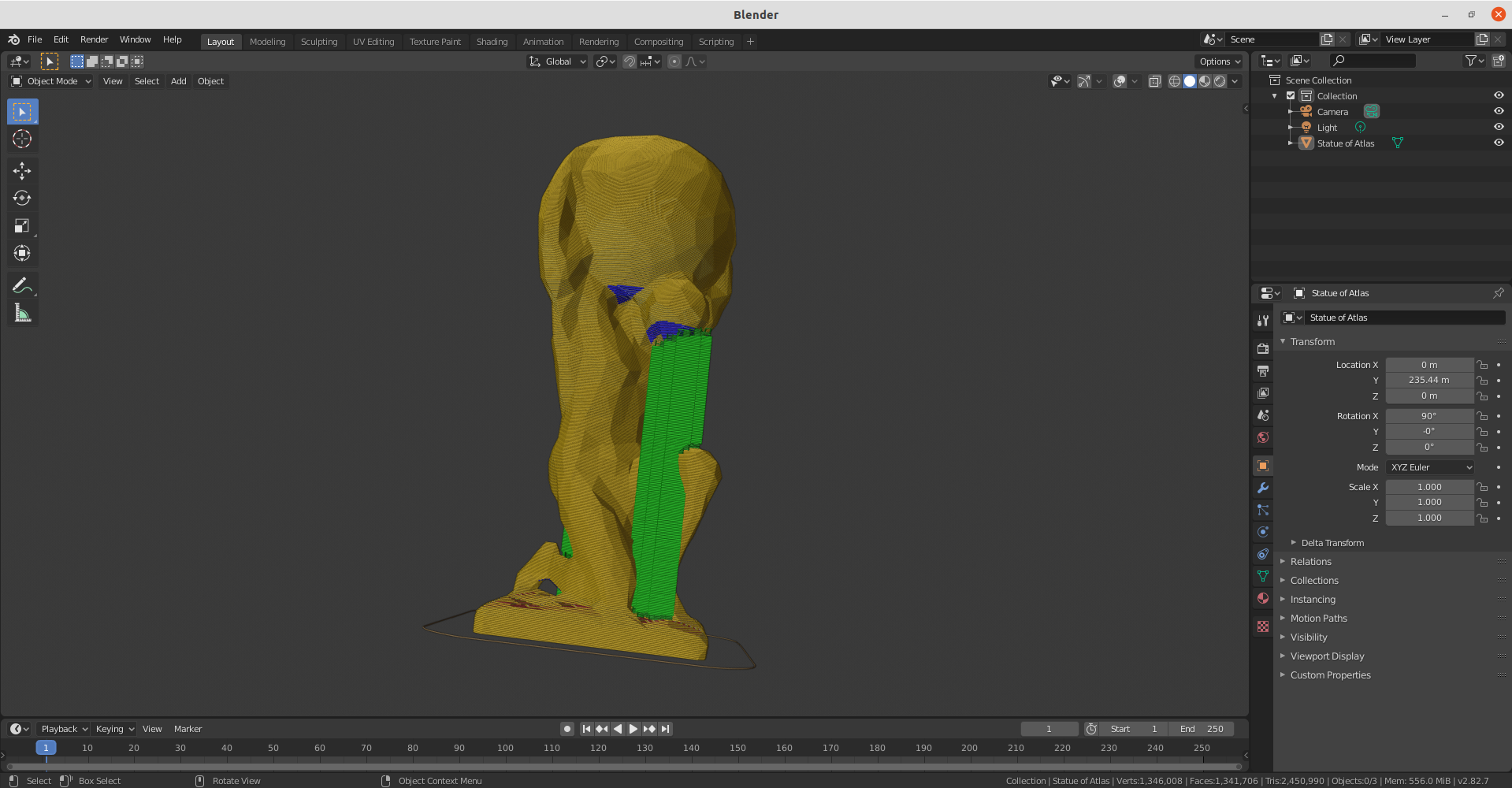
The result is tedious to use because the line collision simulation will calculate a really large time (> 15 minutes for this example). I tried to create a convex hull of the model but the result was unusable.
Check the exported result with some STL viewer (e.g. fstl)
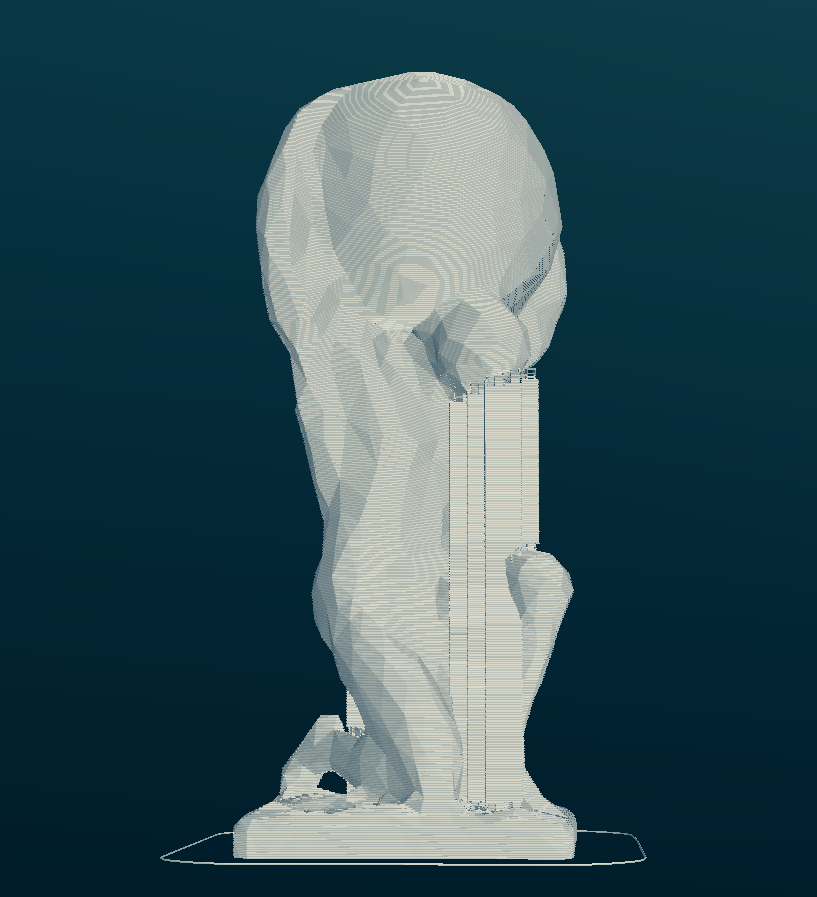
Run the collision simulation again
20 Minutes later ..
DOCKER:/line-collision-detector# sudo run ./'Statue of Atlas 700 support.stl' params -l 1
Collision detected at z=141.47
Keine Kommentare vorhanden
Keine Kommentare vorhanden