
CoBox - Building blocks for a co-operative cloud
Diese Dokumentation ist eine alte Legacy-Dokumentation und dient nur als Referenz! Wir nutzen CoBox selbst nicht.
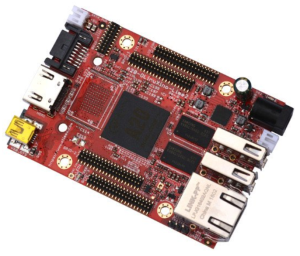
CoBox is a distributed, encrypted, offline-enabled data hosting cloud platform. It's software! But each software needs to run on a hardware platform. For your own mini CoBox cloud you can create one with ease using an Olimex A20 Olinuxino Lime 2 and some hard disk. This page describes how to do this plus some basic information for installing the software. For more details about CoBox in general please see the dedicated project page of the developers at https://cobox.cloud.
Some more special links:
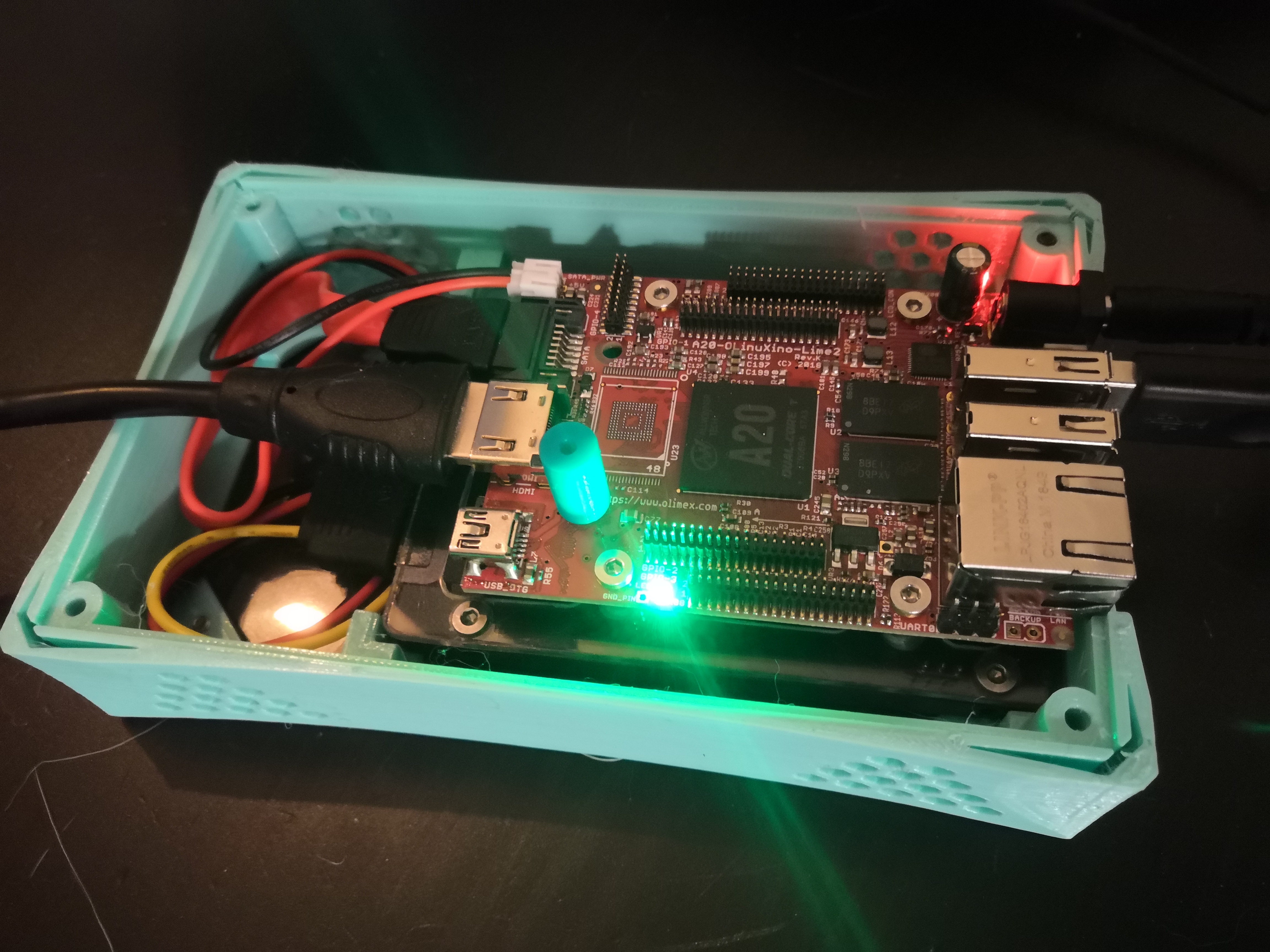
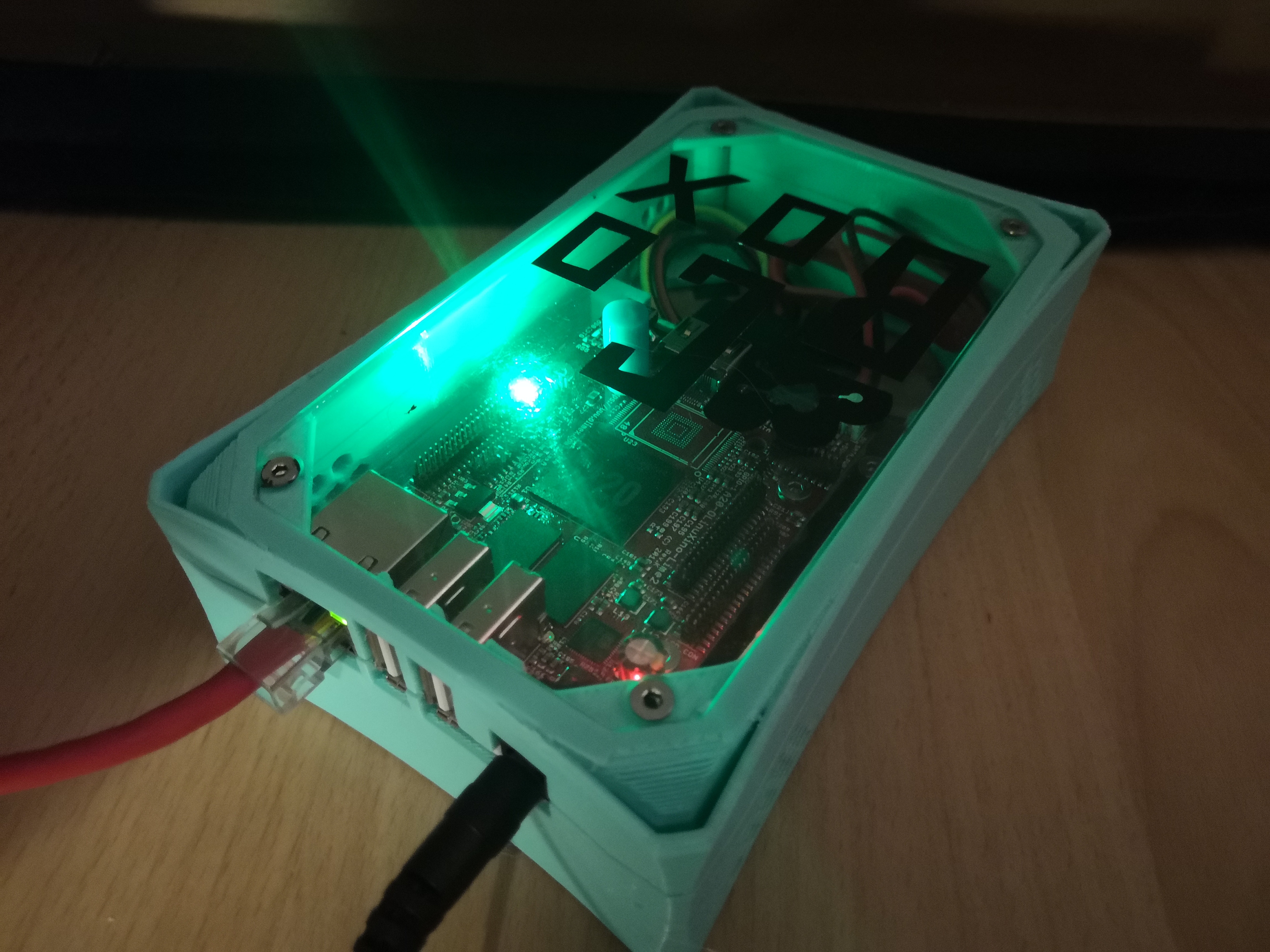
The possible heart of your own CoBox solution: Olimex A20 Olinuxino Lime 2 in a self-made housing
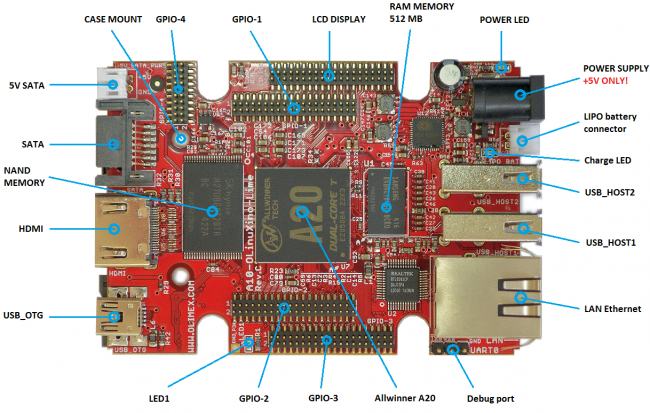
Front view (image from https://www.olimex.com)
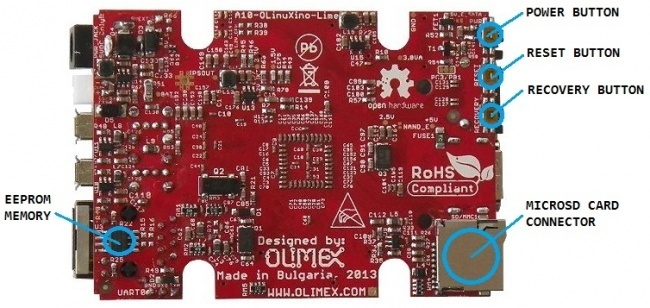
Back view (image from https://www.olimex.com)
Product manual: A20-OLinuXino-LIME2-UM.pdf
For CoBox we made a small housing which can be produced using a laser cutter and a 3d printer.
Features:
- well-shaped PETG housing, fitting for A20-OLinuXino-LIME2-UM
- total weight ~ 380g (case + hardware components inside)
- compatible to 7mm and 9mm 2.5" hard disks (just replace the threaded standoffs)
CoBox cloud server with Olimex - Overview and bill of material (BOM)
|
|
Part | Required amount | Price (net) per piece | Notes |
|
|
A20-OLinuXino-LIME2-UM | 1 x | ~ 40 € | |
|
|
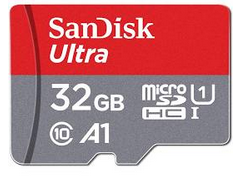
Micro SD Card |
1 x |
~ 10 € | |
|
|
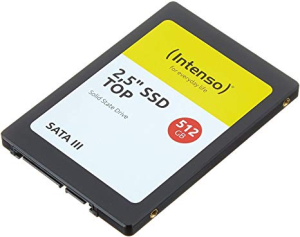
S-ATA Hard Disk |
1 x | ~ 60 € | |
|
|
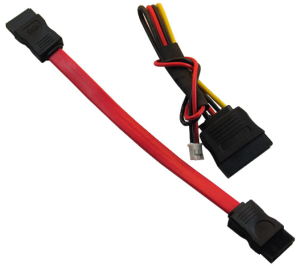
S-ATA cable set | 1 x | ~ 5 € | |
|
|
Spacer Olimex to top plate - 8x16 mm - M3 thread | 1 x |
|
|
|
|
3D printed housing - top | 1 x | ||
|
|
3D printed housing - bottom | 1 x | ||
|
|
3D printed base mount | 1 x (variant A) |
joins Olimex with HDD to form one unit | |
|
|
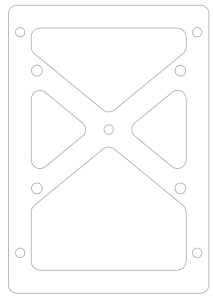
lasercut base mount | 1 x (variant B) |
joins Olimex with HDD to form one unit | |
|
|
3-color CoBox sticker 140x80 mm (Oracal HPC 751 - black) |
1 x | ||
|
|
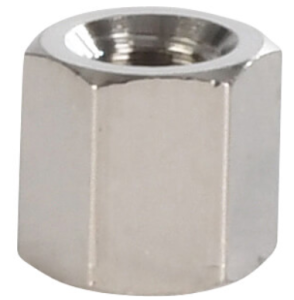
threaded standoff - M3 x 5 mm | 4 x | 0,08 € | you may use longer distance bolts if required (8 mm if thin SSD HDD used which requires to use spacer) → 5 mm bolts for regular HDD or 8 mm bolts for SSD |
|
|
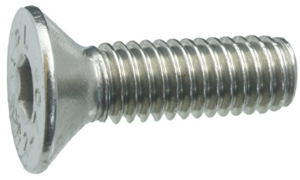
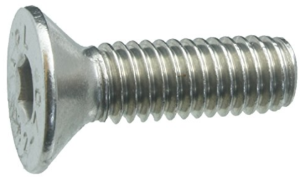
Hexagon socket countersunk screw ISO 10642 M3 x 4 mm - A2 | 8 x | 0,06 € |
required for top and bottom plate → you may not use longer screws because you will hit the HDD surface otherwise
|
|
|
Hexagon socket countersunk screw ISO 10642 M3 x 6 mm - A2 | 5 x | 0,06 € |
you may nor use longer screws if required because there could happen collisions
|
|
|
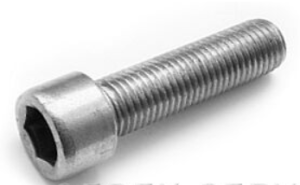
Hexagon socket screw ISO 4762 M3 x 16 mm - A2 | 4 x | 0,06 € | |
|
|
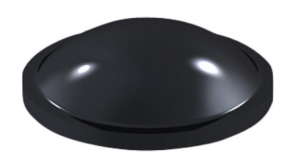
rubber feet Ø8 mm | 4 x | 0,02 € | max. Ø8,5 mm round or 9,5 x 9,5 mm square |
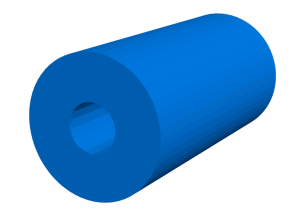
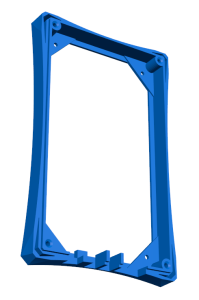
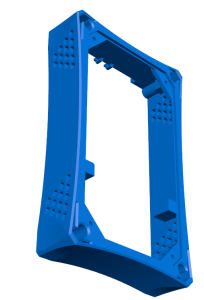
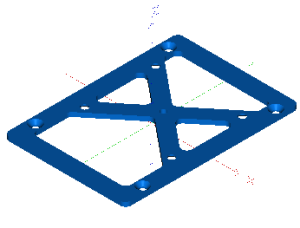
3D model previews and downloads
Downloadable files for 3d printing / laser cutting can be found at https://gitea.fablabchemnitz.de/vmario/cobox-housing
Possible feature enhancements
- self-printed bolt spacer could be replaced by a distance bolt M3x16 mm
Production steps
- print parts (base, top, cylinder)
- lasercut parts (with protection foil) → top and back plate, base plate
- make thread into cylinder
- smooth edges at printed parts (using cutter knife or sanding paper)
- remove support material on printed parts
- create coutersunk shapes in lasercut parts
- remove protections foils
- screw together printed top base with lasercut plate sing 4x M3x4 screws
- create sticker with Plotter
- put sticker on top plate (must be screwed together before!) → sticker will hide screw heads
- add missing parts: screws, bolts, rubber feet
CoBox Cloud Software
After assembling the hardware we can go ahead to begin with software installation