
Voronoi Pattern (Triangulation / Low Poly / Delaunay)
Way 1 to create a cool laserable Voronoi pattern
Way 1 to create a cool laserable Voronoi pattern
Draw some path (convert your rectangles/objects to path. We need it later for destructive clip)
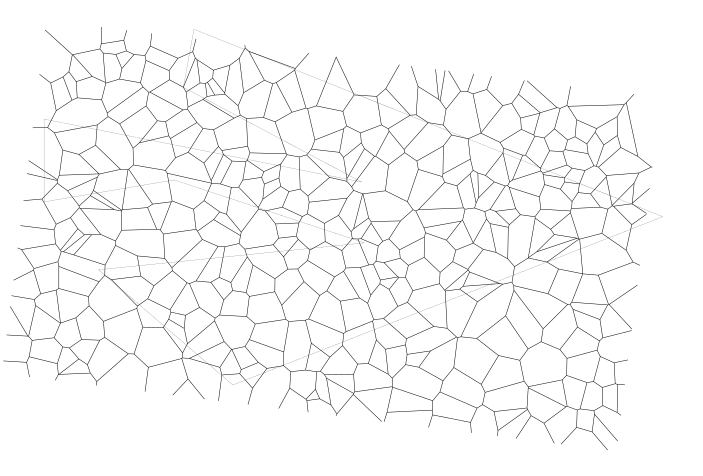
Create Voronoi
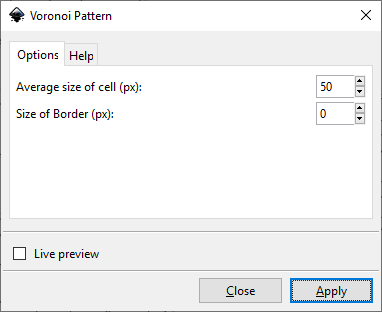
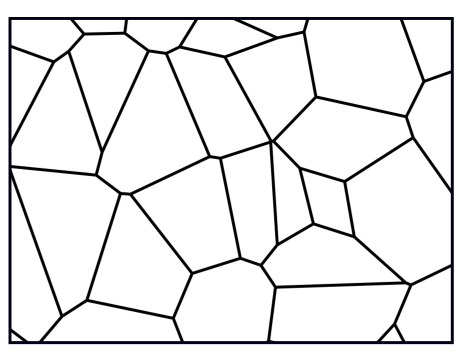
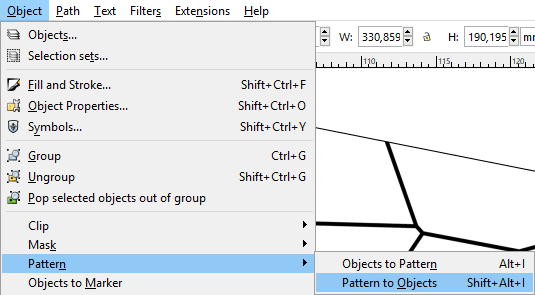
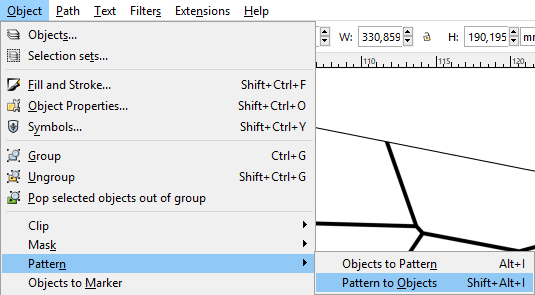
Detach the pattern
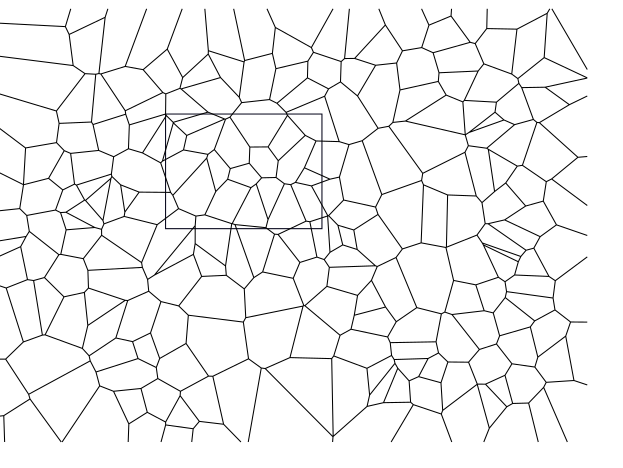
Adjust some sizes and adjust stroke width (e.g. 5 mm), remove fill
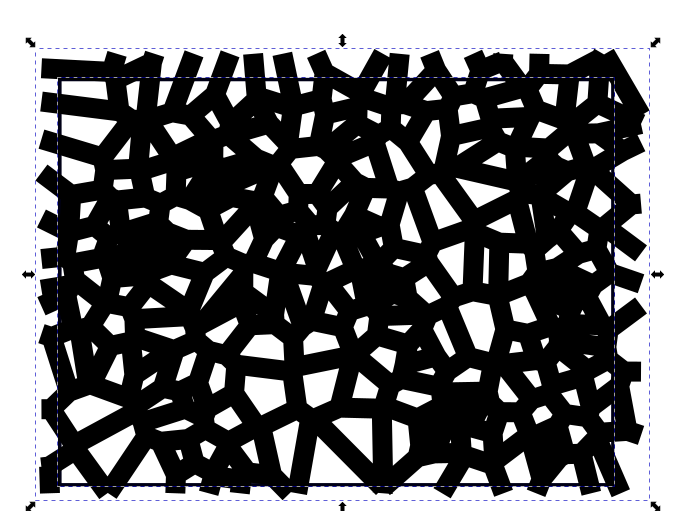
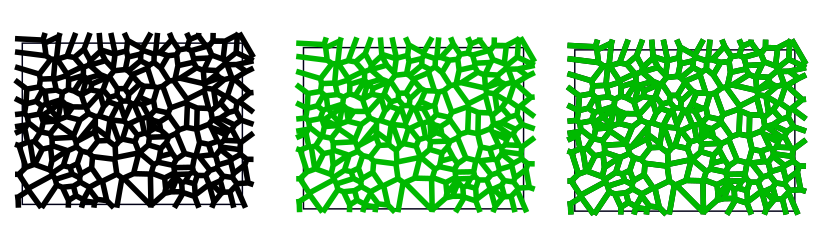
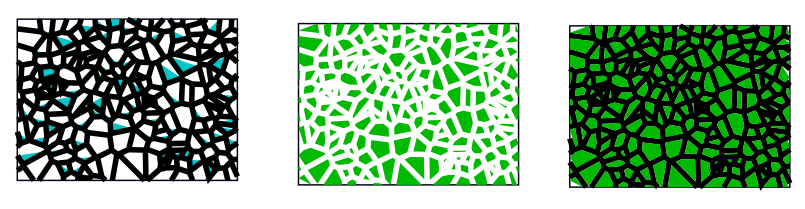
Convert contour to path → this keeps the original path in background and creates a new. Belonging to the selection we get different results using Destructive Clip
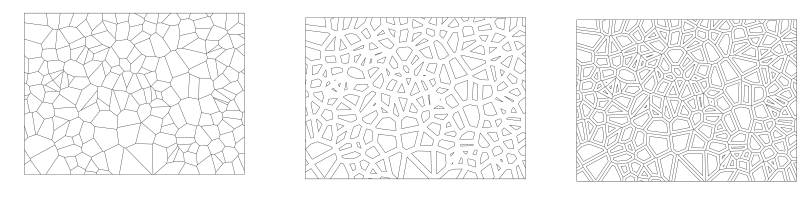
| Original path + destructive clipping / Outline path + destructive clipping / Outline and original path + destructive clipping | |
| Before |
|
| After |
|
| After adjusting fill to zero and stroke width to 1px |
|
Way 2 to create a cool laserable Voronoi pattern
Way 2 to create a cool laserable Voronoi pattern
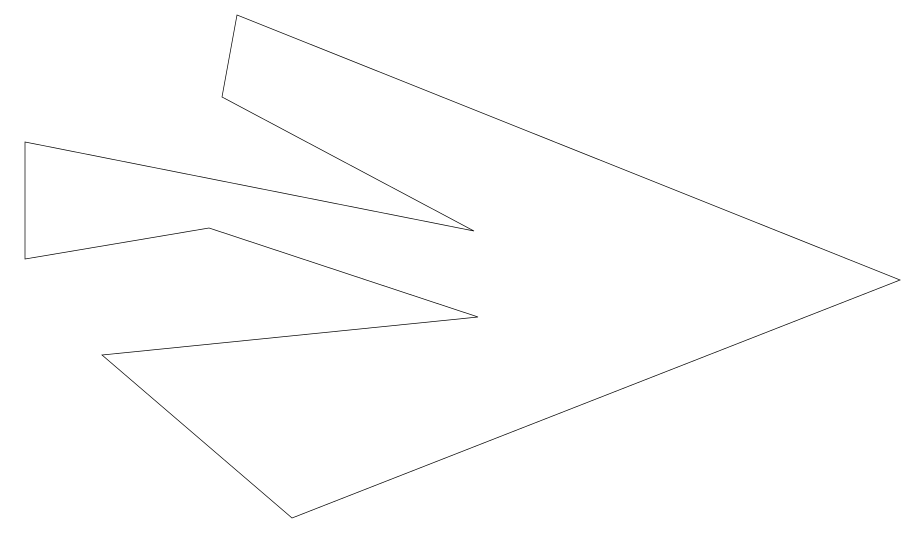
Draw some path
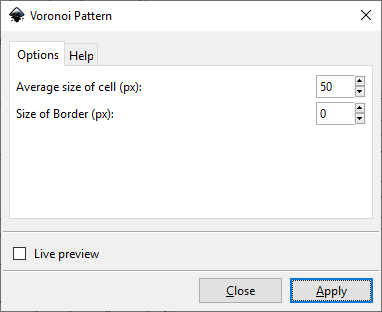
Apply Pattern
See the generated fill pattern
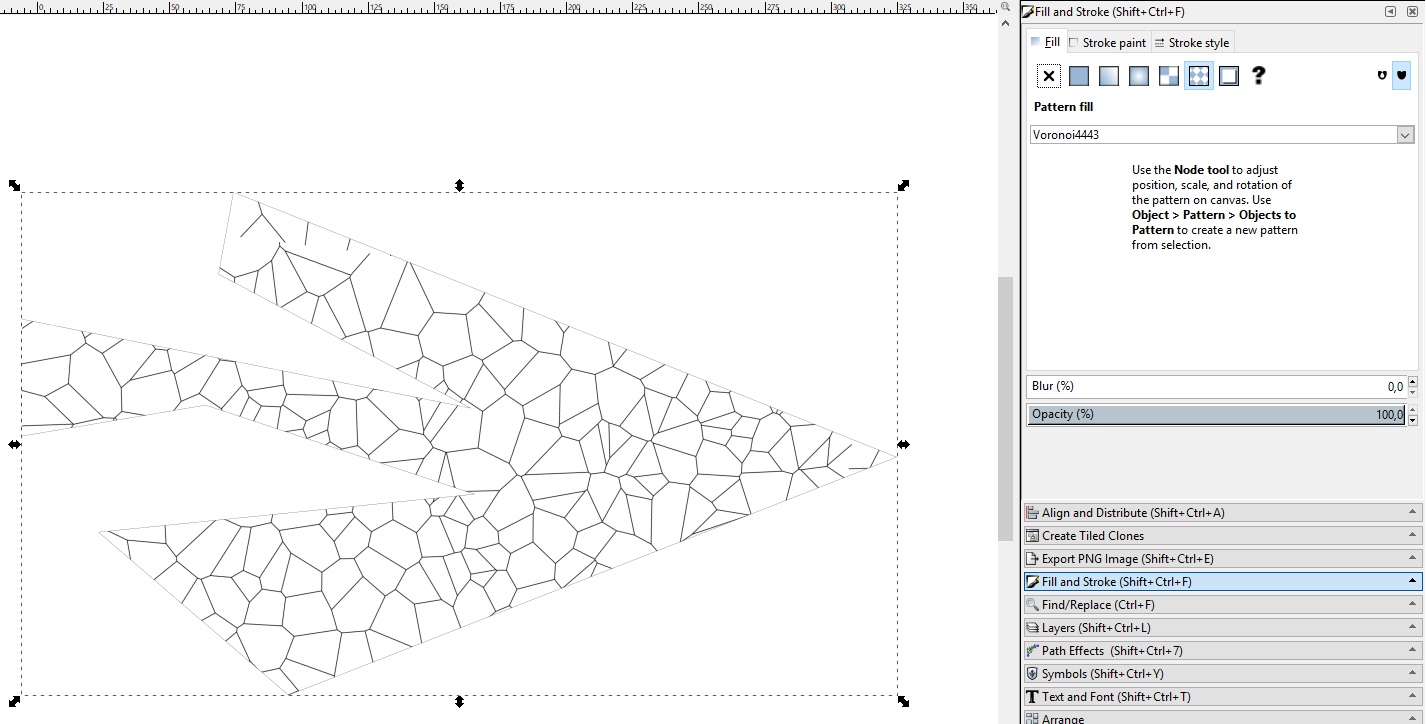
Covert pattern to object
Path → Division
Division: Select the boundary path and the pattern
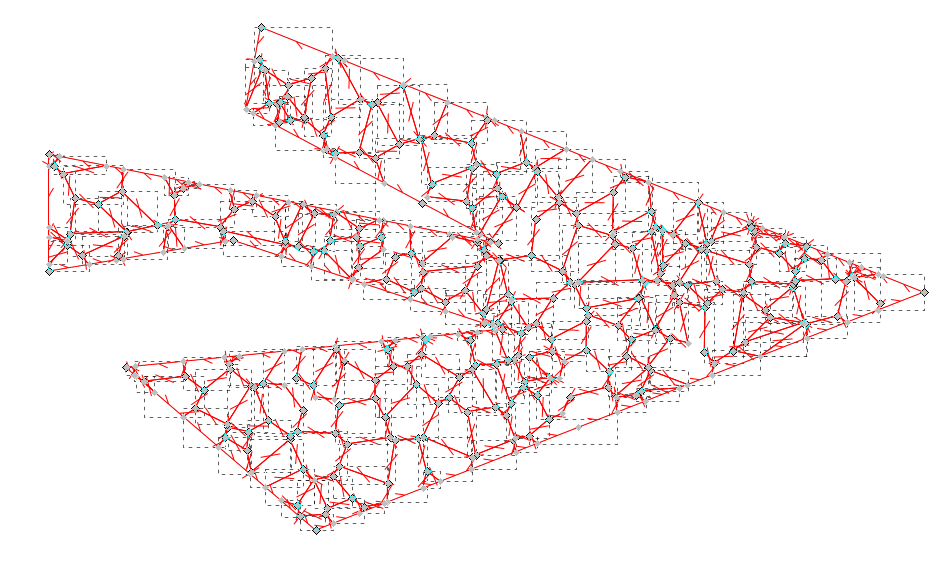
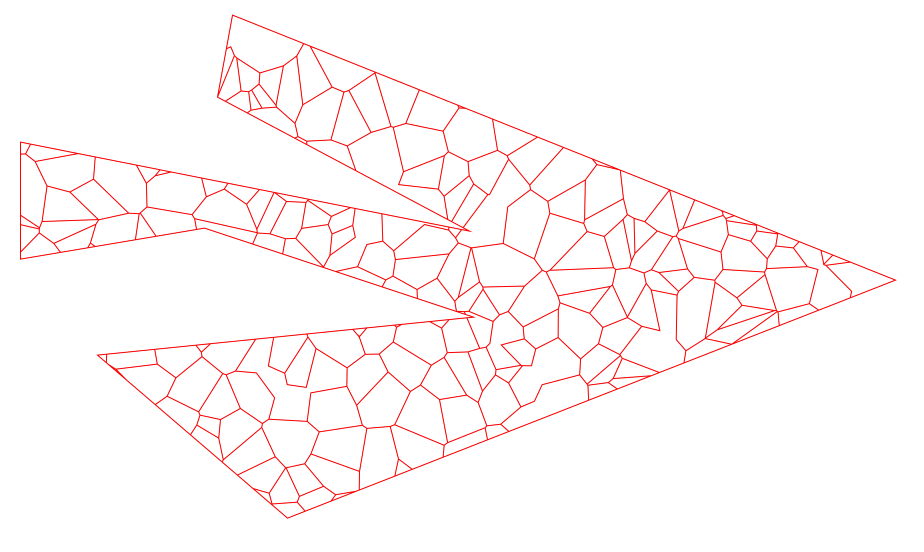
Combine to have one path
Siehe ebenso → https://www.instructables.com/id/Delaunay-Mosaics/