# STL Viewers and Thumbnail Generators

## Mayo

[https://github.com/fougue/mayo](https://github.com/fougue/mayo)

## stl-thumbnailer (Fedora 34)

- Unterstützt \*.scad und \*.stl
- funktioniert für \*.stl aber nicht für uppercase \*.STL. Man muss dies per Hand unbenennen
- funktioniert nur für binary STLs. Selbst wenn stl-thumbnailer für STL-Dateien statt OpensCAD die Software stl-thumb verwendet, wird nur binary untestützt, obwohl stl-thumb an sich ASCII unterstützt. Hier kann "/usr/share/thumbnailers/stl.thumbnailer" editiert werden

```bash
vim /usr/share/thumbnailers/stl.thumbnailer
```

```bash
Exec=/bin/stl-thumb %i %o --size %s
```

[https://github.com/vmario89/stl-thumbnailer](https://github.com/vmario89/stl-thumbnailer)

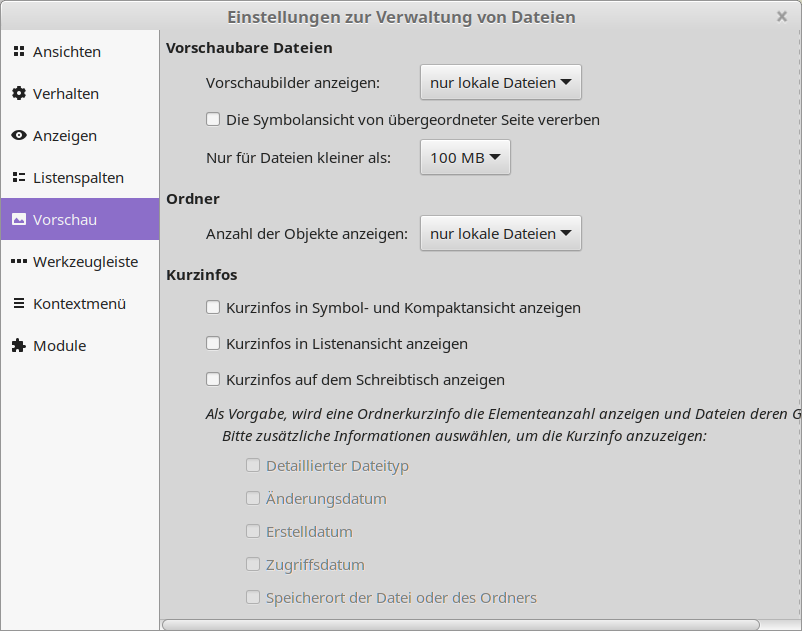
<p class="callout info">If some preview files are not generated just configure the maximum file preview size from default of 1 MB to 1 GB</p>

[![grafik.png](https://wiki.stadtfabrikanten.org/uploads/images/gallery/2025-10/scaled-1680-/zFdrt3jtoJ6fqYvF-grafik.png)](https://wiki.stadtfabrikanten.org/uploads/images/gallery/2025-10/zFdrt3jtoJ6fqYvF-grafik.png)

## stl-thumb

Windows und Ubuntu/Debian:

[https://github.com/unlimitedbacon/stl-thumb](https://github.com/unlimitedbacon/stl-thumb)

Fedora:

```bash
cd ~
git clone https://github.com/unlimitedbacon/stl-thumb.git
cd stl-thumb
sudo dnf install cargo
cargo build
cp ~/stl-thumb/target/debug/stl-thumb /bin/ #copy stl-thumb executable to binaries
```

<div class="code panel pdl conf-macro output-block" data-hasbody="true" data-macro-name="code" id="bkmrk--1" style="border-width: 1px;"><div class="codeContent panelContent pdl"><div><div class="syntaxhighlighter sh-django  bash" id="bkmrk--2"></div></div></div></div>## Marlin3dprintertool

### Download

[<span>https://marlin3dprintertool.se/stl-thumbnail</span>](https://marlin3dprintertool.se/stl-thumbnail)

### Start "Stl Configuration" tool

[![grafik.png](https://wiki.stadtfabrikanten.org/uploads/images/gallery/2025-10/scaled-1680-/kDdqviI49uSq1YSe-grafik.png)](https://wiki.stadtfabrikanten.org/uploads/images/gallery/2025-10/kDdqviI49uSq1YSe-grafik.png)

### Register the extension

[![grafik.png](https://wiki.stadtfabrikanten.org/uploads/images/gallery/2025-10/scaled-1680-/AAxUHyOvP9slzkNQ-grafik.png)](https://wiki.stadtfabrikanten.org/uploads/images/gallery/2025-10/AAxUHyOvP9slzkNQ-grafik.png) [![grafik.png](https://wiki.stadtfabrikanten.org/uploads/images/gallery/2025-10/scaled-1680-/7tShtJAnymvoug7J-grafik.png)](https://wiki.stadtfabrikanten.org/uploads/images/gallery/2025-10/7tShtJAnymvoug7J-grafik.png) [![grafik.png](https://wiki.stadtfabrikanten.org/uploads/images/gallery/2025-10/scaled-1680-/YA5XaTIPEw0amTIJ-grafik.png)](https://wiki.stadtfabrikanten.org/uploads/images/gallery/2025-10/YA5XaTIPEw0amTIJ-grafik.png)

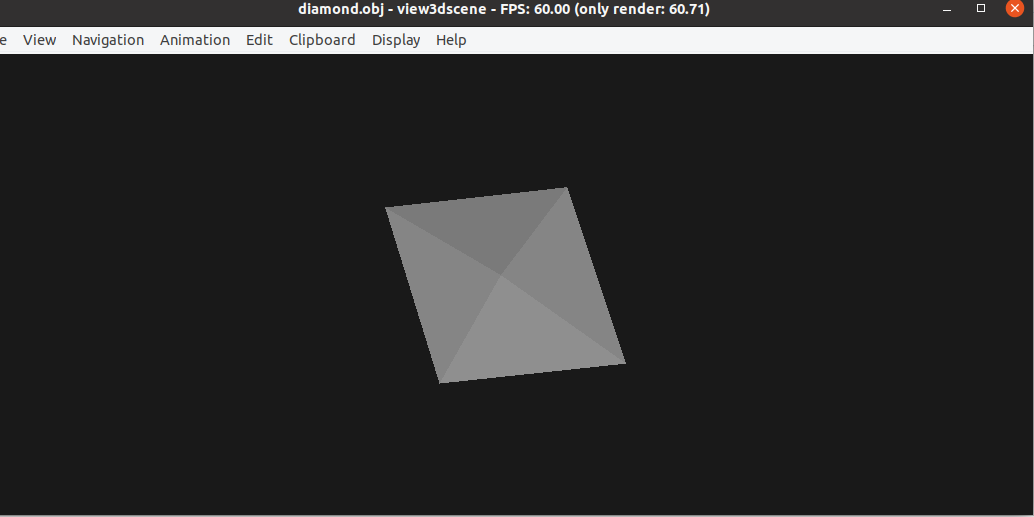
## view3dscene (Castle Game Engine)

[https://castle-engine.io/view3dscene.php](https://castle-engine.io/view3dscene.php)

<p class="callout info">can open other important formats like `obj`</p>

[![grafik.png](https://wiki.stadtfabrikanten.org/uploads/images/gallery/2025-10/scaled-1680-/uGGilCj1v8A7cPso-grafik.png)](https://wiki.stadtfabrikanten.org/uploads/images/gallery/2025-10/uGGilCj1v8A7cPso-grafik.png)

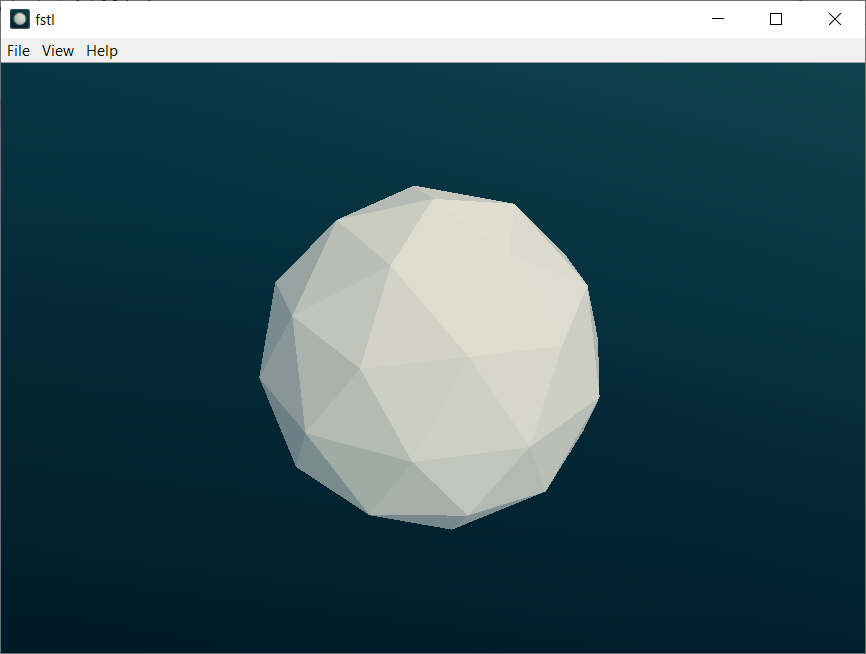
## fstl

Speedy and easy stl viewer for all relevant know OS platforms.

[<span>https://github.com/mkeeter/fstl</span>](https://github.com/mkeeter/fstl)

[![grafik.png](https://wiki.stadtfabrikanten.org/uploads/images/gallery/2025-10/scaled-1680-/jdbPMW6JuUYRc8Ep-grafik.png)](https://wiki.stadtfabrikanten.org/uploads/images/gallery/2025-10/jdbPMW6JuUYRc8Ep-grafik.png)

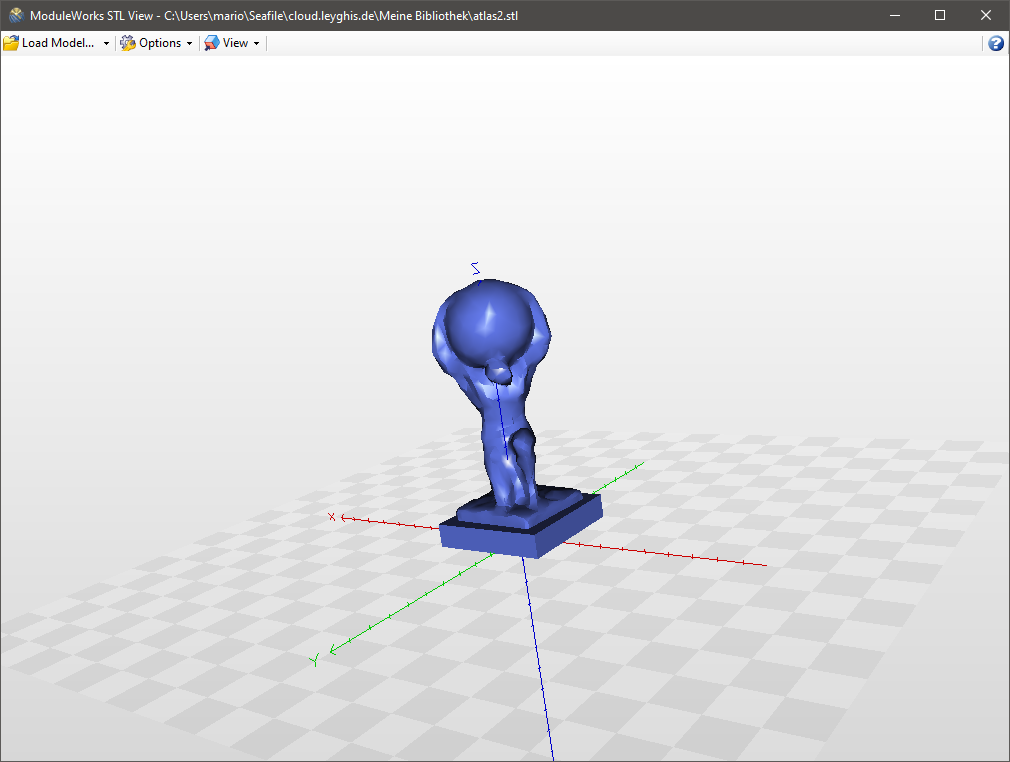
## ModuleWorks STLView

[![grafik.png](https://wiki.stadtfabrikanten.org/uploads/images/gallery/2025-10/scaled-1680-/lp2ZL7HI0X76wG0i-grafik.png)](https://wiki.stadtfabrikanten.org/uploads/images/gallery/2025-10/lp2ZL7HI0X76wG0i-grafik.png)
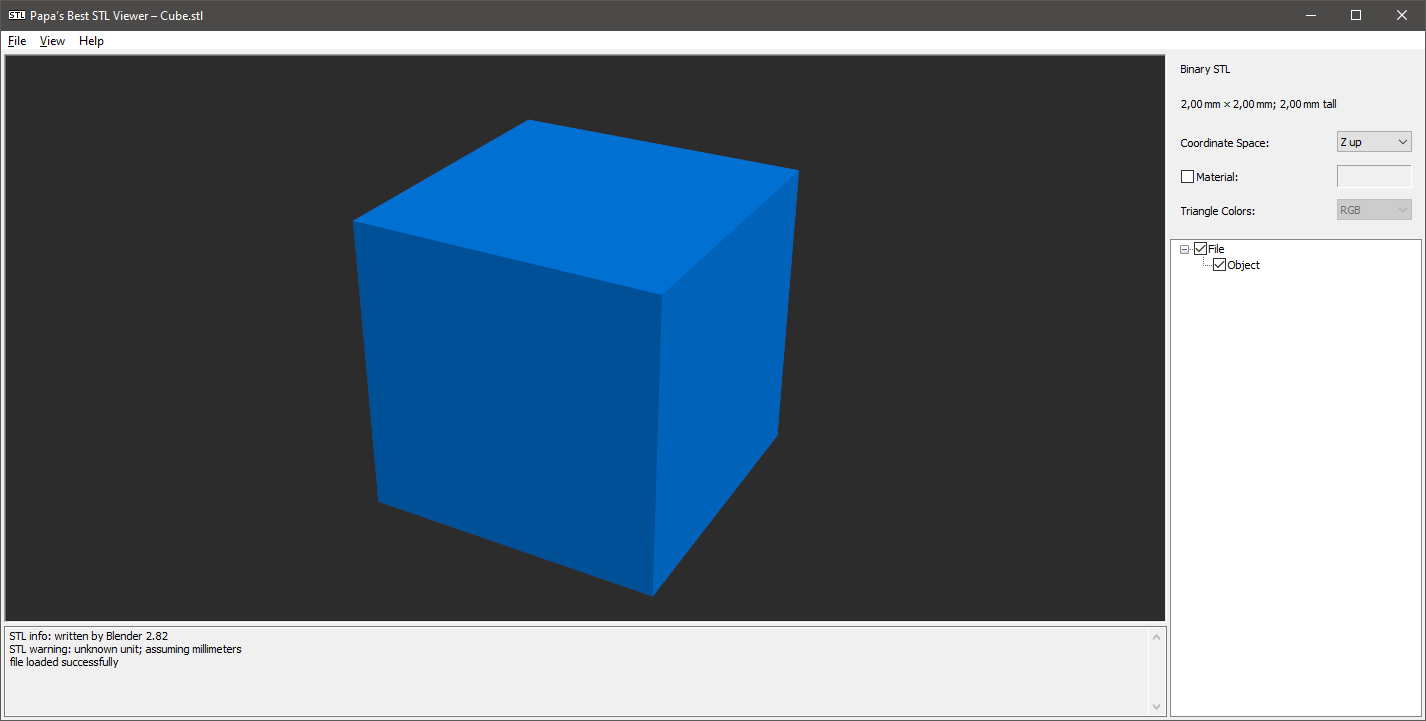
## Papa's Best STL Viewer

[![grafik.png](https://wiki.stadtfabrikanten.org/uploads/images/gallery/2025-10/scaled-1680-/no1l3Q8nt0usj7wn-grafik.png)](https://wiki.stadtfabrikanten.org/uploads/images/gallery/2025-10/no1l3Q8nt0usj7wn-grafik.png)
## F3D

[https://f3d.app](https://f3d.app/)

works for a lot of formats, like DXF, STEP, STL, ...

<p class="callout warning">.dxf thumbnail is not shown correctly for 2D DXF</p>

Make it compatible to Fedora:

```bash
sudo dnf install alien
sudo alien --to-rpm -vv f3d-1.3.1-Linux.deb
sudo rpm -ivh f3d-1.3.1-2.x86_64.rpm --nodeps --force
 
#th thumbnailer gets installed to /usr/share/thumbnailers/
```

Fix to rotate dxf 90° by adding `--up` parameter:

```bash
cat /usr/share/thumbnailers/f3d.thumbnailer 
```

```bash
[Thumbnailer Entry]
Type=X-Thumbnailer
Name=f3d Thumbnailer
TryExec=f3d
Exec=f3d --dry-run -sta --up=-Z --no-background --output=%o --resolution=%s,%s %i
MimeType=application/vnd.3ds;application/gml+xml;application/dicom;model/gltf-binary;model/gltf+json;application/vnd.mhd;application/vnd.nrrd;model/obj;application/vnd.ply;application/vnd.pts;model/stl;application/x-tgif;model/vrml;application/vnd.vtk;application/vnd.vtp;application/vnd.vtu;application/vnd.vtr;application/vnd.vti;application/vnd.vts;application/vnd.vtm;model/iges;application/vnd.step;application/vnd.fbx;application/vnd.dae;image/vnd.dxf;application/vnd.off;application/vnd.abc;application/vnd.exodus
```