- [https://github.com/fogleman/choppy](https://github.com/fogleman/choppy)
| **Depth = 2** | **Depth = 3** | **Depth = 4** |
| [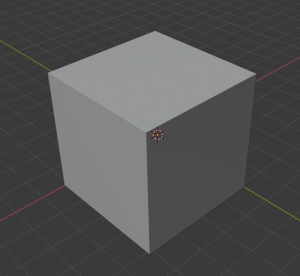](https://wiki.stadtfabrikanten.org/uploads/images/gallery/2025-10/f76UsC2GeZ9njfSx-grafik.png) | [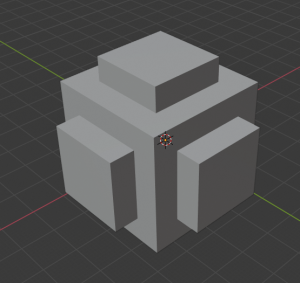](https://wiki.stadtfabrikanten.org/uploads/images/gallery/2025-10/ayHJ2sqGZx9nX5or-grafik.png) | [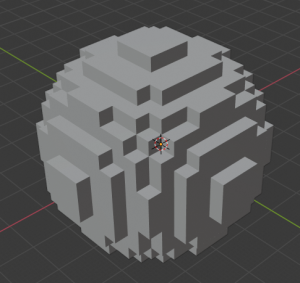](https://wiki.stadtfabrikanten.org/uploads/images/gallery/2025-10/CczW0cJsUYBFvekQ-grafik.png) |
| **Depth = 5** | **Depth = 6** | **Depth = 7** |
| [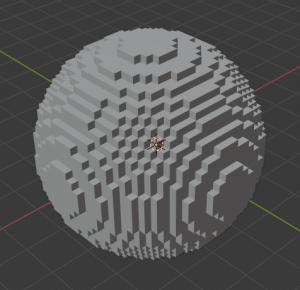](https://wiki.stadtfabrikanten.org/uploads/images/gallery/2025-10/aVeQmG2eeQuNg4P1-grafik.png) | [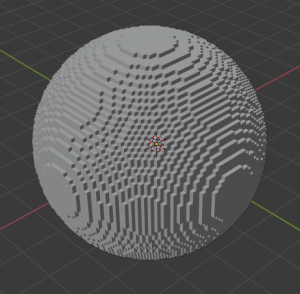](https://wiki.stadtfabrikanten.org/uploads/images/gallery/2025-10/bhUm1esywV3uyr5A-grafik.png) | [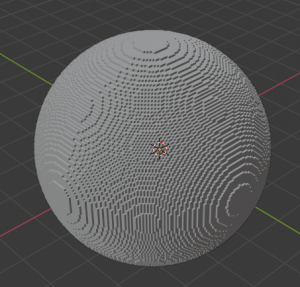](https://wiki.stadtfabrikanten.org/uploads/images/gallery/2025-10/0bM6tyEZ0FFFDj0e-grafik.png) |
| **Depth = 1** | **Depth = 2** | **Depth = 3** |
| [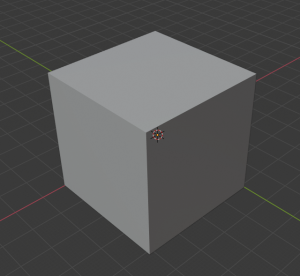](https://wiki.stadtfabrikanten.org/uploads/images/gallery/2025-10/eTADeAXC6HDsRP1Y-grafik.png) | [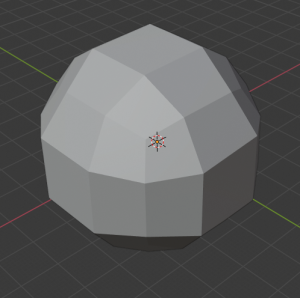](https://wiki.stadtfabrikanten.org/uploads/images/gallery/2025-10/OlAly74iGFUfFs9z-grafik.png) | [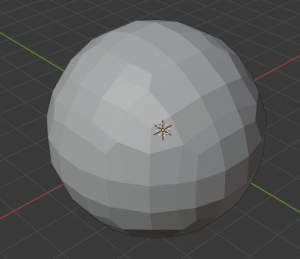](https://wiki.stadtfabrikanten.org/uploads/images/gallery/2025-10/2SVRmHwqBU5Tvnt6-grafik.png) |
| **Depth = 4** | **Depth = 5** | |
| [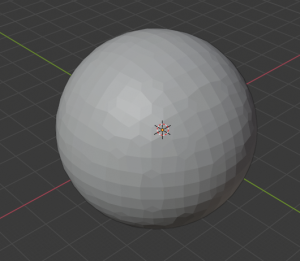](https://wiki.stadtfabrikanten.org/uploads/images/gallery/2025-10/W4U19yjEwi2gnzlI-grafik.png) | [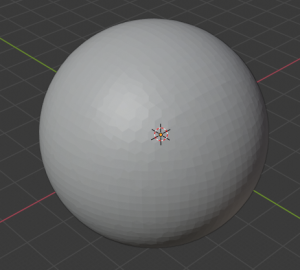](https://wiki.stadtfabrikanten.org/uploads/images/gallery/2025-10/GGVZ5KjekoXOBJuU-grafik.png) |
STL zu STEP Format: [https://github.com/slugdev/stltostp](https://github.com/slugdev/stltostp)
## OpenJSCAD OpenJSCAD can convert a lot of formats like SVG, DXF, X3D, AMF, SCAD and JSCAD. [https://en.wikibooks.org/wiki/OpenJSCAD\_User\_Guide#Via\_Command-Line](https://en.wikibooks.org/wiki/OpenJSCAD_User_Guide#Via_Command-Line) ## admesh [https://github.com/admesh/admesh](https://github.com/admesh/admesh) ```bash git clone https://github.com/admesh/admesh.git cd admesh ./autogen.sh ./configure make #copy admesh and .libs folder to another place to separate unrequired files #you can also install by sudo dnf install admesh #convert all stl files to binary, even if they are already binary find ./ -maxdepth 1 -type f \( -iname \*.stl -o -iname \*.STL \) -exec admesh -b {} {} \; ``` ### STLConverter.exe [http://www.johann-oberdorfer.eu/blog/2018/01/12/18-01-12\_stl\_files\_convert\_from\_ascii2binary](http://www.johann-oberdorfer.eu/blog/2018/01/12/18-01-12_stl_files_convert_from_ascii2binary) # convertSTL**has some bugs which might empty your files!**
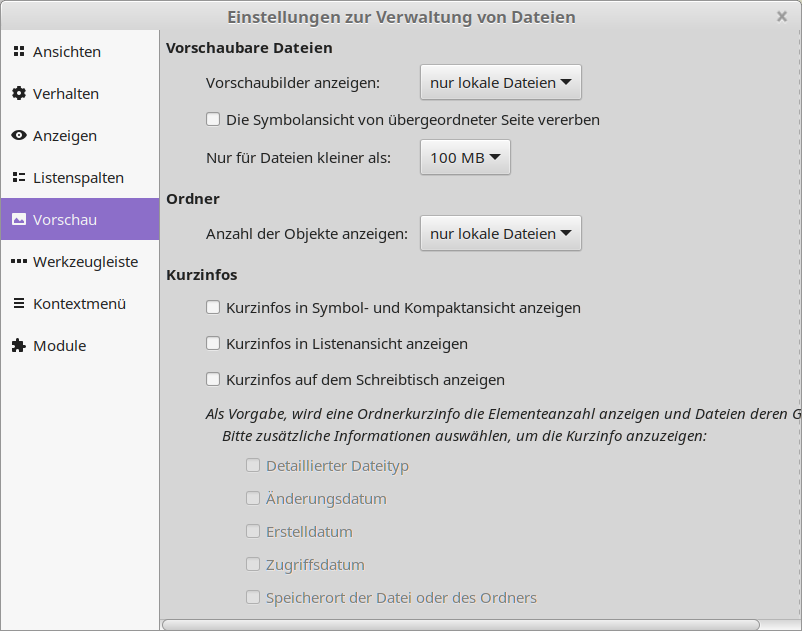
[https://github.com/cmpolis/convertSTL](https://github.com/cmpolis/convertSTL) ### Download and install Ruby [https://github.com/oneclick/rubyinstaller2/releases/download/RubyInstaller-2.7.0-1/rubyinstaller-2.7.0-1-x64.exe](https://github.com/oneclick/rubyinstaller2/releases/download/RubyInstaller-2.7.0-1/rubyinstaller-2.7.0-1-x64.exe) ```bash #run cmd gem install ocra ``` ### Build convertSTL.exe ```bash git clone https://github.com/cmpolis/convertSTL.git cd convertSTL/ ocra convertSTL.rb ``` # STL to DXF, OBJ to DXF ## Tools - [https://sourceforge.net/projects/ivcon-tl](https://sourceforge.net/projects/ivcon-tl/) - Blender (can natively export STL to 3D DXF - this is compatible to use with [DXF 2 Papercraft](https://old.stadtfabrikanten.org/pages/createpage.action?spaceKey=IFM&title=DXF+2+Papercraft)) Blender AutoCAD DXF Export Bugfix (`AttributeError: module 'time' has no attribute 'clock'` in Python 3.8): ```python /usr/share/blender/scripts/addons/io_export_dxf# cat export_dxf.py # ##### BEGIN GPL LICENSE BLOCK ##### # # This program is free software; you can redistribute it and/or # modify it under the terms of the GNU General Public License # as published by the Free Software Foundation; either version 2 # of the License, or (at your option) any later version. # # This program is distributed in the hope that it will be useful, # but WITHOUT ANY WARRANTY; without even the implied warranty of # MERCHANTABILITY or FITNESS FOR A PARTICULAR PURPOSE. See the # GNU General Public License for more details. # # You should have received a copy of the GNU General Public License # along with this program; if not, write to the Free Software Foundation, # Inc., 51 Franklin Street, Fifth Floor, Boston, MA 02110-1301, USA. # # ##### END GPL LICENSE BLOCK ##### import os import mathutils DEBUG = os.environ.get('BLENDER_DEBUG', False) #activates debug mode if DEBUG: import sys sys.path.append(os.environ['PYDEV_DEBUG_PATH']) import pydevd from .model.migiusModel import MigiusDXFLibDrawing SUPPORTED_TYPES = ('MESH')#,'CURVE','EMPTY','TEXT','CAMERA','LIGHT') def exportDXF(context, filePath, settings): """ Main entry point into export facility. """ print("----------\nExporting to {}".format(filePath)) from time import perf_counter as timestamp time1 = timestamp() if settings['verbose']: print("Generating Object list for export... (Root parents only)") scene = context.scene if settings['onlySelected'] is True: objects = (ob for ob in scene.objects if not ob.hide_viewport and ob.select_get() and ob.type in SUPPORTED_TYPES) else: objects = (ob for ob in scene.objects if not ob.hide_viewport and ob.type in SUPPORTED_TYPES) if DEBUG: pydevd.settrace() mw = get_view_projection_matrix(context, settings) try: # add Entities -------------------- #todo: fixme: seems to be the reason for missing BLOCK-export #if APPLY_MODIFIERS: tmp_me = Mesh.New('tmp') #else: tmp_me = None drawing = MigiusDXFLibDrawing() exported = 0 for o in objects: if _exportItem(context, o, mw, drawing, settings): exported +=1 if not drawing.isEmpty(): # NOTE: Only orthographic projection used now. # if PERSPECTIVE: # generate view border - passepartout # from .primitive_exporters.viewborder_exporter import ViewBorderDXFExporter # e = ViewBorderDXFExporter(settings) # e.export(drawing, ob, mx, mw) drawing.convert(filePath) duration = timestamp() - time1 print('%s objects exported in %.2f seconds. -----DONE-----' %\ (exported, duration)) except IOError: print('DXF Exporter: Write Error: ', filePath) except Exception as e: print('Nothing exported. Error: %s' % str(e)) print("Finished") #------------------------------------------------- def getCommons(ob, settings): """set up common attributes for output style: color=None extrusion=None layer='0', lineType=None lineTypeScale=None lineWeight=None thickness=None parent=None """ BYBLOCK=0 #DXF-attribute: assign property to BLOCK defaults BYLAYER=None #256 #DXF-attribute: assign property to LAYER defaults LAYERNAME_DEF='' #default layer name LAYERCOLOR_DEF=7 #default layer color index LAYERLTYPE_DEF=0 #'CONTINUOUS' - default layer lineType ENTITYLAYER_DEF=LAYERNAME_DEF #default entity color index ENTITYCOLOR_DEF=BYLAYER #default entity color index ENTITYLTYPE_DEF=BYLAYER #default entity lineType #layers = ob.layers #gives a list e.g.[1,5,19] layers = ob.users_collection if layers: ob_layer_nr = layers[0] if DEBUG: print('ob_layer_nr=', ob_layer_nr) #-------------- materials = ob.material_slots if materials: ob_material = materials[0] ob_mat_color = ob_material.material.diffuse_color else: ob_mat_color, ob_material = None, None if DEBUG: print('ob_mat_color, ob_material=', ob_mat_color, ob_material) #-------------- data_materials = ob.material_slots if data_materials: data_material = data_materials[0] data_mat_color = data_material.material.diffuse_color else: data_mat_color, data_material = None, None if DEBUG: print('data_mat_color, data_material=', data_mat_color, data_material) #-------------- entitylayer = ENTITYLAYER_DEF c = settings['entitylayer_from'] #["default_LAYER","obj.name","obj.layer","obj.material","obj.data.name","obj.data.material","..vertexgroup","..group","..map_table"] if c=="default_LAYER": entitylayer = LAYERNAME_DEF elif c=="obj.layer" and ob_layer_nr: entitylayer = 'LAYER'+ str(ob_layer_nr) elif c=="obj.material" and ob_material: entitylayer = ob_material.name elif c=="obj.name": entitylayer = ob.name elif c=="obj.data.material" and ob_material: entitylayer = data_material.name elif c=="obj.data.name": entitylayer = ob.data.name entitycolor = ENTITYCOLOR_DEF cfrom = settings['entitycolor_from'] if cfrom=="default_COLOR": entitycolor = LAYERCOLOR_DEF elif cfrom=="BYLAYER": entitycolor = BYLAYER elif cfrom=="BYBLOCK": entitycolor = BYBLOCK elif cfrom=="obj.layer" and ob_layer_nr: entitycolor = ob_layer_nr elif cfrom=="obj.color" and ob.color: entitycolor = ob.color elif cfrom=="obj.material" and ob_mat_color: entitycolor = ob_mat_color elif cfrom=="obj.data.material" and data_mat_color: entitycolor = data_mat_color entityltype = ENTITYLTYPE_DEF etype = settings['entityltype_from'] if etype=="default_LTYPE": entityltype = LAYERLTYPE_DEF elif etype=="BYLAYER": entityltype = BYLAYER elif etype=="BYBLOCK": entityltype = BYBLOCK elif etype: entityltype = etype return entitylayer, entitycolor, entityltype def getCameraMatrix(cam): raise NotImplementedError() # camProps = cam.data # mc0 = act_camera.matrix.copy() # #print 'deb: camera.Matrix=\n', mc0 #------------------ # camera = Camera.Get(act_camera.getData(name_only=True)) # #print 'deb: camera=', dir(camera) #------------------ # if camera.type=='persp': PERSPECTIVE = 1 # elif camera.type=='ortho': PERSPECTIVE = 0 # # mcp is matrix.camera.perspective # clip_box, mcp = getClipBox(camera) ## if PERSPECTIVE: ## # get border ## # lens = camera.lens ## min_X1, max_X1, min_Y1, max_Y1,\ ## min_X2, max_X2, min_Y2, max_Y2,\ ## min_Z, max_Z = clip_box ## verts = [] ## verts.append([min_X1, min_Y1, min_Z]) ## verts.append([max_X1, min_Y1, min_Z]) ## verts.append([max_X1, max_Y1, min_Z]) ## verts.append([min_X1, max_Y1, min_Z]) ## border=verts # mw = mc0.copy().invert() # #ViewVector = mathutils.Vector(Window.GetViewVector()) # #print 'deb: ViewVector=\n', ViewVector #------------------ # #TODO: what is Window.GetViewOffset() for? # #print 'deb: Window.GetViewOffset():', Window.GetViewOffset() #--------- # #Window.SetViewOffset([0,0,0]) # mw0 = Window.GetViewMatrix() # #print 'deb: mwOrtho =\n', mw0 #--------- # mwp = Window.GetPerspMatrix() #TODO: how to get it working? # #print 'deb: mwPersp =\n', mwp #--------- # mw = mw0.copy() projectionMapping = { 'TOP' : mathutils.Vector((0, 0, -1)), 'BOTTOM' : mathutils.Vector((0, 0, 1)), 'LEFT' : mathutils.Vector((0, 1, 0)), 'RIGHT' : mathutils.Vector((0, -1, 0)), 'FRONT' : mathutils.Vector((-1, 0, 0)), 'REAR' : mathutils.Vector((1, 0, 0)) } #----------------------------------------------------- def get_view_projection_matrix(context, settings): """ Returns view projection matrix. Projection matrix is either identity if 3d export is selected or camera projection if a camera or view is selected. Currently only orthographic projection is used. (Subject to discussion). """ cam = settings['projectionThrough'] if cam is None: mw = mathutils.Matrix() mw.identity() elif cam in projectionMapping.keys(): projection = mathutils.Matrix.OrthoProjection(projectionMapping[cam], 4) mw = projection else: # get camera with given name c = context.scene.collection.objects[cam] mw = getCameraMatrix(c) return mw def _exportItem(ctx, o, mw, drawing, settings): """ Export one item from export list. mw - modelview """ if settings['verbose']: print('Exporting %s' % o) #mx = ob.matrix.copy() #print 'deb: ob =', ob #--------- #print 'deb: ob.type =', ob.type #--------- #print 'deb: mx =\n', mx #--------- #print 'deb: mw0 =\n', mw0 #--------- #mx_n is trans-matrix for normal_vectors for front-side faces mx = o.matrix_world viewRotation = mw.to_euler().to_matrix() mx_n = o.rotation_euler.to_matrix() @ viewRotation mx @= mw #mx_inv = mx.copy().invert() elayer, ecolor, eltype = getCommons(o, settings) if settings['verbose']: print('elayer=%s, ecolor=%s, eltype=%s' % (elayer, ecolor, eltype)) #TODO: use o.boundBox for drawing extends ?? if elayer is not None and not drawing.containsLayer(elayer): if ecolor is not None: tempcolor = ecolor else: tempcolor = settings['layercolor_def'] drawing.addLayer(elayer, tempcolor) if DEBUG: pydevd.settrace() if (o.type == 'MESH') and settings['mesh_as']: from .primitive_exporters.mesh_exporter import MeshDXFExporter e = MeshDXFExporter(settings) elif (o.type == 'CURVE') and settings['curve_as']: from .primitive_exporters.curve_exporter import CurveDXFExporter e = CurveDXFExporter(settings) elif (o.type == 'EMPTY') and settings['empty_as']: from .primitive_exporters.empty_exporter import EmptyDXFExporter e = EmptyDXFExporter(settings) elif (o.type == 'TEXT') and settings['text_as']: from .primitive_exporters.text_exporter import TextDXFExporter e = TextDXFExporter(settings) elif (o.type == 'CAMERA') and settings['camera_as']: from .primitive_exporters.camera_exporter import CameraDXFExporter e = CameraDXFExporter(settings) elif (o.type == 'LIGHT') and settings['light_as']: from .primitive_exporters.light_exporter import LampDXFExporter e = LampDXFExporter(settings) return e.export(ctx, drawing, o, mx, mx_n, color=ecolor, layer=elayer, lineType=eltype) ``` # STL to NativeIf some preview files are not generated just configure the maximum file preview size from default of 1 MB to 1 GB
[](https://wiki.stadtfabrikanten.org/uploads/images/gallery/2025-10/zFdrt3jtoJ6fqYvF-grafik.png) ## stl-thumb Windows und Ubuntu/Debian: [https://github.com/unlimitedbacon/stl-thumb](https://github.com/unlimitedbacon/stl-thumb) Fedora: ```bash cd ~ git clone https://github.com/unlimitedbacon/stl-thumb.git cd stl-thumb sudo dnf install cargo cargo build cp ~/stl-thumb/target/debug/stl-thumb /bin/ #copy stl-thumb executable to binaries ```can open other important formats like `obj`
[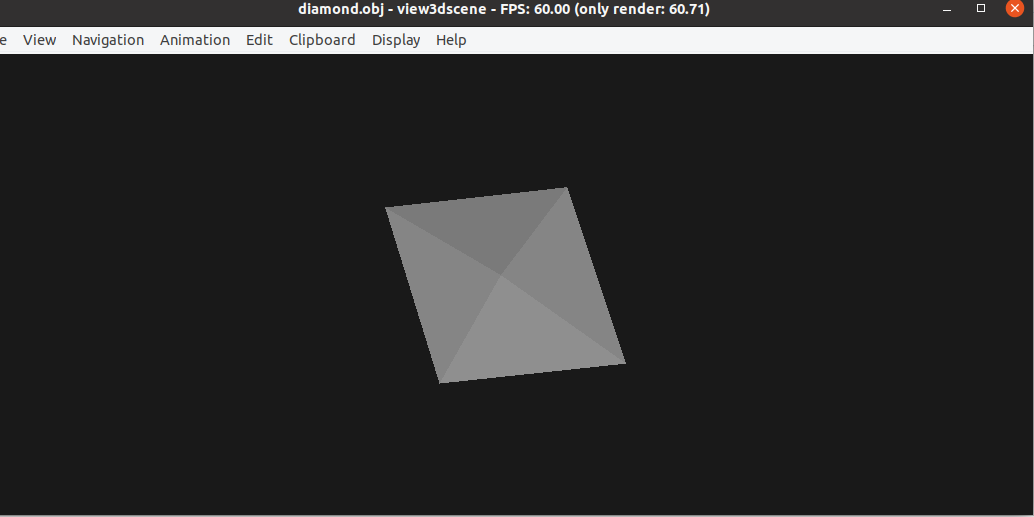](https://wiki.stadtfabrikanten.org/uploads/images/gallery/2025-10/uGGilCj1v8A7cPso-grafik.png) ## fstl Speedy and easy stl viewer for all relevant know OS platforms. [https://github.com/mkeeter/fstl](https://github.com/mkeeter/fstl) [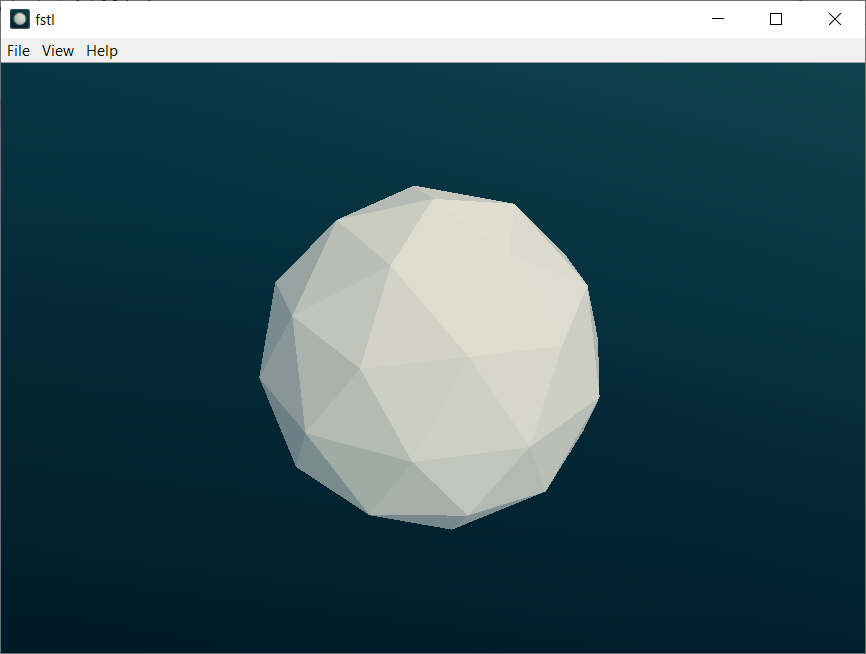](https://wiki.stadtfabrikanten.org/uploads/images/gallery/2025-10/jdbPMW6JuUYRc8Ep-grafik.png) ## ModuleWorks STLView [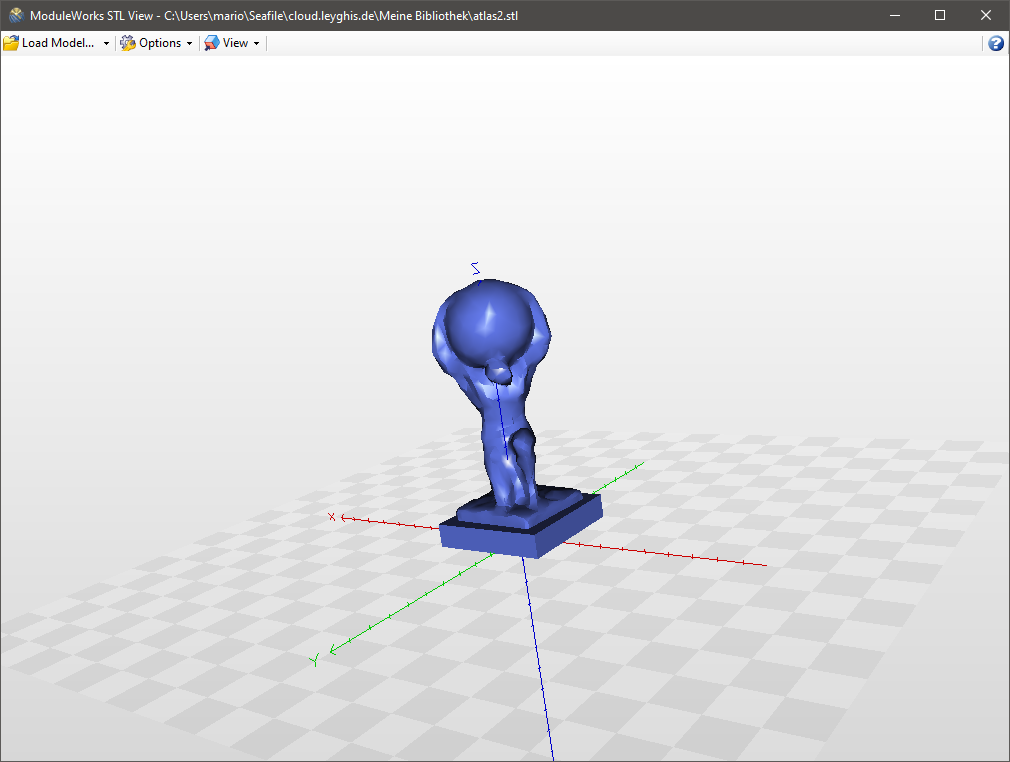](https://wiki.stadtfabrikanten.org/uploads/images/gallery/2025-10/lp2ZL7HI0X76wG0i-grafik.png) ## Papa's Best STL Viewer [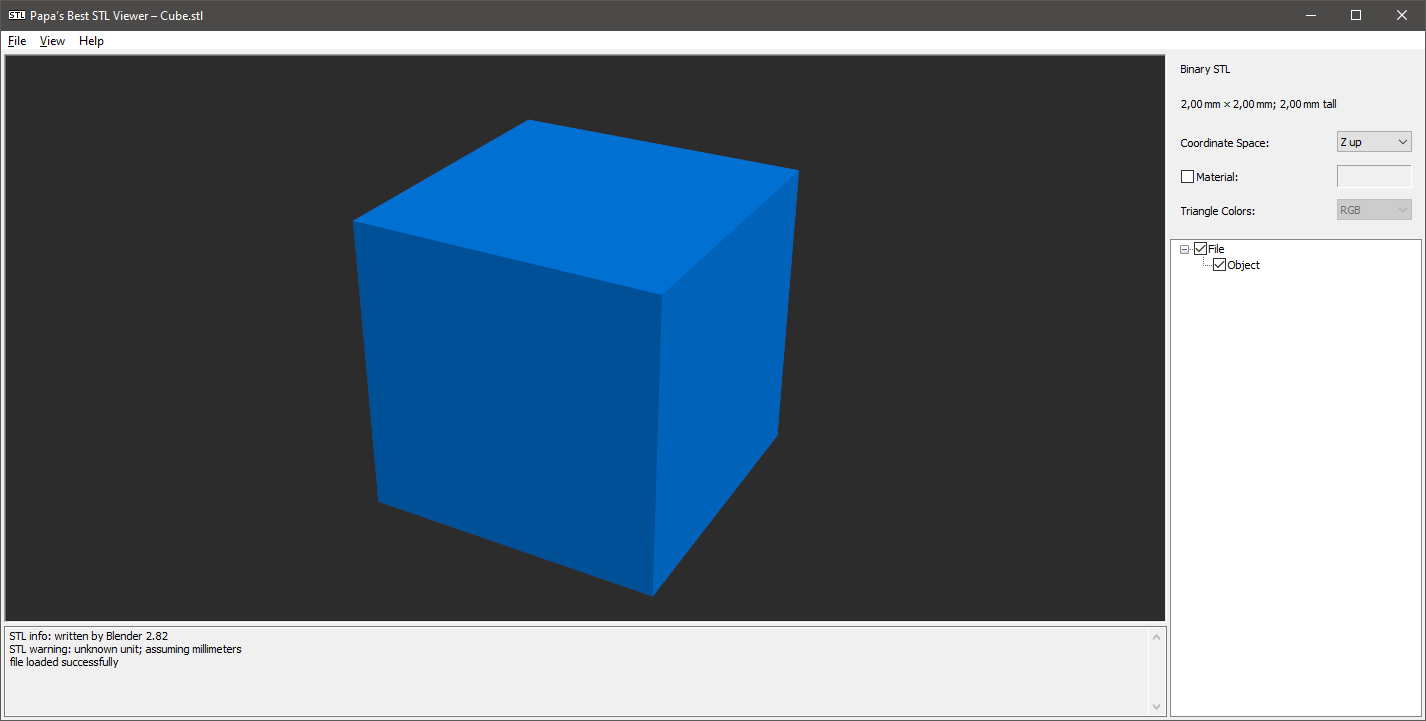](https://wiki.stadtfabrikanten.org/uploads/images/gallery/2025-10/no1l3Q8nt0usj7wn-grafik.png) ## F3D [https://f3d.app](https://f3d.app/) works for a lot of formats, like DXF, STEP, STL, ....dxf thumbnail is not shown correctly for 2D DXF
Make it compatible to Fedora: ```bash sudo dnf install alien sudo alien --to-rpm -vv f3d-1.3.1-Linux.deb sudo rpm -ivh f3d-1.3.1-2.x86_64.rpm --nodeps --force #th thumbnailer gets installed to /usr/share/thumbnailers/ ``` Fix to rotate dxf 90° by adding `--up` parameter: ```bash cat /usr/share/thumbnailers/f3d.thumbnailer ``` ```bash [Thumbnailer Entry] Type=X-Thumbnailer Name=f3d Thumbnailer TryExec=f3d Exec=f3d --dry-run -sta --up=-Z --no-background --output=%o --resolution=%s,%s %i MimeType=application/vnd.3ds;application/gml+xml;application/dicom;model/gltf-binary;model/gltf+json;application/vnd.mhd;application/vnd.nrrd;model/obj;application/vnd.ply;application/vnd.pts;model/stl;application/x-tgif;model/vrml;application/vnd.vtk;application/vnd.vtp;application/vnd.vtu;application/vnd.vtr;application/vnd.vti;application/vnd.vts;application/vnd.vtm;model/iges;application/vnd.step;application/vnd.fbx;application/vnd.dae;image/vnd.dxf;application/vnd.off;application/vnd.abc;application/vnd.exodus ```