# Monitoring and alerting | GPIO Status of Relays
## Relay for the LED lighting
[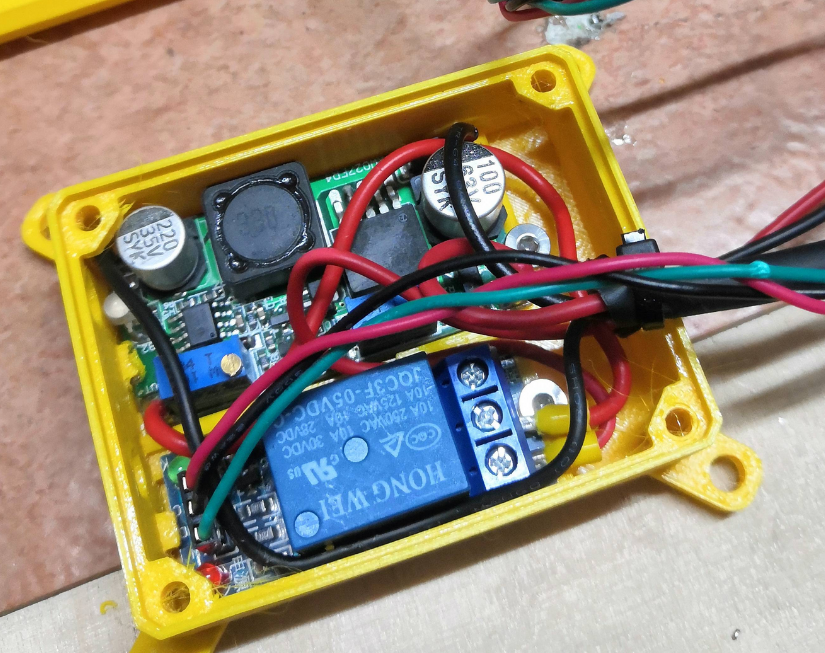](https://wiki.stadtfabrikanten.org/uploads/images/gallery/2026-06/aUKN2kpLfXS4rY6T-grafik.png) [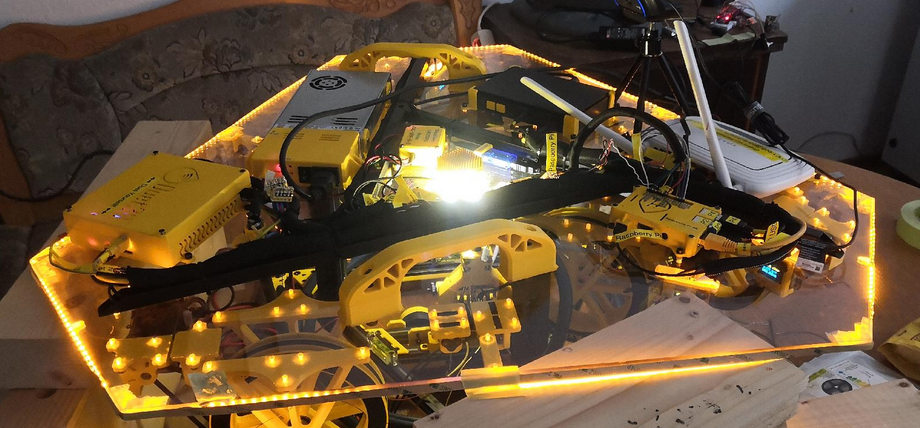](https://wiki.stadtfabrikanten.org/uploads/images/gallery/2026-06/VAwcduaGfiedM3Cv-grafik.png) [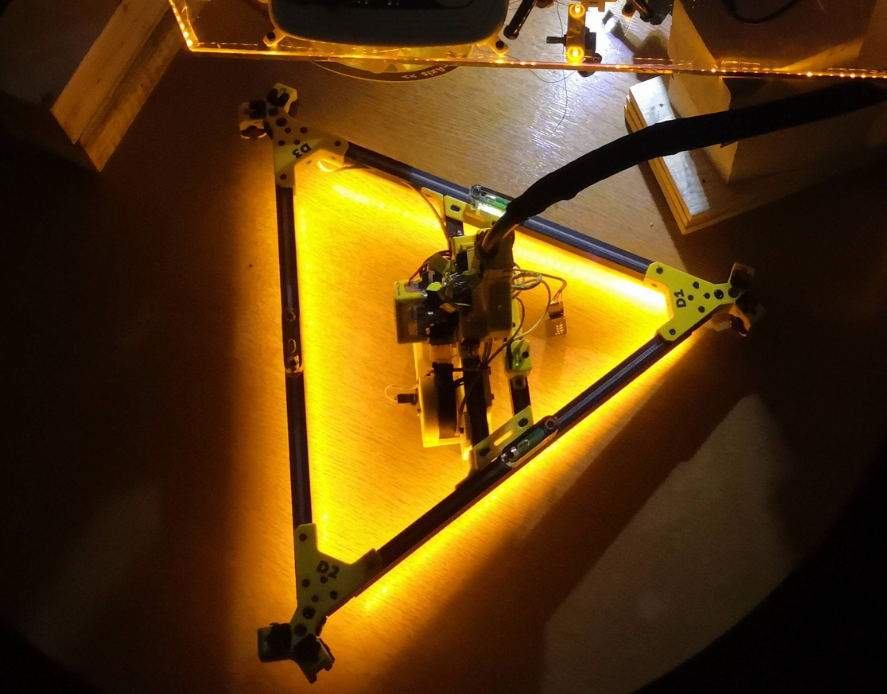](https://wiki.stadtfabrikanten.org/uploads/images/gallery/2026-06/915enjgbfdK864kq-grafik.png)
## Relay for the power supply unit
[](https://wiki.stadtfabrikanten.org/uploads/images/gallery/2026-06/Pifkhgv6jsto62zH-grafik.png)
## collectd Python plugin script
Use Python3 interpreter! It's not tested with old legacy Python 2.X. Please not that this script does not work by calling it manually with "python relay\_states.py" because the register\_\* functions lead to execution error if not called by collectd.
Preparations
```bash
#install collectd library
pip3.7 install collectd
```
## Create plugin file
```bash
mkdir -p /opt/collectd_plugins
cd /opt/collectd_plugins
vim relay_states.py
```
```bash
relay_states.py
import collectd
def read_func():
try:
with open ("/var/lib/Repetier-Server/GPIO_27.pinstate", "r") as GPIO_27:
P27=GPIO_27.readline().rstrip()
if P27 == '0':
pin_psu = 0
if P27 == '1':
pin_psu = 1
#collectd.info('relay_states GPIO pin plugin: pin_psu = %s' % pin_psu)
collectd.Values(plugin='relay_states', type='gauge', type_instance='pin_psu', values=[pin_psu]).dispatch()
#print(pin_psu)
except Exception as e:
print('exception: %s' % e)
pass
try:
with open ("/var/lib/Repetier-Server/GPIO_22.pinstate", "r") as GPIO_22:
P22=GPIO_22.readline().rstrip()
if P22 == '0':
pin_ledspot = 0
if P22 == '1':
pin_ledspot = 1
#collectd.info('relay_states GPIO pin plugin: pin_ledspot = %s' % pin_ledspot)
collectd.Values(plugin='relay_states', type='gauge', type_instance='pin_ledspot', values=[pin_ledspot]).dispatch()
#print(pin_psu)
except Exception as e:
#print('exception: %s' % e)
collectd.error('relay_states GPIO pin plugin: exception: %s' % e)
pass
collectd.register_read(read_func,1) # read every 1 seconds
#read_func()
```
Note that the states are written into /var/lib/Repetier-Server because the scripts to turn on/off PSU and LEDs are mostly called by Repetier Server frontend. Repetier Server cannot access directory /opt so just write the files to the user "repetierserver" home directory
## Configure collectd to add the script
```bash
vim /etc/collectd/collectd.conf
```
Add the following lines to the end of the config (or at the according place where Python plugins are put)
```xml
LoadPlugin python
ModulePath "/opt/collectd_plugins"
Import "relay_states"
```
## Restart collectd
```bash
service collectd restart
journald -f -u collectd.service
```
The following warning can be safely ignored
```bash
python plugin: Found a configuration for the "relay_states" plugin, but the plugin isn't loaded or didn't register a configuration callback.
```
## Check out if values from collectd correctly flow into InfluxDB
If you have access to the influxdb server you can run on the server directly (localhost)
```bash
# /opt/influxdb/influx
> USE collectd
> SHOW SERIES
> SHOW MEASUREMENTS
```
If you want to send a remote curl command, do the following
```
curl -cacert /etc/ssl/certs/site.de.ca.crt --cert /etc/ssl/certs/site.de.crt --key /etc/ssl/private/site.de.key https://site.de:8086/query --data-urlencode "db=collectd" --data-urlencode "q=SHOW SERIES" --user admin:password | jq . | grep relay
```
## Grafana query testing
some example queries
```sqlite
select last(value) from "relay_states_value" WHERE "type_instance" = 'pin_ledspot' AND "host" =~ /^$host$/ AND $timeFilter GROUP BY time($interval)
select last(value) from "relay_states_value" WHERE "type_instance" = 'pin_psu' AND "host" =~ /^$host$/ AND $timeFilter GROUP BY time($interval)
```
## Purge old data
If you want to reset data you can send some API call for example.
```bash
curl -cacert /etc/ssl/certs/site.de.ca.crt --cert /etc/ssl/certs/site.de.crt --key /etc/ssl/private/site.de.key https://site.de:8086/query --data-urlencode "db=collectd" --data-urlencode "q=DROP SERIES FROM relay_states_value" --user admin:password| jq . | grep relay
```
## Add some retention policy to keep clean your harddrive (optional)
Collecting a lot of data results in huge amount of needed memory. To avoid this think about adding some auto-clean policy (called retention policy) in InfluxDB.
This configuration is not part of Hangprinter project. At the moment the InfluxDB we use is one of the instances that FabLab Chemnitz uses. It's configured to keep 14 days of data