mkcert & Go
We use mkcert tool to make secure localhost connections. For mkcert we need Go language installed.
Installation
wget https://dl.google.com/go/go1.18.1.linux-armv6l.tar.gz
sudo tar -C /usr/local -xvf go1.18.1.linux-armv6l.tar.gz
cat >> ~/.bashrc << 'EOF'
export GOPATH=$HOME/go
export PATH=/usr/local/go/bin:$PATH:$GOPATH/bin
EOF
source ~/.bashrc
go version
sudo ln -sf /usr/local/go/bin/{go,godoc,gofmt} /usr/local/bin/
apt install libnss3-tools
cd /opt
git clone https://github.com/FiloSottile/mkcert && cd mkcert
go build -ldflags "-X main.Version=$(git describe --tags)"
#remove previously generated cert stuff if exist
cd ~/.local/share/mkcert/
rm rootCA-key.pem
rm rootCA.pem
#stay in this dir and generate new certs
/opt/mkcert/mkcert -install "hangdevice" "hangdevice.ffcmesh" "yourduet" "yourduet.ffcmesh" "localhost" "127.0.0.1"
mv hangdevice+*-key.pem trikarus-key.pem
mv hangdevice+*.pem trikarus.pem
#get the output for client (Firefox, Chrome, ...)
cat rootCA.pem
cat hangdevice+5-key.pem
cat hangdevice+5.pem
#the root CA can also be found by
ll /etc/ssl/certs | grep mkcert_development_CA_+
#put the generated certs into target dir
cp trikarus-key.pem /etc/ssl/private/
cp trikarus.pem /etc/ssl/certs/
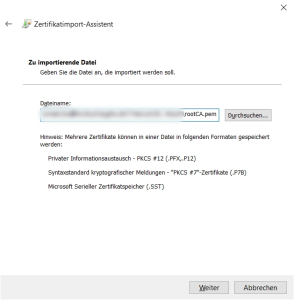
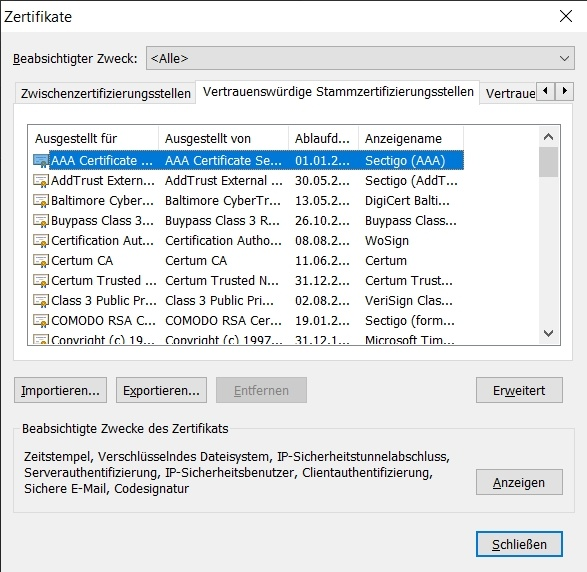
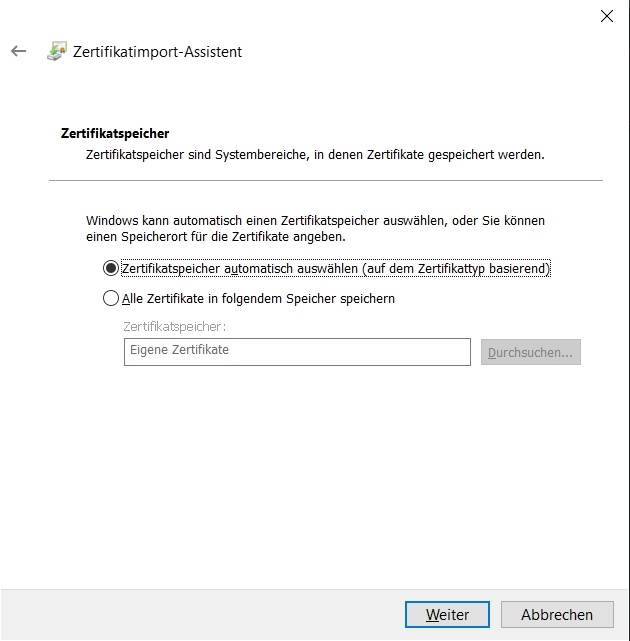
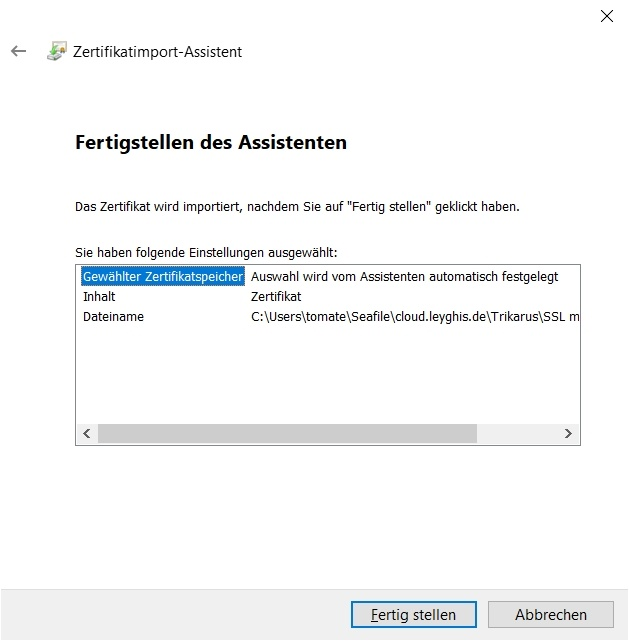
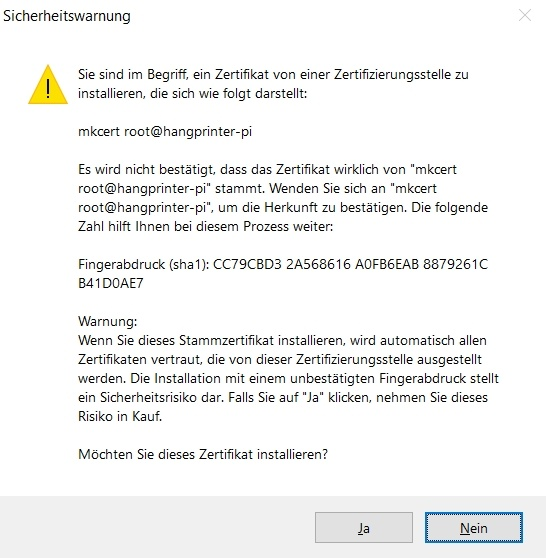
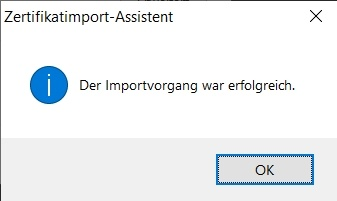
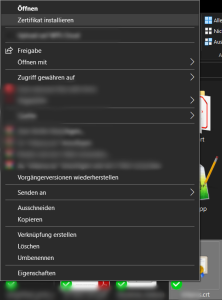
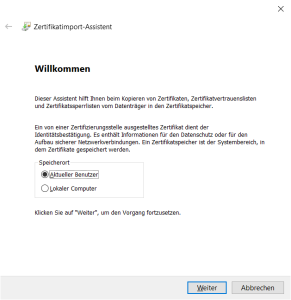
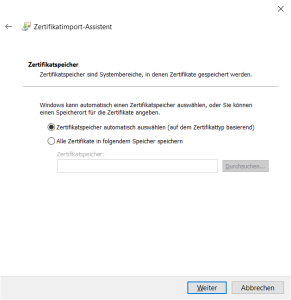
#Using Root CA, cert and key you get the complete bundleImport custom cert into Windows client certificate storage
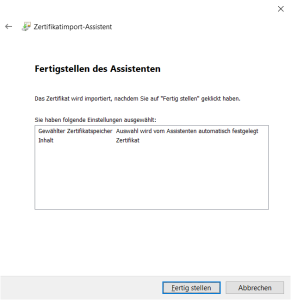
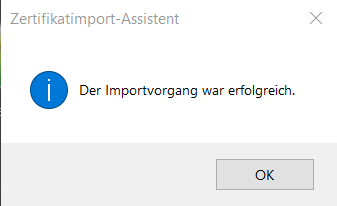
Import custom cert into Firefox
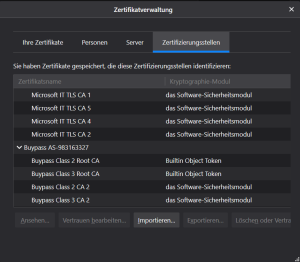
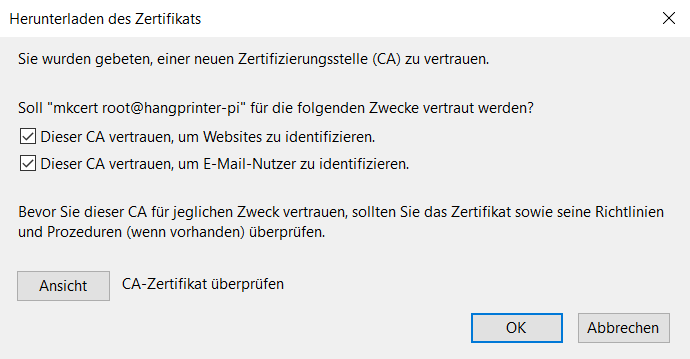

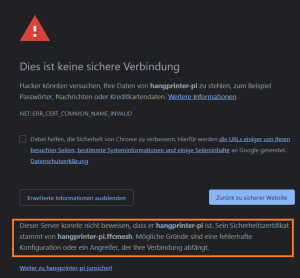
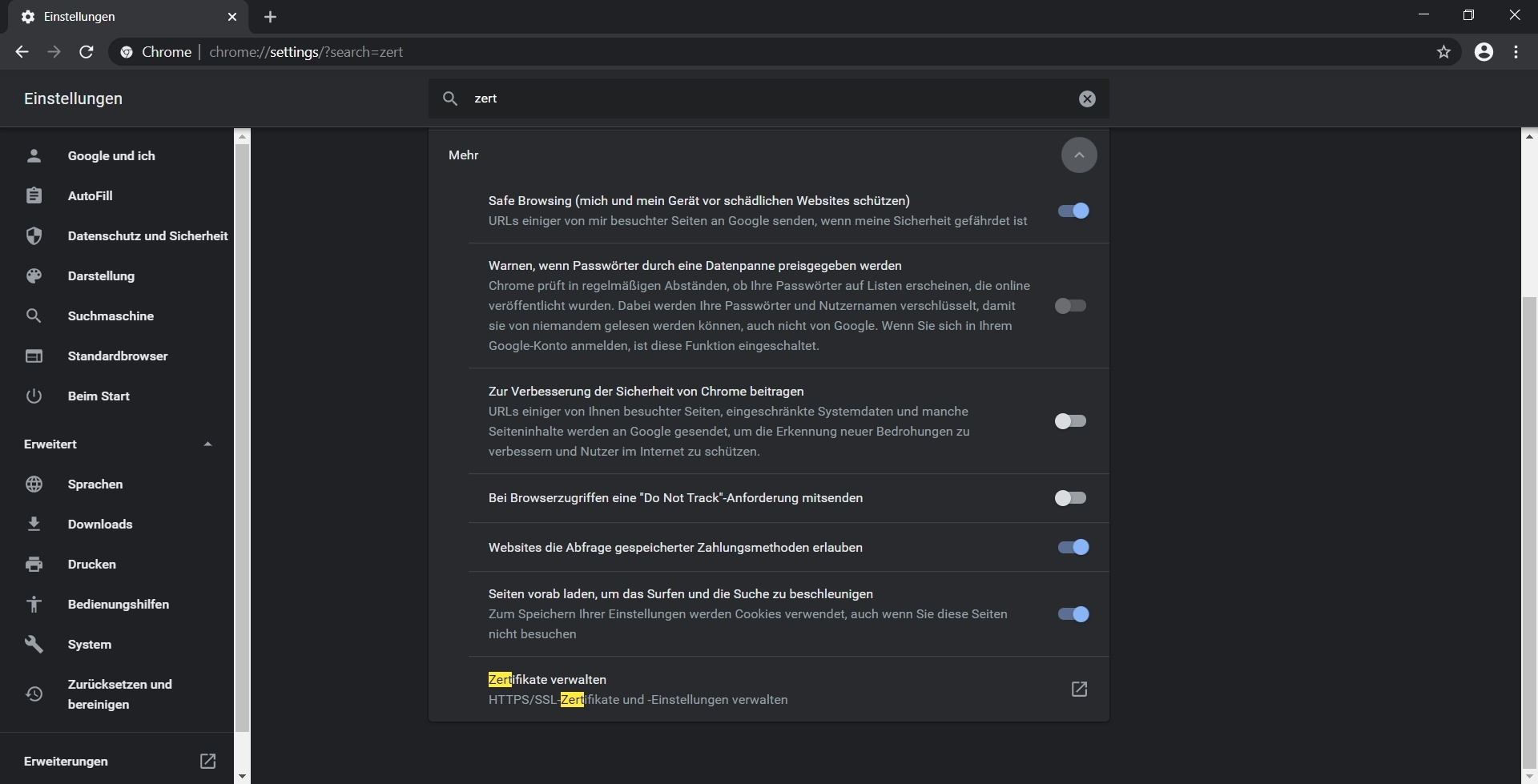
Import custom cert into Google Chrome