This page is also available on [https://wiki.inkscape.org/wiki/Contribute\_to\_Documentation\_with\_reStructuredText](https://wiki.inkscape.org/wiki/Contribute_to_Documentation_with_reStructuredText)
To contribute to recent Inkscape documentations, we have to write our docs in [reStructuredText](https://de.wikipedia.org/wiki/ReStructuredText) file format (`*.rst`). It's similar to Markdown, but still different. The Inkscape documentation is built up on [Sphinx](https://github.com/sphinx-doc/sphinx), which is some kind of special engine. To easily contribut without being a professional developer, we can use VSCodium and some plugin to edit those `*.rst` files and preview (render) them. ## Install VS Code or VSCodium With VSCodium we can edit `*.rst` files with ease. There's native syntax highlighting. But we cannot render the final result by default (needs a separate extension). Downloads: - [https://code.visualstudio.com](https://code.visualstudio.com) - [https://vscodium.com](https://vscodium.com) (same like Visual Studio Code, but fully Open Source!) ## Install Esbonia Extension This extension is required to render `*.rst` files. Rendering helps to validate, that the code we wrote is valid before we commit and push to Inkscape repositories. It can show a live HTML preview of the documentation, so the preview contents change whenever the document is updated. Syncronised scrolling between the source and preview is also supported. Download/Install: [https://marketplace.visualstudio.com/items?itemName=swyddfa.esbonio](https://marketplace.visualstudio.com/items?itemName=swyddfa.esbonio) [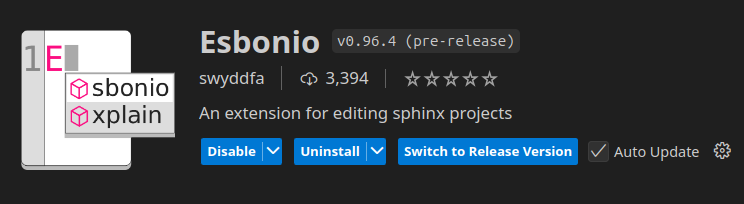](https://wiki.stadtfabrikanten.org/uploads/images/gallery/2025-05/LVvnwxh7fv32lZGv-grafik.png) ## Install additional requirements **Ubuntu:** We install Sphinx globally to system, that's why we use the `python3-*` packages: ``` sudo apt install python3-sphinx python3-doc8 ``` After this, we have following commands available for CLI also: ``` sphinx-apidoc sphinx-autogen sphinx-build sphinx-quickstart ```See also [https://www.sphinx-doc.org/en/master/usage/installation.html](https://www.sphinx-doc.org/en/master/usage/installation.html)
## Clone the documentation ``` cd ~/ git clone https://gitlab.com/inkscape/extensions.git ``` ## Open the folder within VSCodium and begin contribute [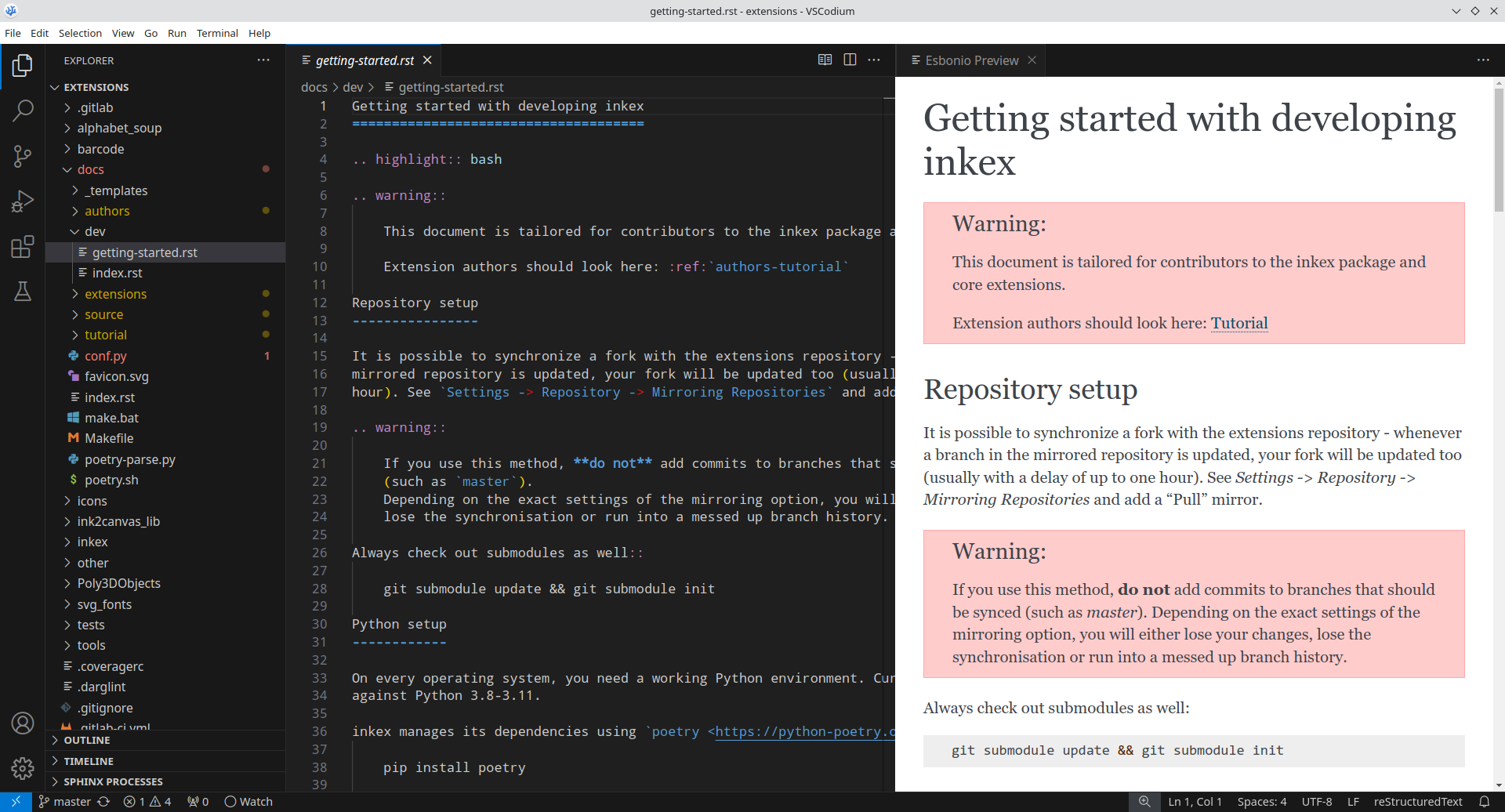](https://wiki.stadtfabrikanten.org/uploads/images/gallery/2025-05/pLGtA9ysfDRUzgfY-grafik.png) ## Troubleshooting