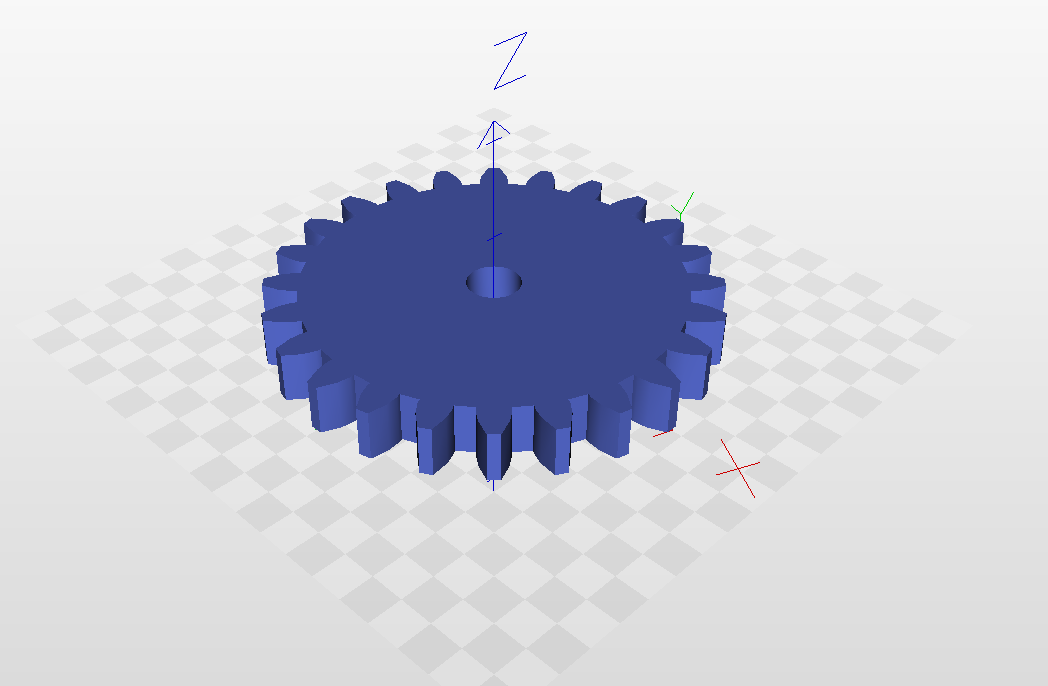
Paths to OpenSCAD
https://wiki.fablab-nuernberg.de/w/Ding:Zahnr%C3%A4der_mit_Inkscape#Werkzeug-Korrektur
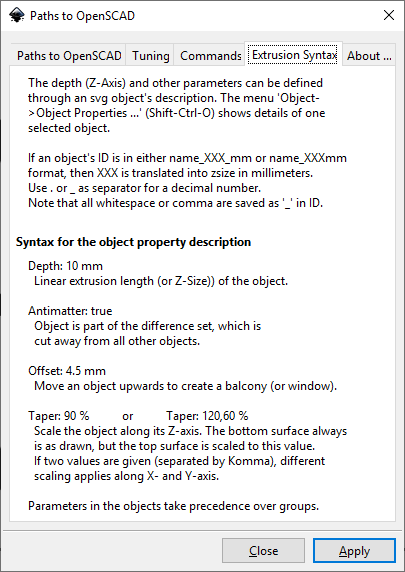
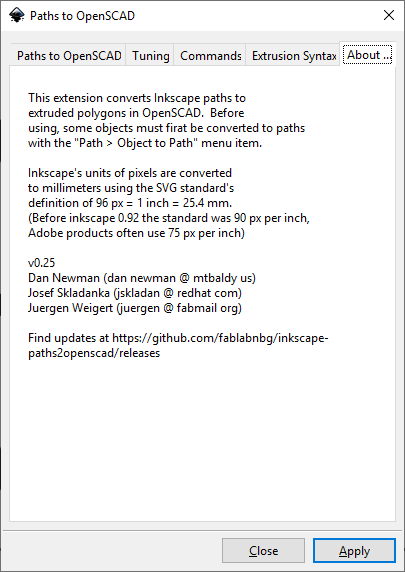
Example
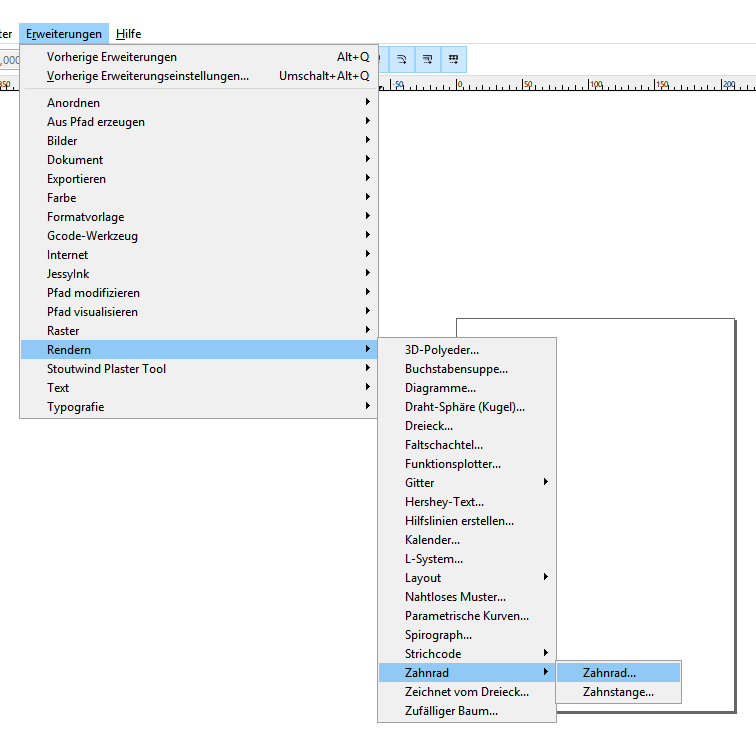
Draw a new gear

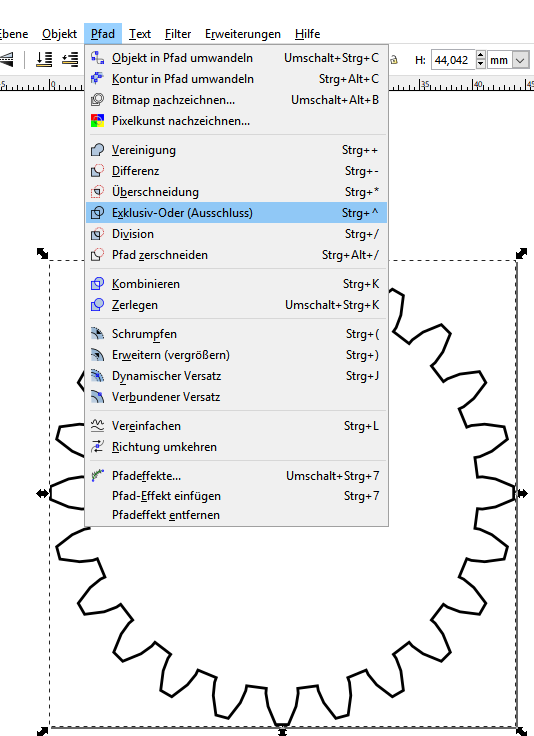
Union paths and fill the area
Save the file with a name
Run "Paths to OpenSCAD" Plugin
- Download + Installation OpenSCAD: https://www.openscad.org/downloads.html
-
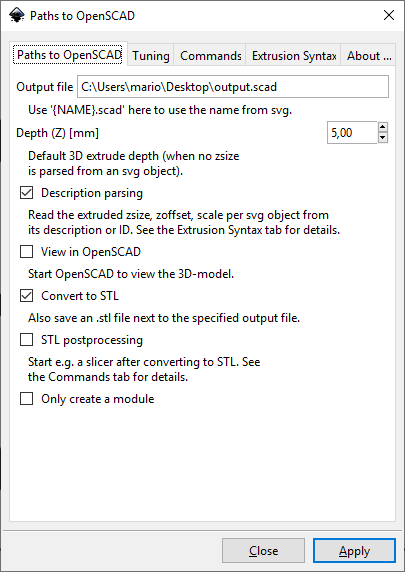
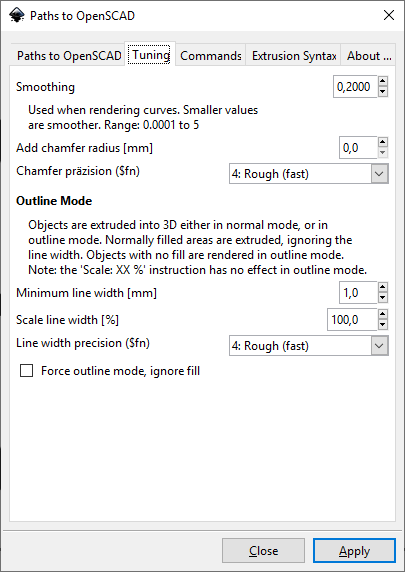
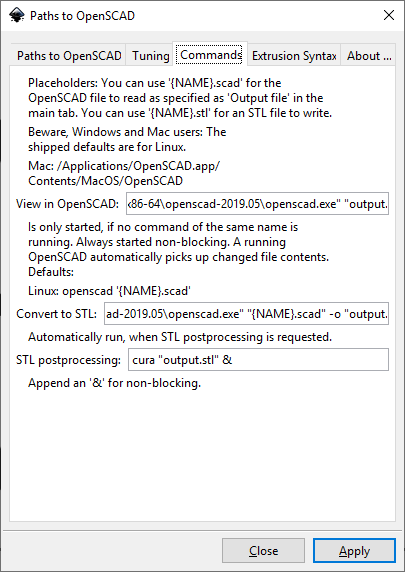
Adjust settings if not already happened:
Output file: "C:\Users\<YOU>\Desktop\output.scad" View in OpenSCAD: "<yourpath>\openscad-2019.05\openscad.exe" "output.scad" Convert to STL: "<yourpath>\openscad-2019.05\openscad.exe" "{NAME}.scad" -o "output.stl" -
please use " " instead of ' ' - it won't work in a Windows environment
-
please be consistent with the output file name!
- "Output file" has to be named correctly with path and file name. Otherwise it will try to save under InkScape folder (which might only work if running in Administrator mode if installed in Program Files directory)
- "Apply" → export the .svg vector file to a .scad file (and additionally to a .stl file if "Convert to STL" is enabled)
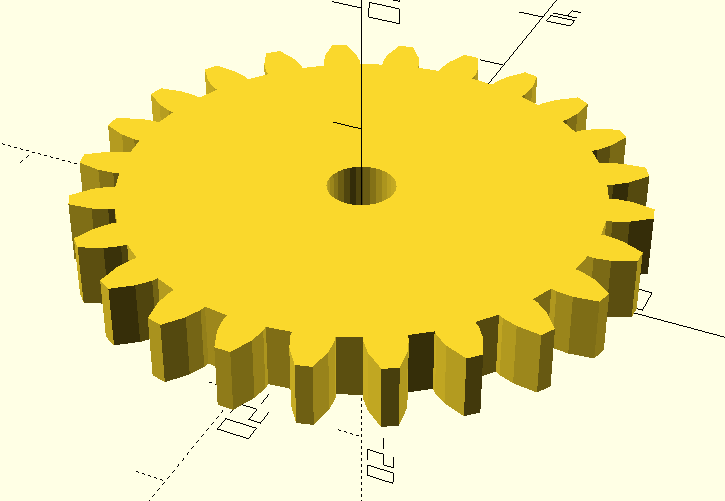
View the .scad (OpenSCAD)
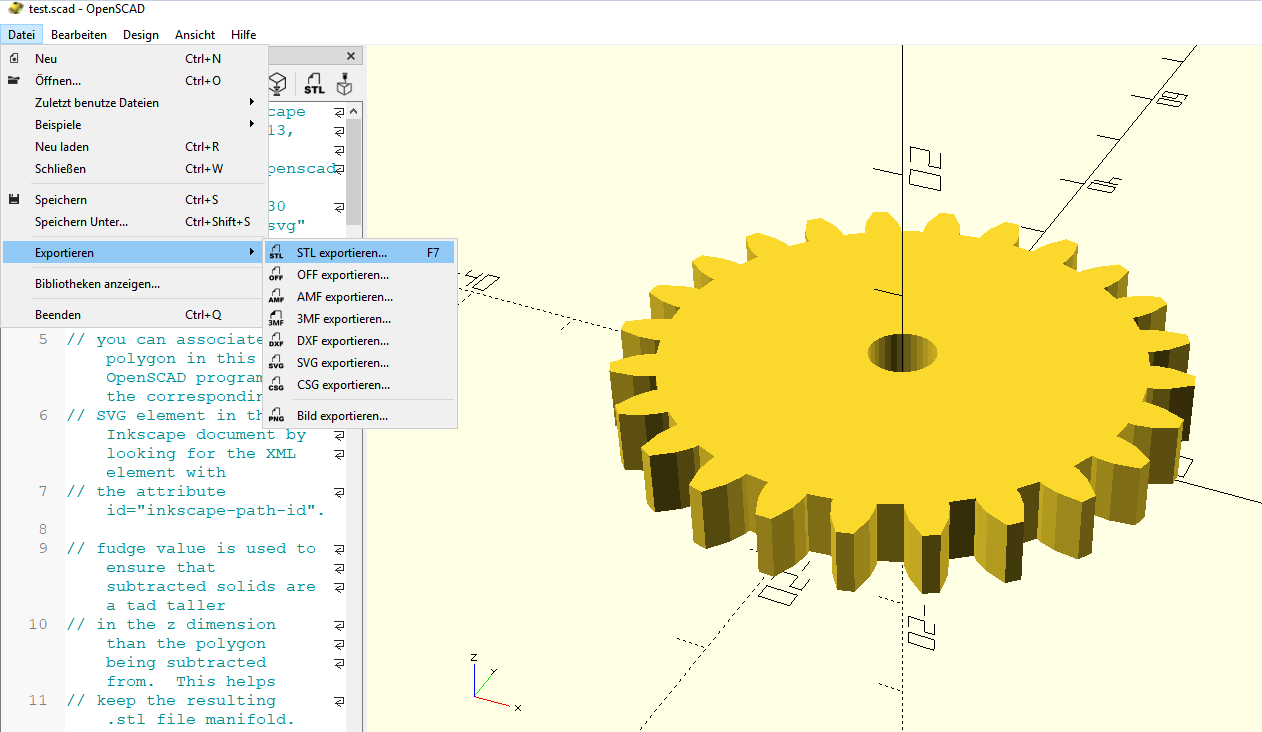
and maybe export to STL manually, or do it automatically by the Inkscape Plugin
- Open

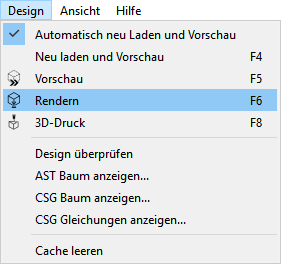
- Rendering

- Export
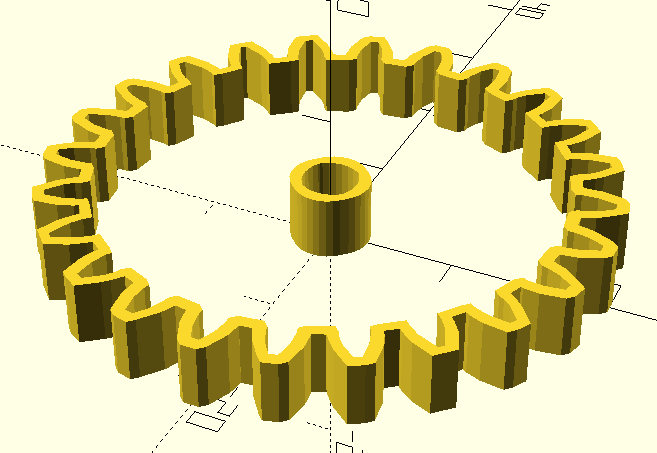
If you forget to fill in the area in InkScape, you will see it as follows:

View the STL STL Export / 3D Print