vpypetools
- Deduplicate Plugin
- Filter
- Line Merging (Combine Paths)
- Line Sorting
- Multipass
- Occult Plugin (Hidden / Superimposed Line Removal)
- Relooping
- Split All
- Trimming
- vpype Free Mode
- vpypetools Intro
Deduplicate Plugin
Source: https://github.com/LoicGoulefert/deduplicate
pip3 install tqdm
pip3 install git+https://github.com/LoicGoulefert/deduplicate.git#egg=deduplicate
Filter
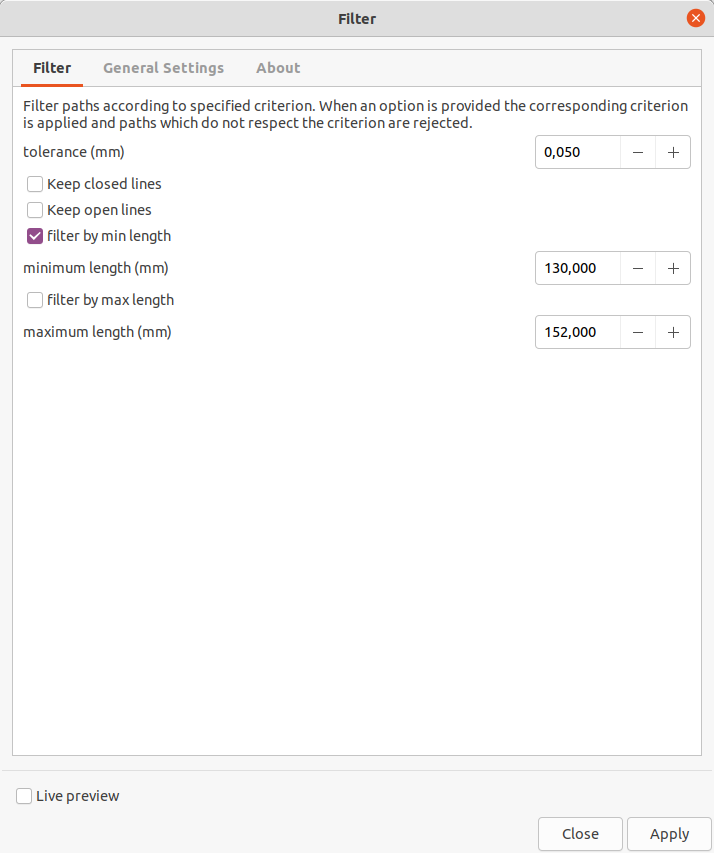
Filter paths according to specified criterion. When an option is provided (e.g. --min-length 10cm) the corresponding criterion is applied and paths which do not respect the criterion (e.g. a 9cm-long path) are rejected. If multiple options are provided, paths will be kept only if they respect every corresponding criterion (i.e. logical AND operator). See https://vpype.readthedocs.io/en/stable/reference.html#filter. Also check out vpype Free Mode which can do the same and more.
Similar extension to Filter By Length/Area
Line Merging (Combine Paths)
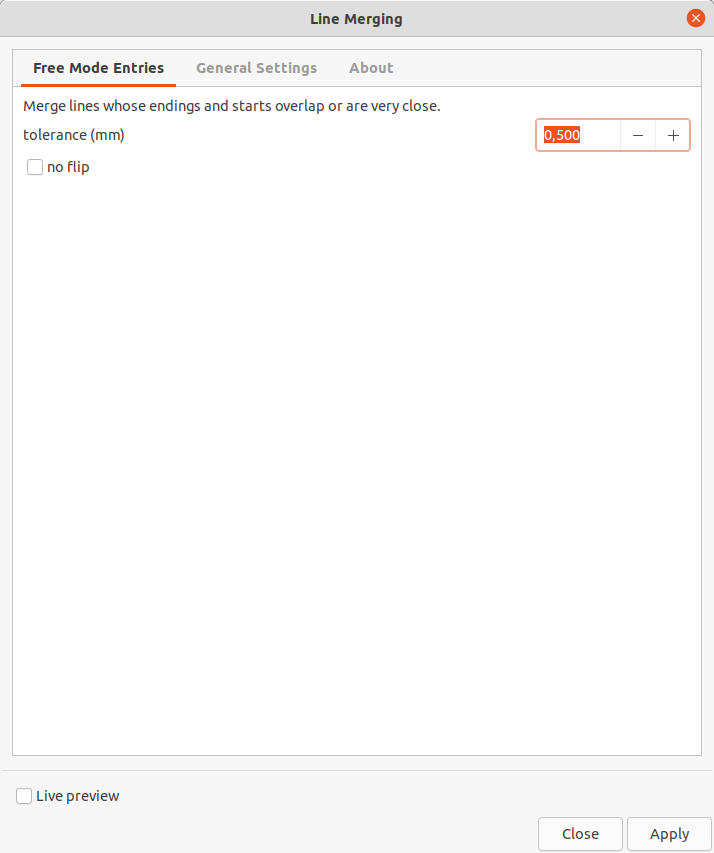
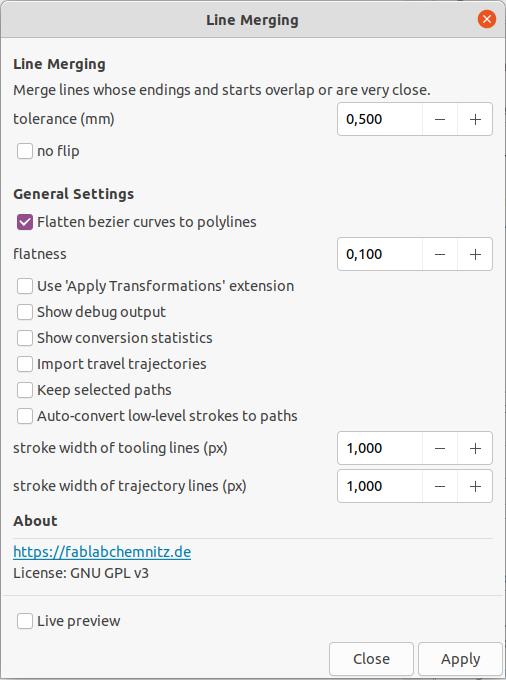
Merge lines whose endings and starts overlap or are very close. By default, linemerge considers both directions of a stroke. If there is no additional start of a stroke within the provided tolerance, it also checks for ending points of strokes and uses them in reverse. You can use the --no-flip to disable this reversing behaviour and preserve the stroke direction from the input. By default, gaps of maximum 0.05mm are considered for merging. Also check out vpype Free Mode which can do the same and more.
See https://vpype.readthedocs.io/en/stable/reference.html#linemerge
Similar extension to Chain Paths, Join Paths / Create Tabs And Dimples, Close Paths
Similar to default function "Path → Combine" (CTRL + K)
inverted function is Split All
Warning: Can mess your paths because it does not delete overlapping duplicate line segments!
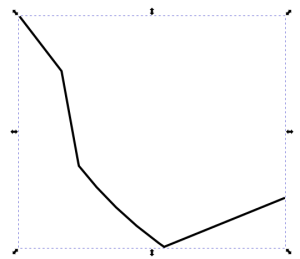
Draw some paths and attach the path node ends with each other
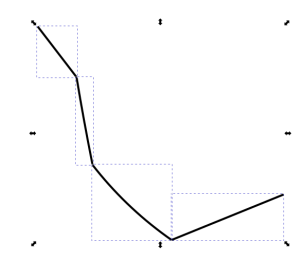
Run the extension and get the result
Line Sorting
- This extension is similar to Optimize Sequence: Travel Distances and Optimize Sequence: Small Holes First.
- Also have a look at https://github.com/inconvergent/svgsort which could be another great path planning tool for InkScape.
- Also check out vpype Free Mode which can do the same and more.
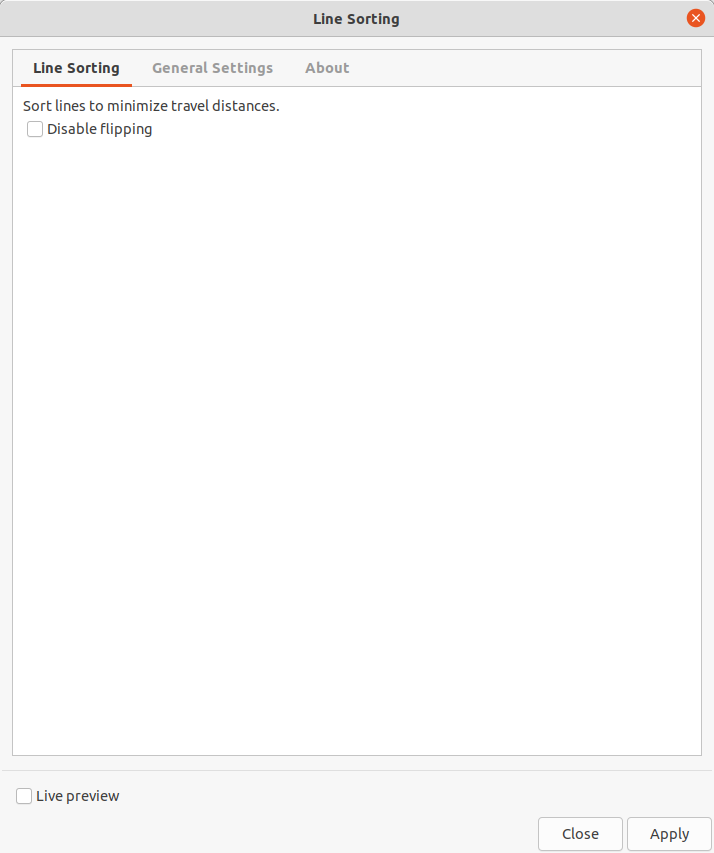
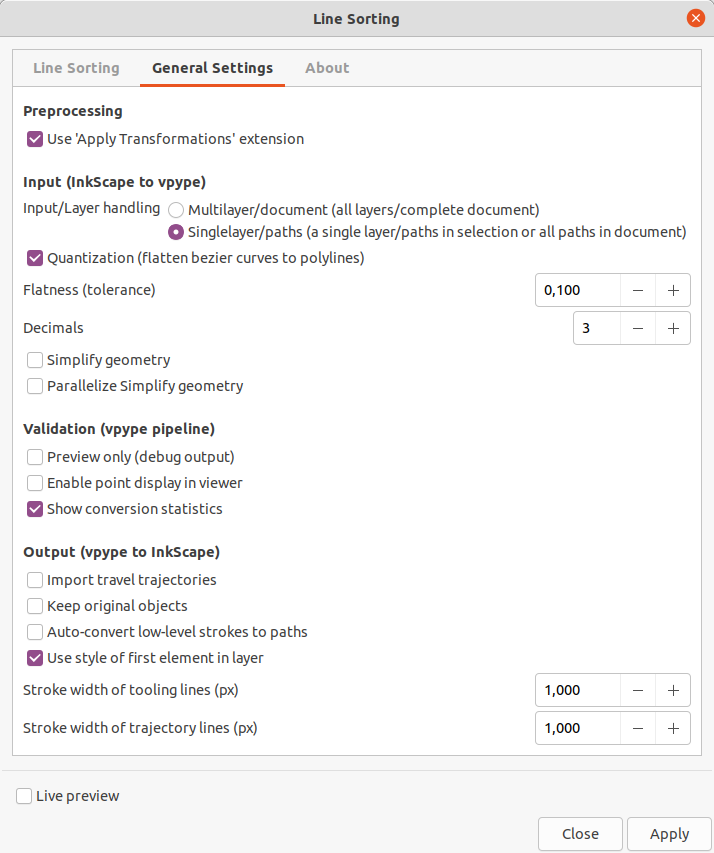
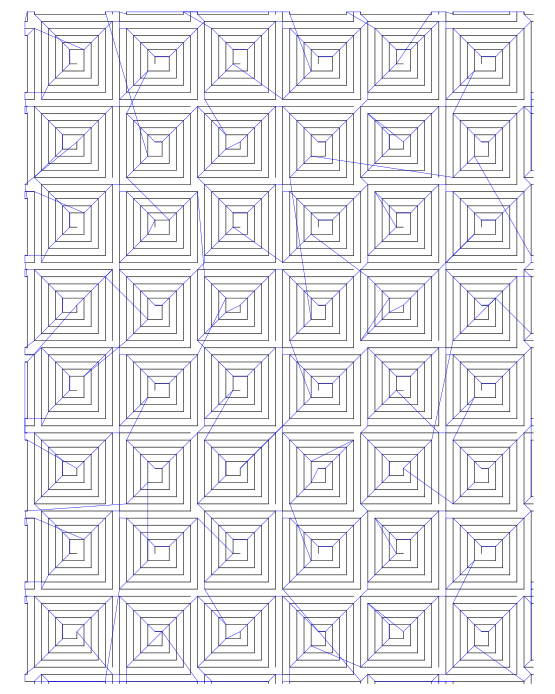
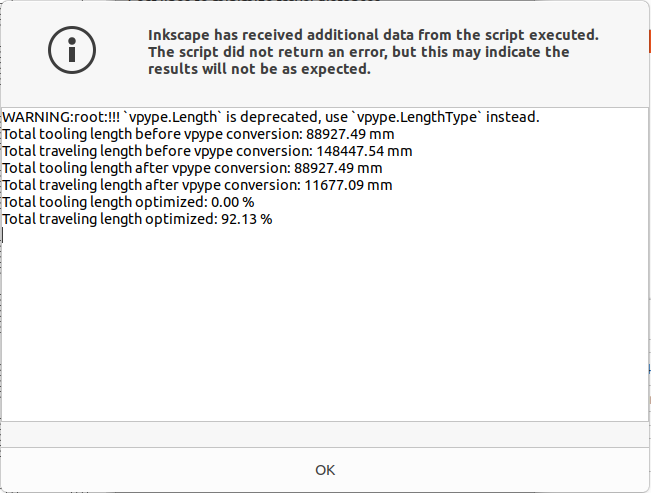
Example
| Before conversion | After conversion (showing the same lines sorted plus traveling lines + conversion statistics) |
|
|
|

Multipass
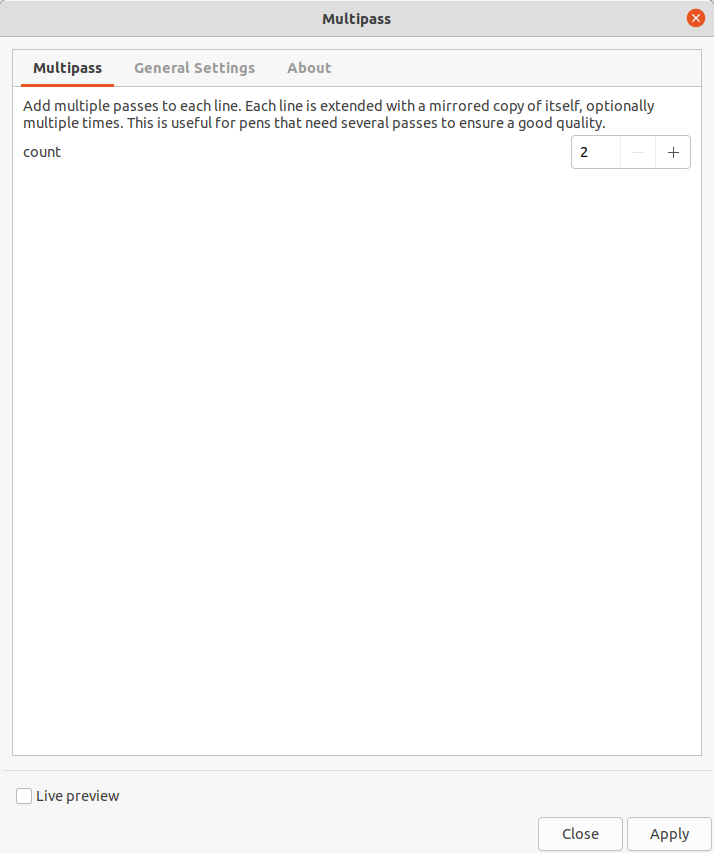
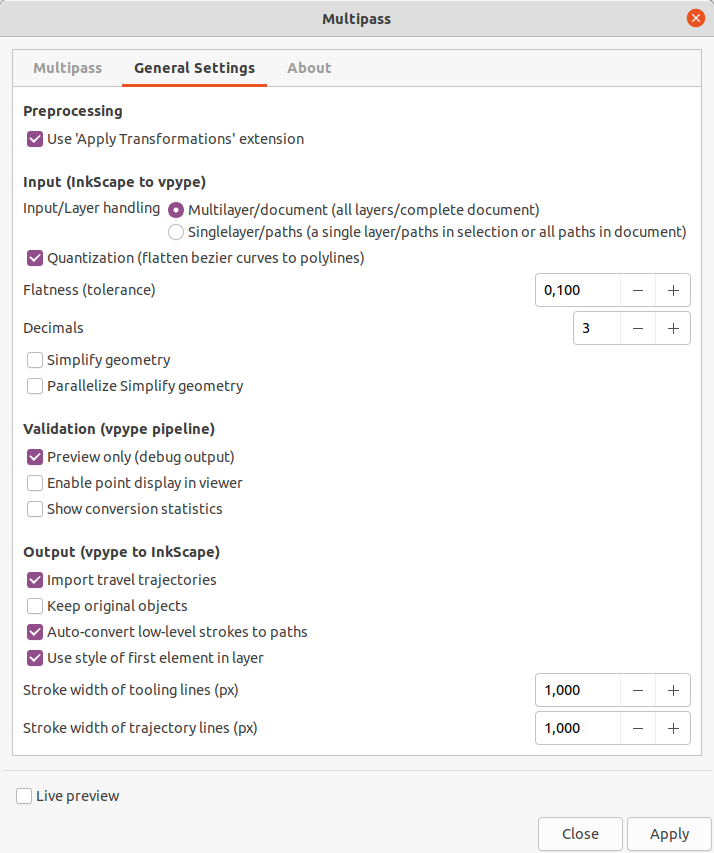
Add multiple passes to each line. Each line is extended with a mirrored copy of itself, optionally multiple times. This is useful for pens that need several passes to ensure a good quality. See https://vpype.readthedocs.io/en/stable/reference.html#multipass. Also check out vpype Free Mode which can do the same and more.
Occult Plugin (Hidden / Superimposed Line Removal)
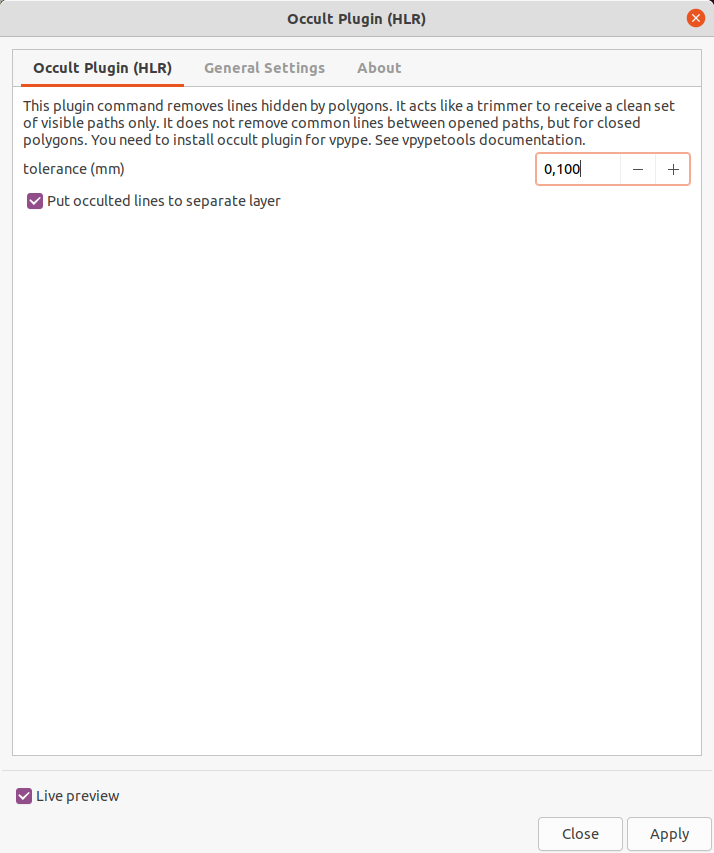
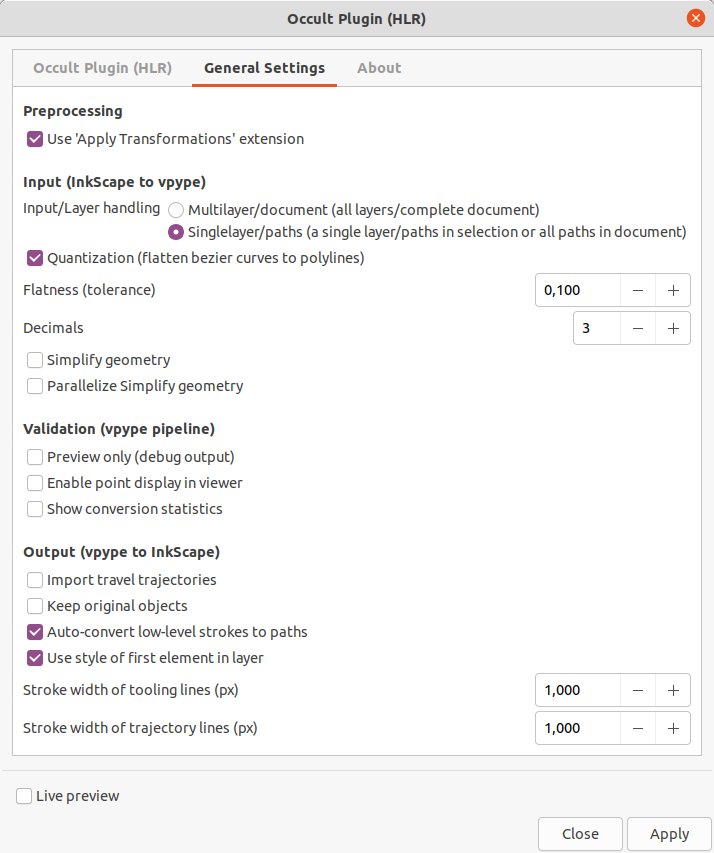
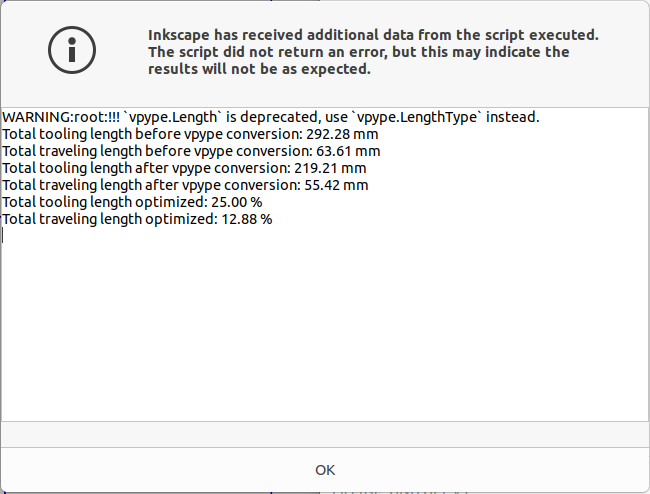
This plugin command removes lines hidden by polygons. It acts like a trimmer to receive a clean set of visible paths only. It does not remove common lines between opened paths, but for closed polygons. You need to install occult plugin for vpype. See vpypetools documentation.
It's a great helper for optimizing cutting jobs. It is really powerful in conjunction with Line Sorting. Also check out vpype Free Mode which can do the same and more.
Key phrases: remove overlapping lines, superimposed lines, remove duplicated lines, purge redundant lines, purge doubled lines, remove common edges, remove occulted lines, hidden line removal, retrace edges, chain paths, clean paths
This extension is similar (but superior) to
Also have a look at Purge Duplicate Path Nodes if you only want to remove duplicate knot handles in a path.
Troubleshooting / Upgrade extension
If the extension does not generate any output and you cannot explain why, please check if you have the latest version installed. Sometimes exceptions are hidden which show up when running from console instead.
Typical error like this:
Traceback (most recent call last):
  File "c:\users\tomate\appdata\local\programs\python\python39\lib\site-packages\click_plugins\core.py", line 37, in decorator
    group.add_command(entry_point.load())
  File "c:\users\tomate\appdata\local\programs\python\python39\lib\site-packages\pkg_resources\__init__.py", line 2450, in load
    return self.resolve()
  File "c:\users\tomate\appdata\local\programs\python\python39\lib\site-packages\pkg_resources\__init__.py", line 2456, in resolve
    module = __import__(self.module_name, fromlist=['__name__'], level=0)
  File "c:\users\tomate\appdata\local\programs\python\python39\lib\site-packages\occult\occult.py", line 7, in <module>
    import pygeos
  File "c:\users\tomate\appdata\local\programs\python\python39\lib\site-packages\pygeos\__init__.py", line 1, in <module>
    from .lib import GEOSException  # NOQA
ImportError: DLL load failed while importing lib: Die angegebene Prozedur wurde nicht gefunden.
You can remove and reinstall the following way:
#failed
#pip3 install --upgrade git+https://github.com/LoicGoulefert/occult.git#egg=occult

#worked
pip3 uninstall git+https://github.com/LoicGoulefert/occult.git#egg=occult
pip3 install git+https://github.com/LoicGoulefert/occult.git#egg=occult
Simple example
Draw some rectangles

Layout edges above each other (simulate having common edges)

Run extension to remove common edges
Move the paths to some other directions to see how the edge removal was worked out

Relooping
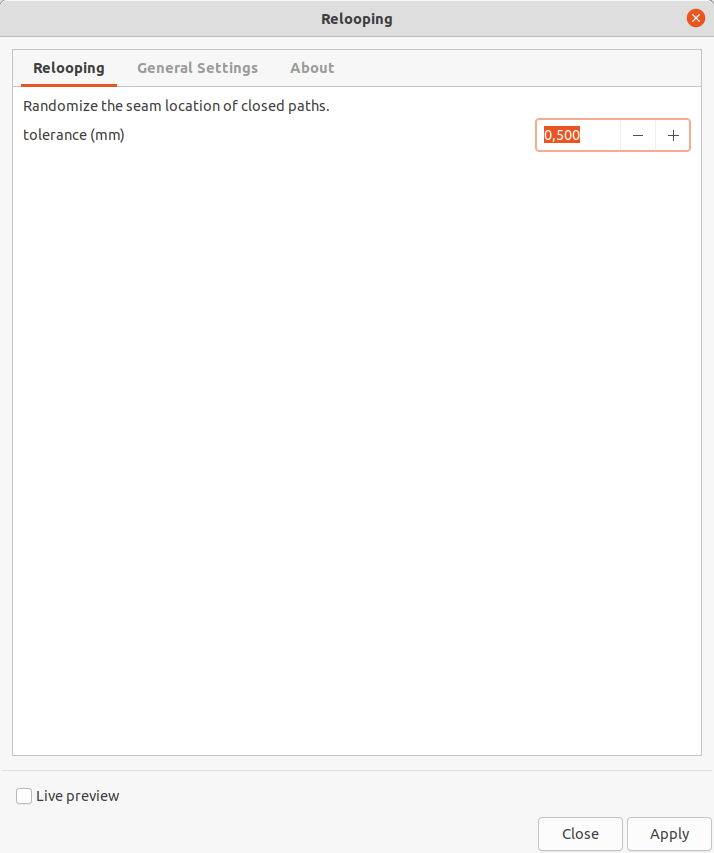
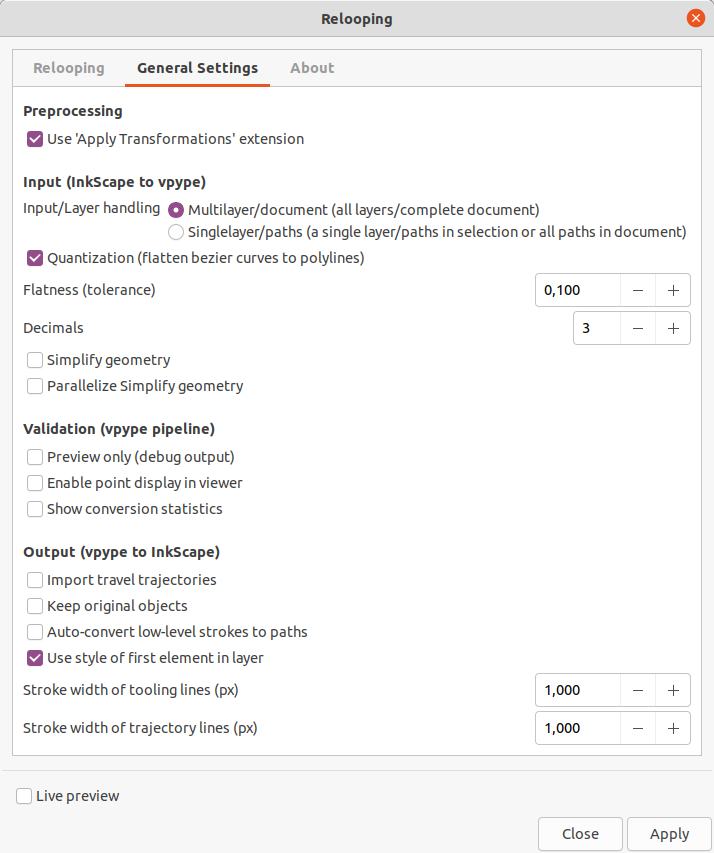
Randomize the seam location of closed paths. When plotted, closed path may exhibit a visible mark at the seam, i.e. the location where the pen begins and ends the stroke. This command randomizes the seam location in order to help reduce visual effect of this in plots with regular patterns. Paths are considered closed when their beginning and end points are closer than some tolerance. See https://vpype.readthedocs.io/en/stable/reference.html#reloop. Also check out vpype Free Mode which can do the same and more.
Split All
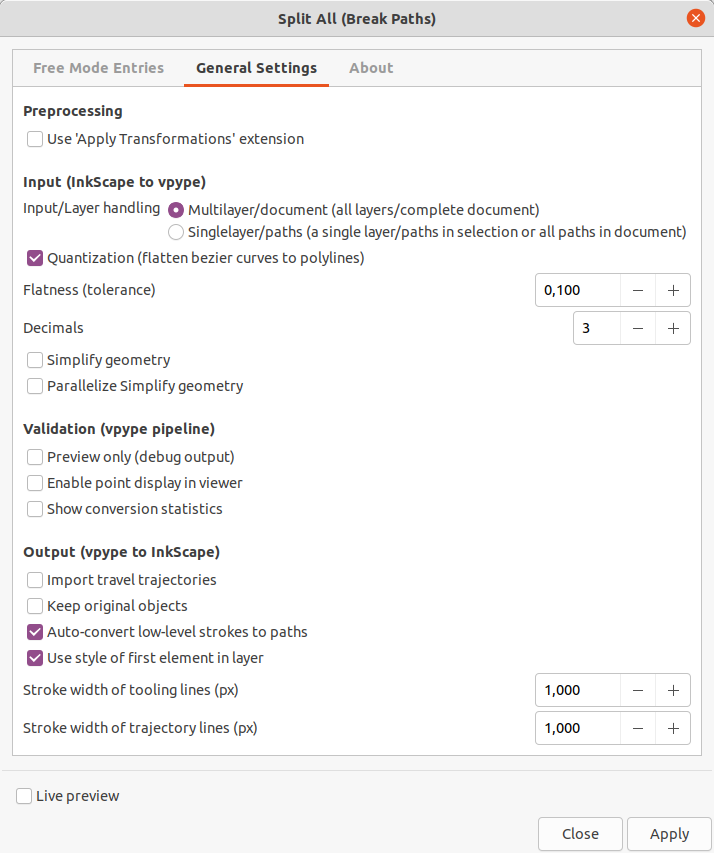
Split all paths into their constituent segments. This command may be used together with linemerge for cases such as densely-connected meshes where the latter cannot optimize well enough by itself. This command will filter out segments with identical end-points. Note that since some paths (especially curved ones) can be made of a large number of segments, this command may significantly increase the processing time of the pipeline.
The inverted function is Line Merging (Combine Paths)
Split All extension might be really slow on large documents. Maybe you can go get some coffee while it performs.
Create some paths

Run the extension
Get the result
We can move all lines separately now, like this:

Trimming
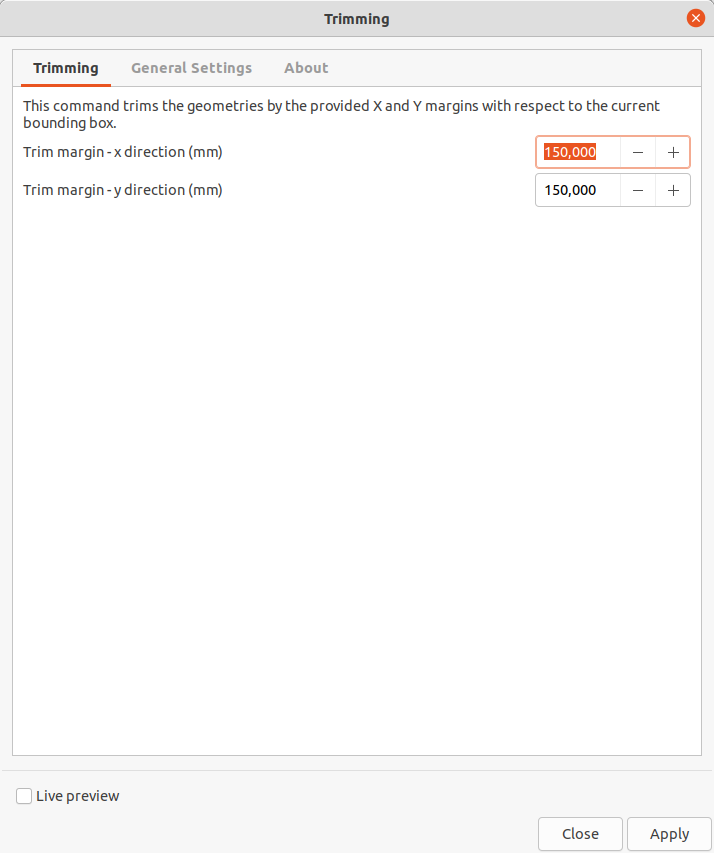
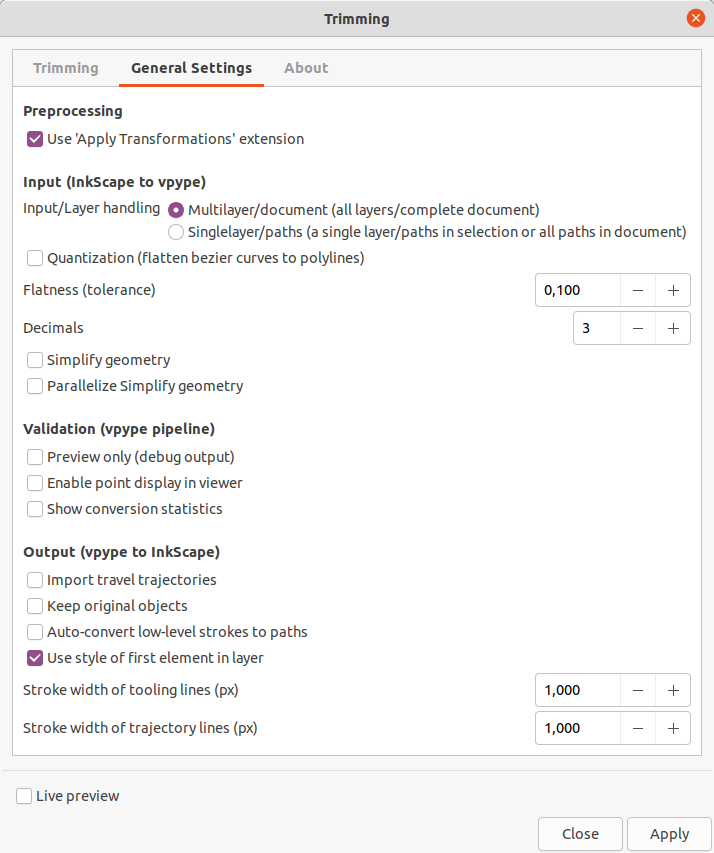
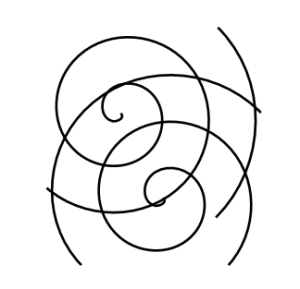
Trim the geometries by some margin. This command trims the geometries by the provided X and Y margins with respect to the current bounding box. Also check out vpype Free Mode which can do the same and more.
Draw some paths
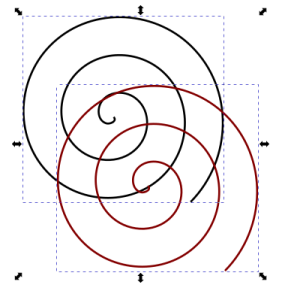
Run the extension and get result
vpype Free Mode
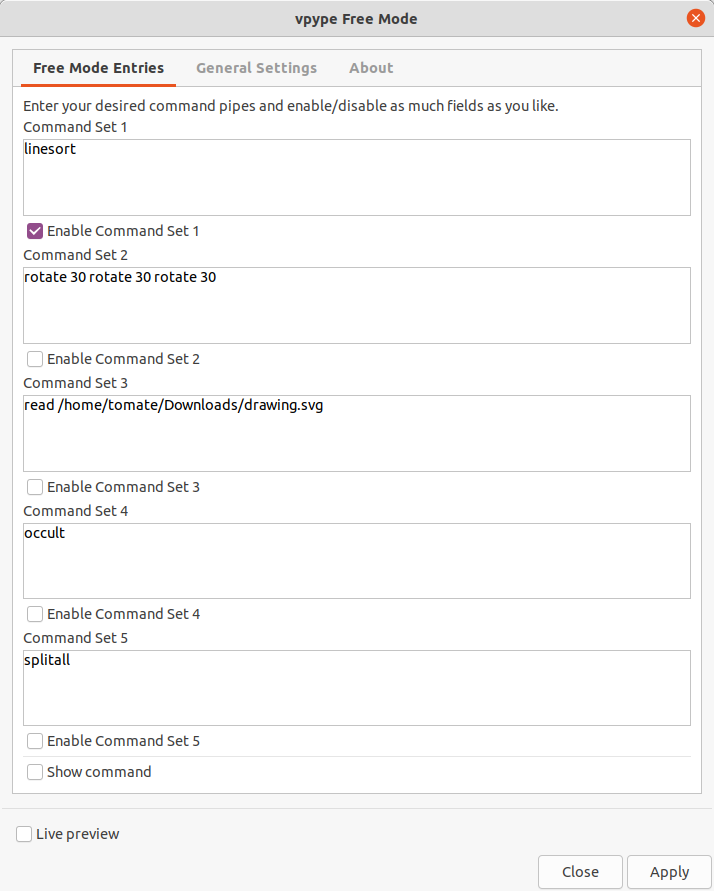
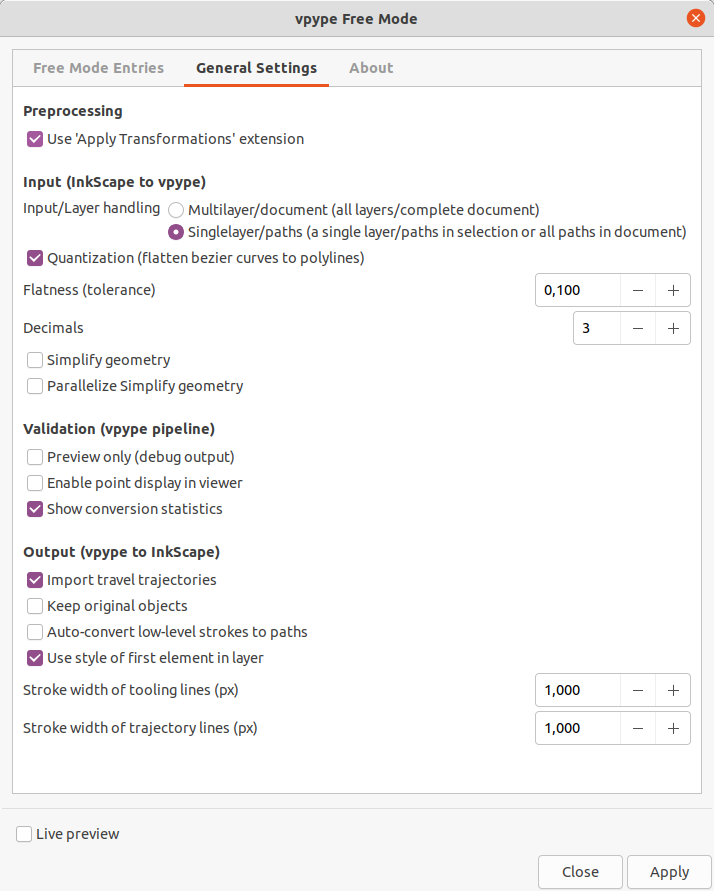
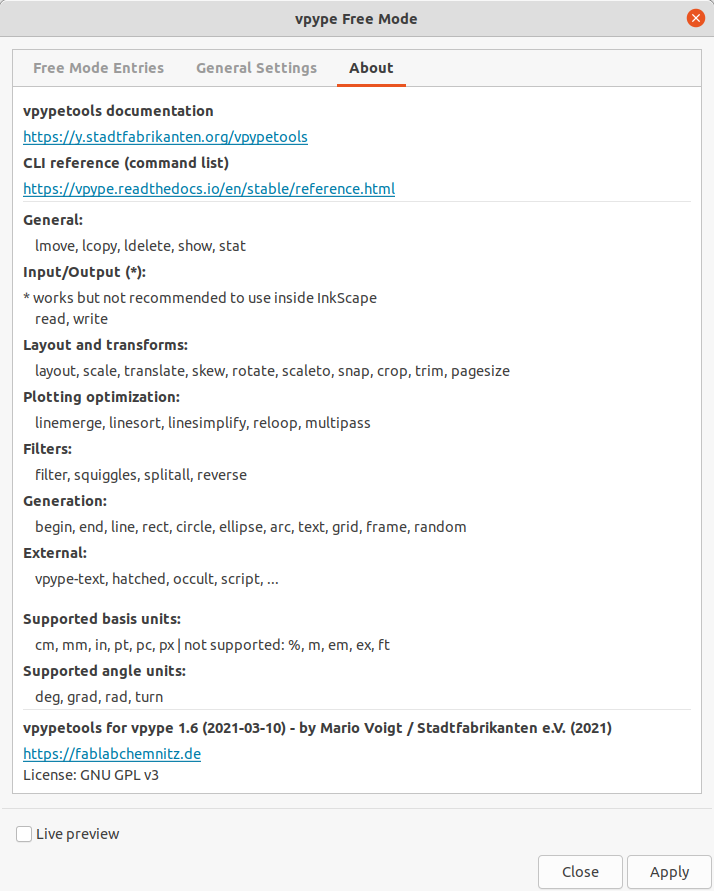
This extension mode for vpypetools allows to execute one up to five command sets in the given row. It works on the current selection of paths, or if nothing selected it applies to all paths in the document. You can do exactly the same like in Filter, Line Sorting and so on, but you are freely more versatile entering combinations as you like. Free Mode allows to enter different units, like "trim 1mm 3cm"
vpypetools Intro
About vpype and this extension
vpype is a command processor working with SVG files. It can do a lot of productive steps to optimize files for different purposes like pen plotting, laser cutting or the generation of creative artwork. vpype is really powerful and helps to extend Inkscape feature capability. vpype contains a lot of functionality which is included natively within Inkscape. The extension "vpype for Inkscape" does not deal with all features but with a set of important commands like linemerge, linesort, linesimplify, occult, etc. We can use it to shorten tool path lengths, remove hidden lines and so on.
vpype converts all elements into simple SVG elements like svg:line, svg:polyline and svg:polygon. They can be displayed properly in Inkscape, but they have no knot handles to edit (see https://alpha.inkscape.org/vectors/www.inkscapeforum.com/viewtopicb51d.html?f=16&t=32562). We need to convert those elements to svg:path using key combination CTRL + SHIFT + C ("object to path"; do not use "stroke to path" because it will duplicate your outline with inset and outset contours). Our extension allows to do this conversion automatically.
Caveats of vpype
- requires to simplify bezier curves to polylines (reduces quality)
- does not honor the individual line styles (like width, color, miter, ...) - the output lines all will have the same style. We can work with vpype layerwise to distinguish between different styles
- output is done in svg:line, svg:polyline and svg:polygon. Converting them back in Inkscape (we need paths) is really slow. Native svg:path output would be great
 Source code → https://github.com/abey79/vpype
Preparations (Installation of vpype)
At first we need to install vpype and occult extension. It was tested successfully...
- with Python 3.8.5 on Ubuntu 20 LTS (Python 3.9 failed to install vpype and occult)
- with Python 3.9 on Windows 10
We use vpype 1.7 (2021-06-10)
vpype Changelog: https://vpype.readthedocs.io/en/stable/CHANGELOG.html
Linux / Windows Python modules
pip install vpype
#pip install git+https://github.com/abey79/vpype.git

#or by using pipx
pip uninstall vpype
pip install pipx
pipx ensurepath
# restart your shell
pipx install "vpype[all]"

#extra module occult
pip install git+https://github.com/LoicGoulefert/occult.git#egg=occult
#or
pip install vpype-occult

#extra module deduplicate
pip install git+https://github.com/LoicGoulefert/deduplicate.git#egg=deduplicate
Special inclusions and similarities to existing Inkscape extensions
- linemerge: Join Paths / Create Tabs And Dimples, Close Paths and Chain Paths
- linesort: Optimize Sequence: Travel Distances and Optimize Sequence: Small Holes First
- linesimplify: native function "Path → Simplify"
- filter: Contour Scanner And Trimmer
- multipass: none
- occult: Purge Duplicate Path Nodes and Purge Duplicate Path Segments
- trim: Destructive Clip
Overview by docs
- Deduplicate Plugin
- Filter
- Line Merging (Combine Paths)
- Line Sorting
- Multipass
- Occult Plugin (Hidden / Superimposed Line Removal)
- Relooping
- Split All
- Trimming
- vpype Free Mode
Feature exclusions
As mentioned vpype has a lot of features, but we do not need all of them. We decided to exclude or handle the following functions more strictly because a lot of stuff is integrated in Inkscape natively. You can try to use vpype Free Mode to use these.
| category | comments |
| Primitives |
|
| Block control |
|
| Operation |
|
| Generators |
See Bounding Box |
| Block processors |
Native functions inside Inkscape |
| Layers |
This is too generic to make use inside Inkscape |
| Input |
This is too generic to make use inside Inkscape |
| Transforms |
See Scale To Path Length, Scale To Real, Scale To Size (Replaced by default transform scale) and native functions like path effects and transformations |
| Filters |
|
| Text |
|
Troubleshooting
Problem:
Traceback (most recent call last):
  File "C:\Users\tomate\AppData\Roaming\inkscape\extensions\mightyscape-1.2\extensions\fablabchemnitz\vpypetools\vpypetools.py", line 17, in <module>
    import vpype_viewer
  File "C:\Users\tomate\AppData\Local\Programs\Python\Python39\lib\site-packages\vpype_viewer\__init__.py", line 6, in <module>
    from .engine import *
  File "C:\Users\tomate\AppData\Local\Programs\Python\Python39\lib\site-packages\vpype_viewer\engine.py", line 13, in <module>
    from ._painters import (
  File "C:\Users\tomate\AppData\Local\Programs\Python\Python39\lib\site-packages\vpype_viewer\_painters.py", line 9, in <module>
    from ._utils import ColorType, load_program, load_texture_array
  File "C:\Users\tomate\AppData\Local\Programs\Python\Python39\lib\site-packages\vpype_viewer\_utils.py", line 9, in <module>
    from PIL import Image
ModuleNotFoundError: No module named 'PIL'
Solution:
Traceback (most recent call last):
  File "C:\Users\tomate\AppData\Roaming\inkscape\extensions\mightyscape-1.2\extensions\fablabchemnitz\vpypetools\vpypetools.py", line 17, in <module>
    import vpype_viewer
  File "C:\Users\tomate\AppData\Local\Programs\Python\Python39\lib\site-packages\vpype_viewer\__init__.py", line 6, in <module>
    from .engine import *
  File "C:\Users\tomate\AppData\Local\Programs\Python\Python39\lib\site-packages\vpype_viewer\engine.py", line 13, in <module>
    from ._painters import (
  File "C:\Users\tomate\AppData\Local\Programs\Python\Python39\lib\site-packages\vpype_viewer\_painters.py", line 9, in <module>
    from ._utils import ColorType, load_program, load_texture_array
  File "C:\Users\tomate\AppData\Local\Programs\Python\Python39\lib\site-packages\vpype_viewer\_utils.py", line 9, in <module>
    from PIL import Image
ModuleNotFoundError: No module named 'PIL'