Various
- Batch Task
- Delete Above
- Edit Attributes
- Import Attributes
- Random Delete
- Remove Obsolete Attributes
- Set CSS Class On Elements
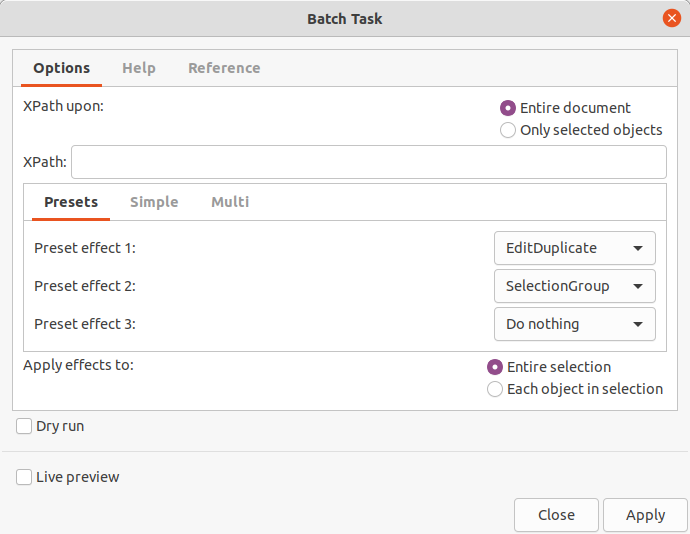
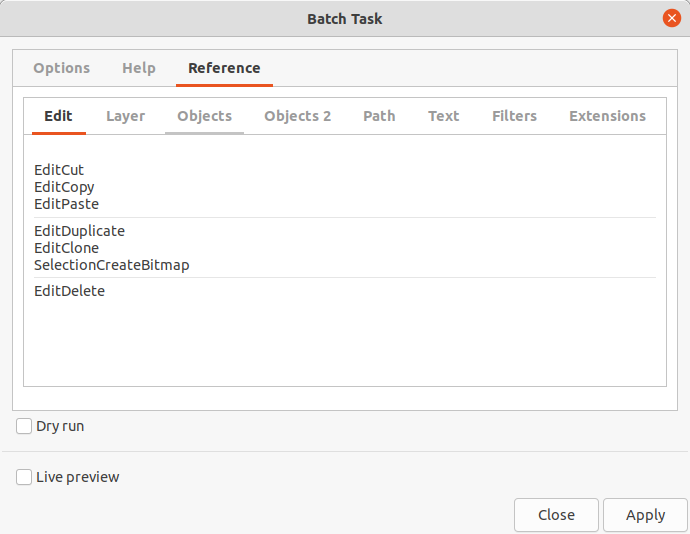
Batch Task
Source: https://github.com/heyzec/Inkscape-Extensions
Delete Above
Delete the selected node(s) and any other nodes that are completely within the bounding-boxes of the selected nodes that have a greater z-order. Simply put: you select a "background" rectangle, then use this plugin to delete it and everything that appears on top of it.
Take some drawing and select the target object
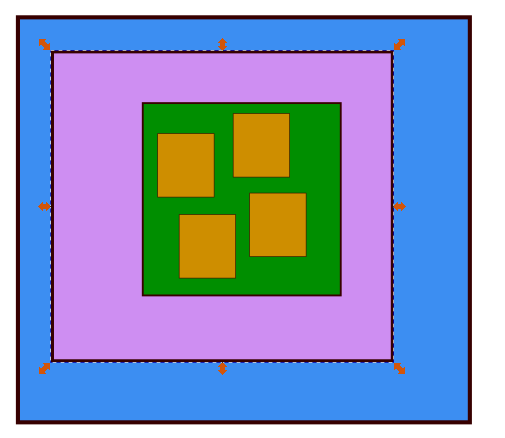
Run the extension and get the result

Edit Attributes
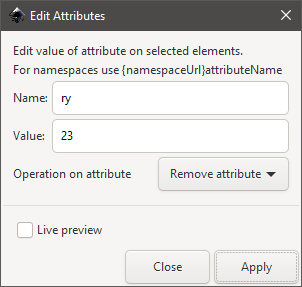
Edits an attribute on all selected elements. Available edit options:
- set sets new value of attribute (adds attribute if necessary)
- append adds new value to the end of current value of attribute
- prefix adds new value to the beginning of current value of attribute
- subtract deletes the given value string from current value of attribute
- remove deletes attribute of given name
Import Attributes
Imports attribute values from given text file. Lines in the file must be in format elementId,attributeName,value. Malformed ids will be skipped (you will get a warning).
Get the items you want to modify
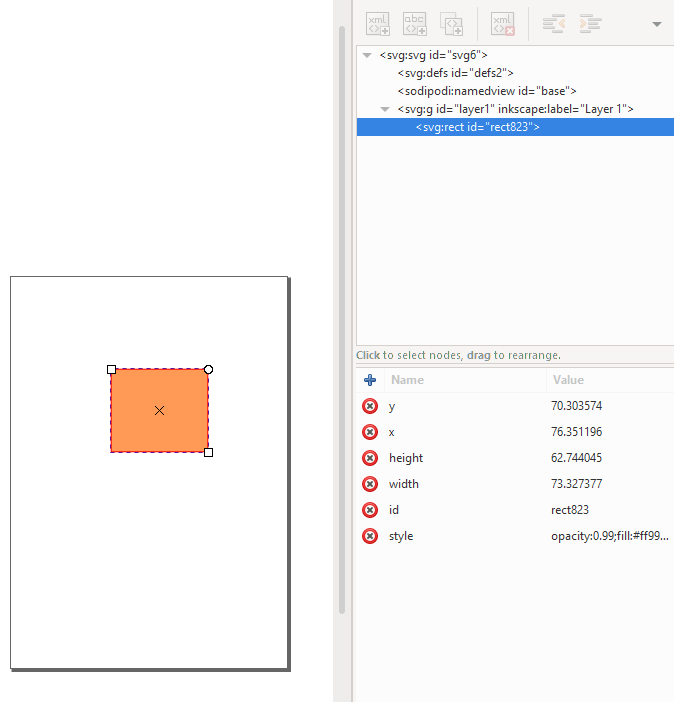
Run the extension
Select the file you want to import data from. Example: C:\Users\test\Desktop\test.txt
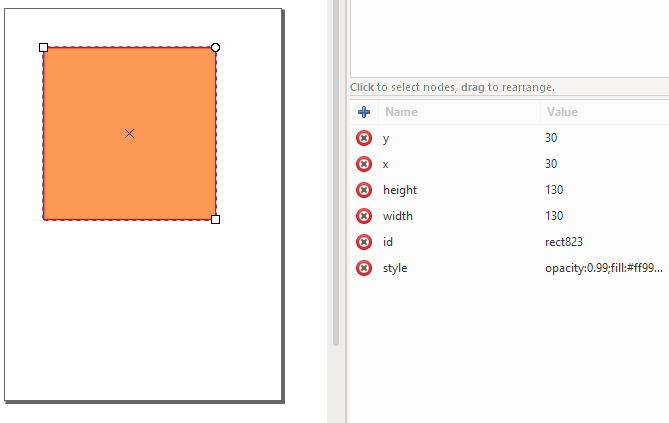
rect823,y,30
rect823,x,30
rect823,width,130
rect823,height,130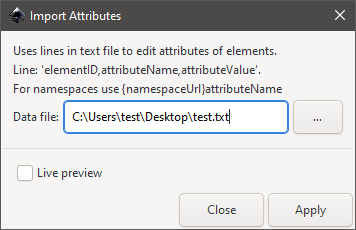
Check the XML tree for changed values
Random Delete
This extensions does what it says. It allows to delete with a certain probability each of the selected objects.
Remove Obsolete Attributes
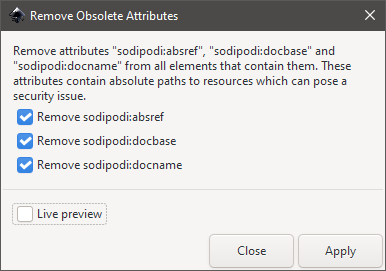
Remove attributes sodipodi:absref, sodipodi:docbase and sodipodi:docname from all elements that contain them. These attributes contain absolute paths to resources which can pose a security issue. This is a legacy extension and might not be required nowadays.
Set CSS Class On Elements
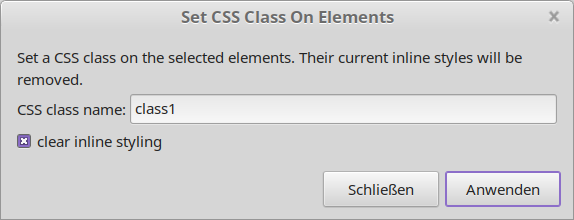
Set a CSS class on the selected elements. Their current inline styles will be removed