# Text
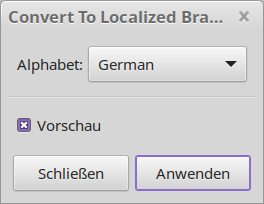
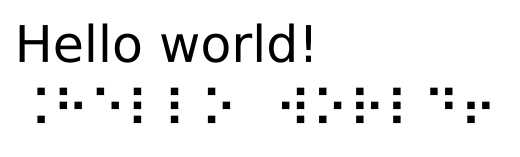
# Convert To Localized Braille
[https://github.com/mondeja/inkscape-braille-l18n-ext](https://github.com/mondeja/inkscape-braille-l18n-ext)
This extension has some more options than the default one from Inkscape
[](https://wiki.stadtfabrikanten.org/uploads/images/gallery/2025-05/F6jf8TnyGb8gxR2n-grafik.png)
[](https://wiki.stadtfabrikanten.org/uploads/images/gallery/2025-05/QYsT5riHzLlXa6at-grafik.png)
# Glyph IDs
Source: [https://gitlab.com/EllenWasbo/inkscape-extension-getsetGlyphIDs](https://gitlab.com/EllenWasbo/inkscape-extension-getsetGlyphIDs)
These two extensions streamline the process of creating fonts using the Custom Stroke Font extension [https://github.com/Shriinivas/inkscapestrokefont](https://github.com/Shriinivas/inkscapestrokefont). With a font with many glyphs it might be quite cumbersome to set the ids of each glyph manually using the XML editor. Use the getGlyphIDs to fetch the IDs before editing a font - the path IDs are easily changed during editing. Use the setGlyphIDs to set the path IDs effectively based on a string input having all the glyphs ordered from left to right. Read more about this extension on [Cutlings](http://cutlings.wasbo.net/inkscape-extension-automate-glyph-ids/).
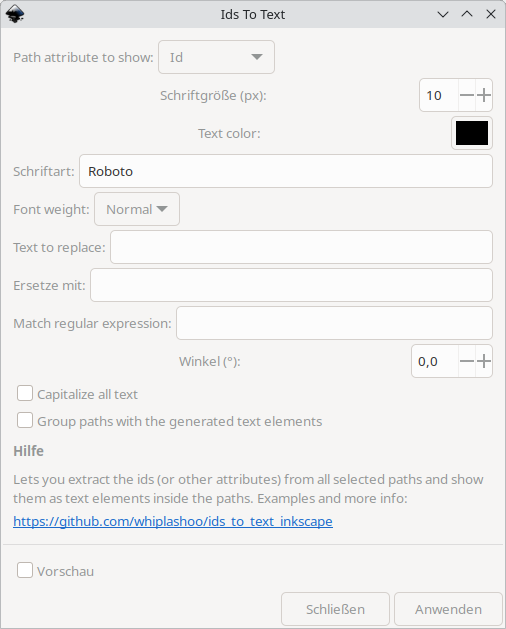
# Ids To Text
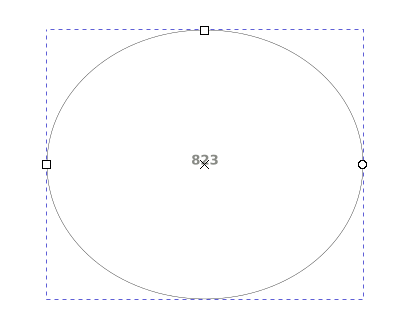
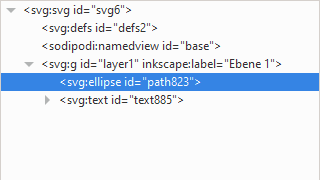
Lets you extract the ids (or other attributes) from all selected paths and show them as text elements inside the paths.
Source: [https://github.com/whiplashoo/ids\_to\_text\_inkscape](https://github.com/whiplashoo/ids_to_text_inkscape)
[](https://wiki.stadtfabrikanten.org/uploads/images/gallery/2025-05/umienyeAmTTFo2aW-grafik.png)
[](https://wiki.stadtfabrikanten.org/uploads/images/gallery/2025-05/Xxr04VzmfQFjm7KJ-grafik.png)
[](https://wiki.stadtfabrikanten.org/uploads/images/gallery/2025-05/WUId79J6bjGwkn6M-grafik.png)
# Label Feature With Fill Color
[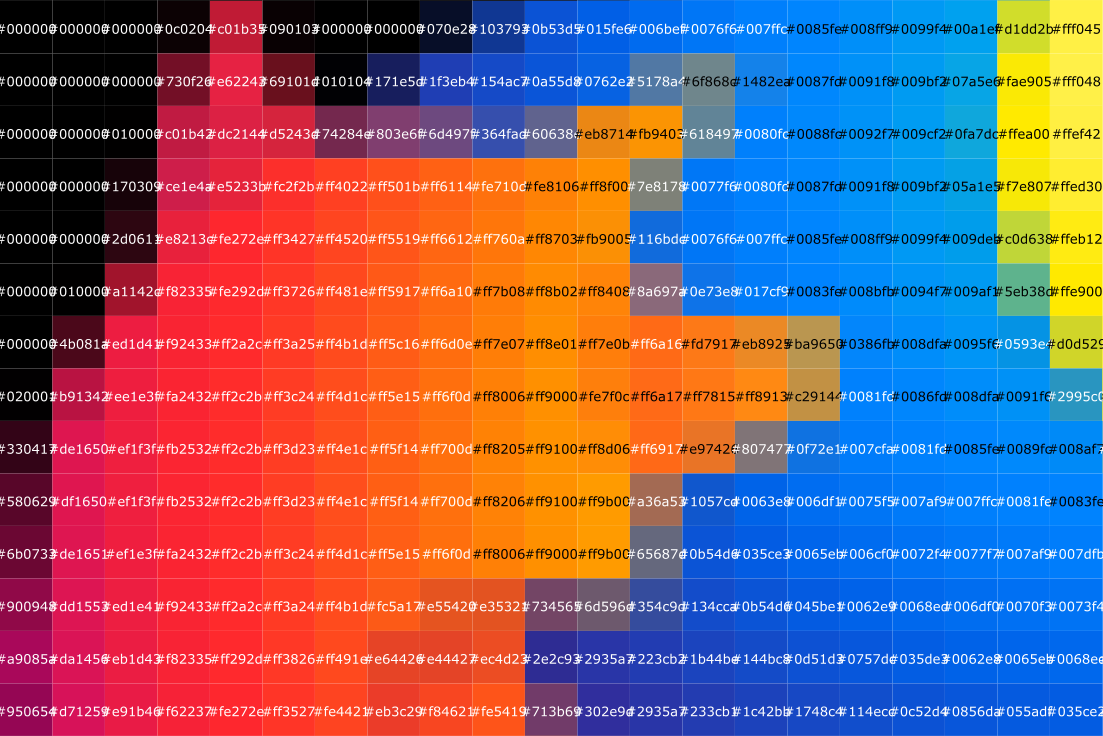](https://wiki.stadtfabrikanten.org/uploads/images/gallery/2025-05/Mbs6EHZlsvqjA5tR-grafik.png)
# OCR (Image To Text)
Reads text from Inkscape canvas. Data inside may be SVG or PNG or whatever because the canvas will be exported as PNG using Cairo library.
Source: [https://github.com/amal-san/inkscape-ocr](https://github.com/amal-san/inkscape-ocr)
Requirements (Ubuntu):
```bash
sudo apt-get install tesseract-ocr
pip3 install pytesseract cairosvg
```
# Remove Text Stops
Remove the following portions from text elements by filtering the `dx` attribute of `tspan` children of `text` elements:
Input:
[](https://wiki.stadtfabrikanten.org/uploads/images/gallery/2025-08/r4SN6SyInmDy2Guo-grafik.png)
Output:
[](https://wiki.stadtfabrikanten.org/uploads/images/gallery/2025-08/E4VVe47c3E6m2L2E-grafik.png)
This extension helps to clean up imported PDF docs and other weird files :-)
# Source Code Text
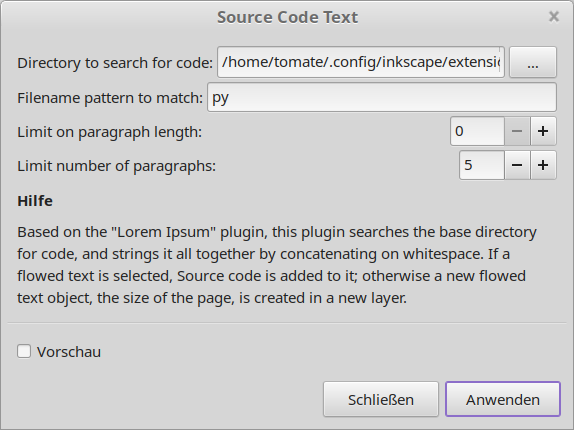
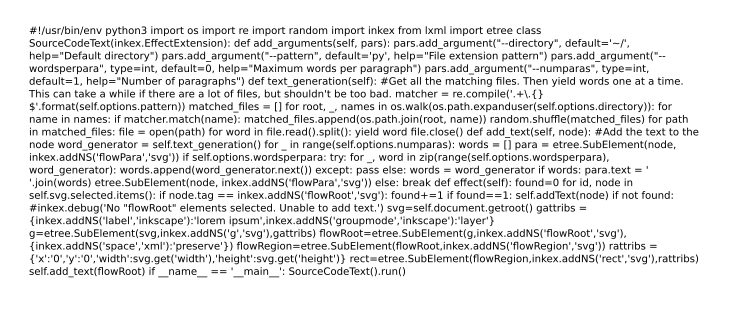
Based on the "Lorem Ipsum" plugin, this plugin searches the base directory for code, and strings it all together by concatenating on whitespace. If a flowed text is selected, Source code is added to it; otherwise a new flowed text object, the size of the page, is created in a new layer.
Source: [https://gist.github.com/om-henners/8c642c87b71daa3ea68222d40167edbc](https://gist.github.com/om-henners/8c642c87b71daa3ea68222d40167edbc)
[](https://wiki.stadtfabrikanten.org/uploads/images/gallery/2025-05/Di1XwTkjQ7uQAEg3-grafik.png)
[](https://wiki.stadtfabrikanten.org/uploads/images/gallery/2025-05/lggA5ULVX1VisZFa-grafik.png)
# Stroke Font Creator
Source: [https://github.com/Shriinivas/inkscapestrokefont](https://github.com/Shriinivas/inkscapestrokefont)
# Replace Text
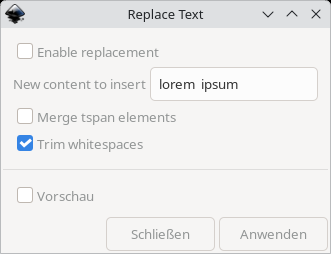
Simple plugin to replace the text of all (selected) text elements. Nice for mass editing.
`text` elements often contain multiple lines, which is represented by multiple `tspan` elements. We can delete all tspans except the first to "shorten" everything.
It can be also used to remove trailing whitespaces and whitespaces between words.
[](https://wiki.stadtfabrikanten.org/uploads/images/gallery/2025-08/VUJDnIQWPuxG26RM-grafik.png)