Shape/Pattern from Generator
- Archimedes Spiral
- Buxtronix Living Hinges
- Fibonacci Pattern
- Inklin
- Lasercut Polygon
- Living Hinge (Size Input)
- Parabola
- Parabola 2
- Polygon Side
- Random Line
- Sine and Lace
- SpiroGraph
- Sundial Declining
- Triangle
- Vektorkollektor
Archimedes Spiral
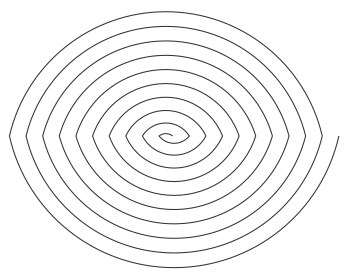
The extension draws a spiral by a lot of fine-grained line segments. The quality can be set by "Step".
- a is a constant
- r is the length of the radius from the centre or beginning of the spiral
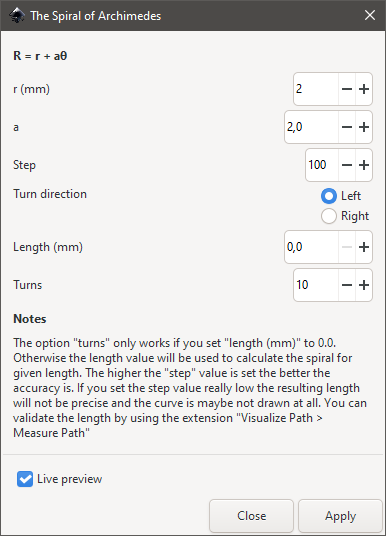
Examples

Buxtronix Living Hinges
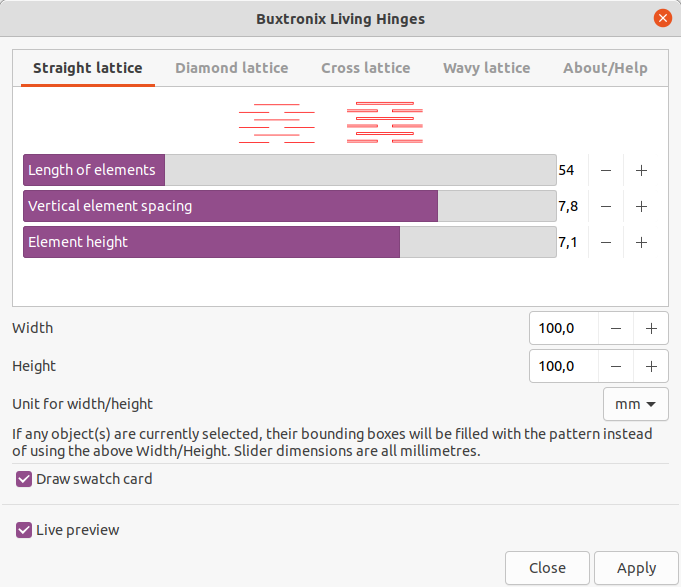
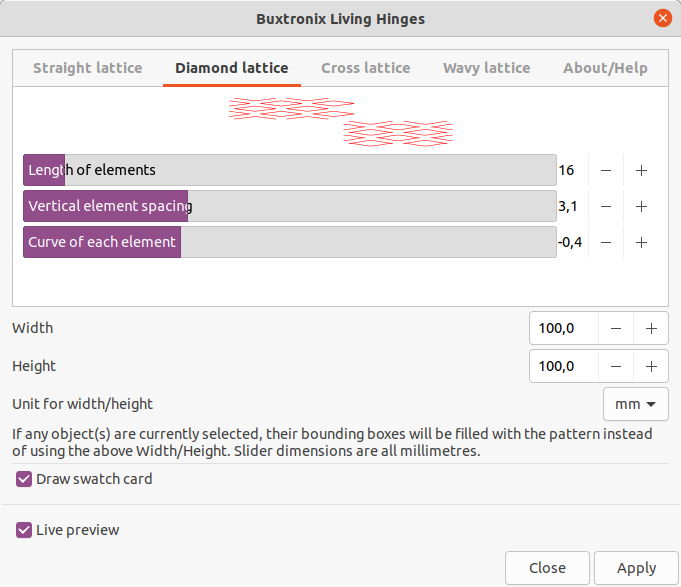
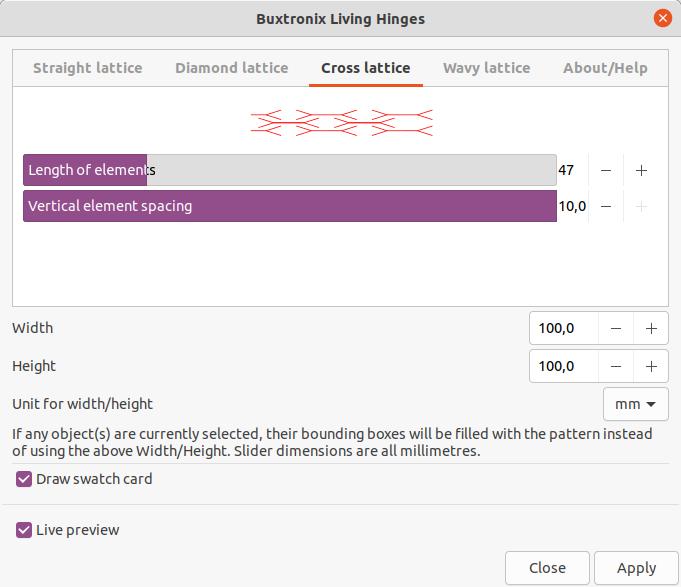
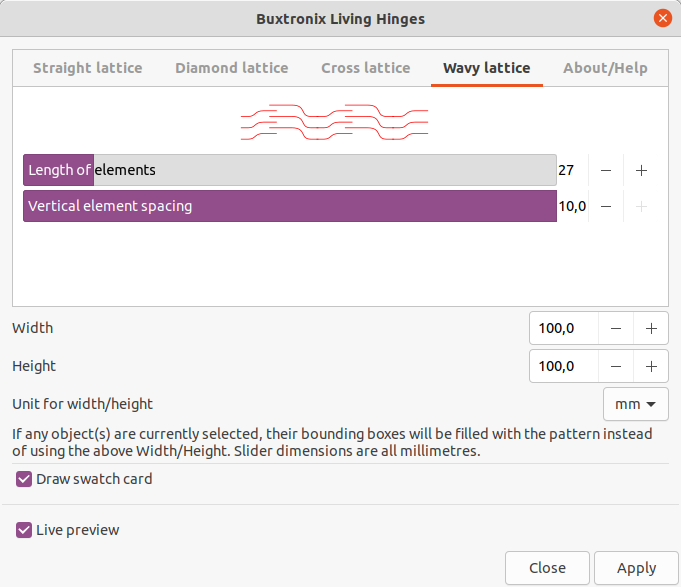
Examples
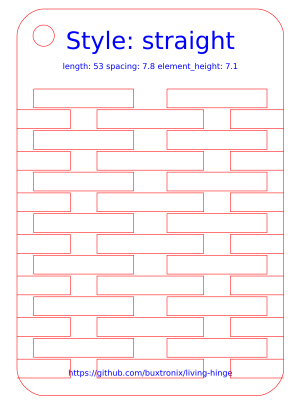
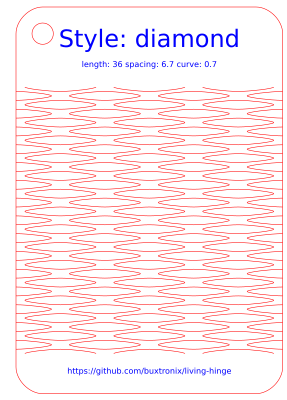
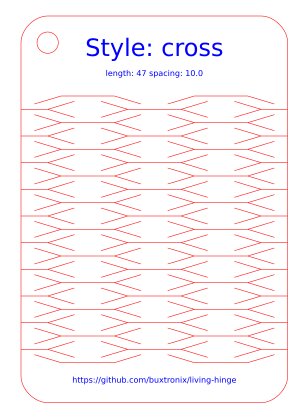
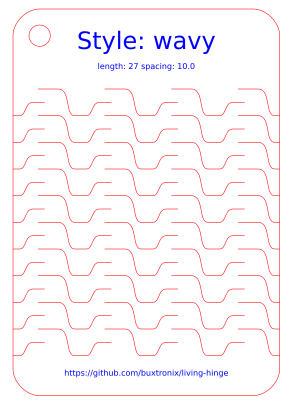
Source: https://github.com/buxtronix/living-hinge
See also:
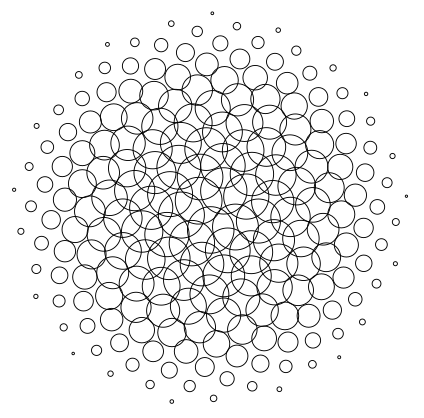
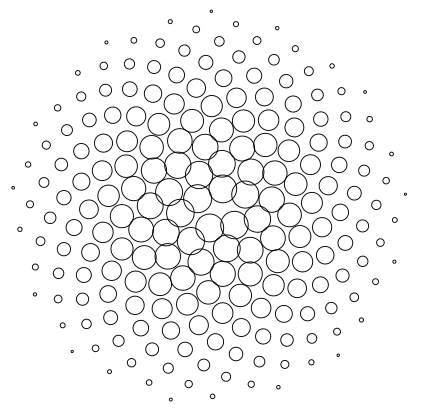
Fibonacci Pattern
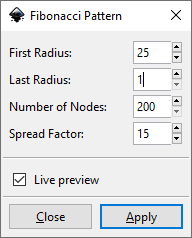
Examples
Inklin
Source: https://inkscape.org/de/~inklinea/%E2%98%85inklin
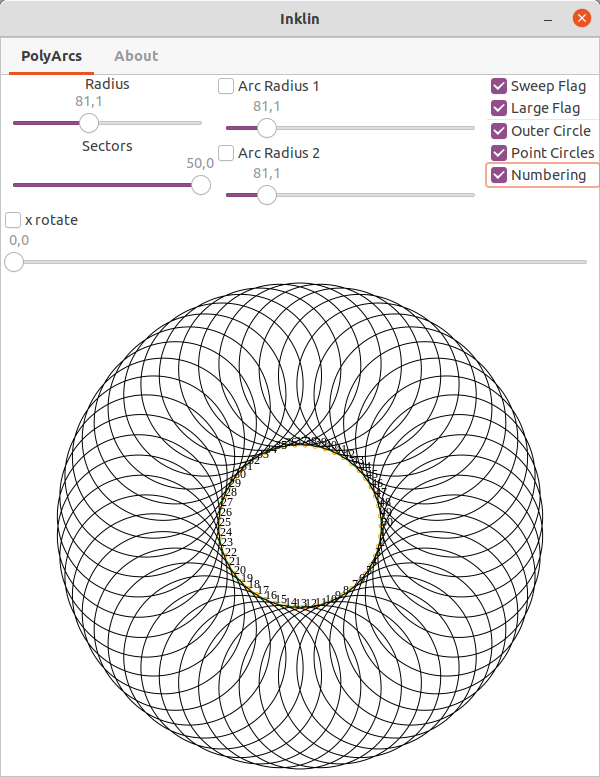
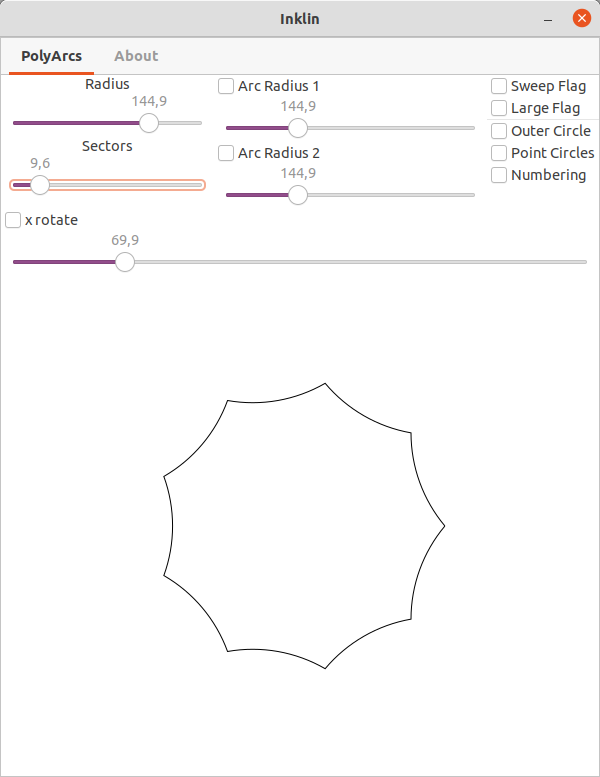
A polygon arc generator. Creates polygons with arcs as sides instead of straight lines.
See also:
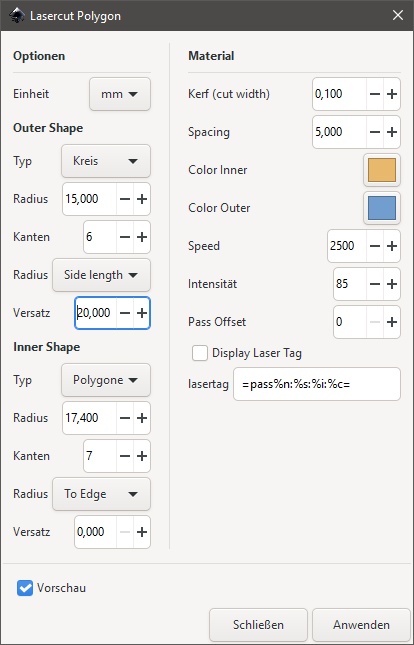
Lasercut Polygon

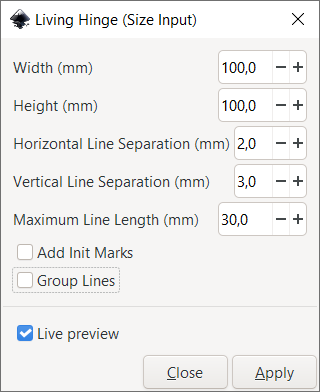
Living Hinge (Size Input)

See also
Parabola
Source: https://github.com/opensourcebear/inkscape-extension-parabola
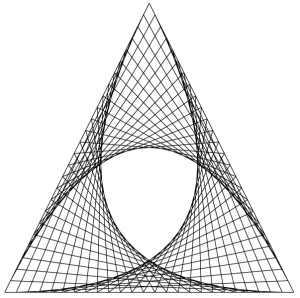
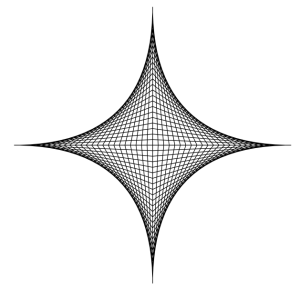
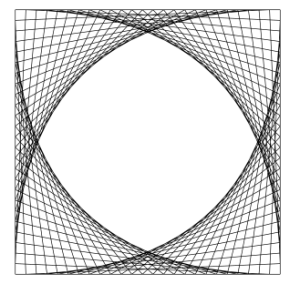
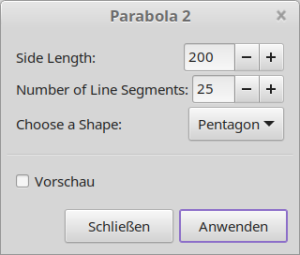
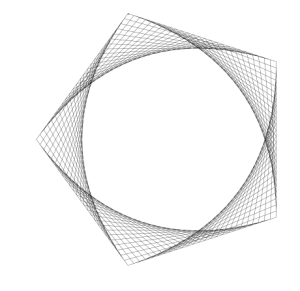
Parabola 2
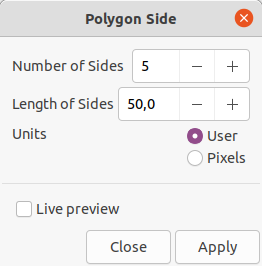
Polygon Side
Source: https://inkscape.org/de/~inklinea/%E2%98%85polygon-side
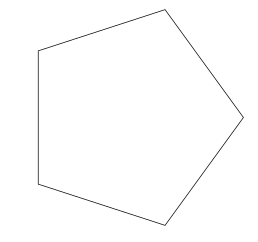
Creates a polygon with a given side length.
See also:
Random Line
Source: https://github.com/opensourcebear/inkscape-extension-random-line
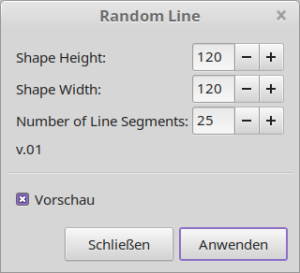
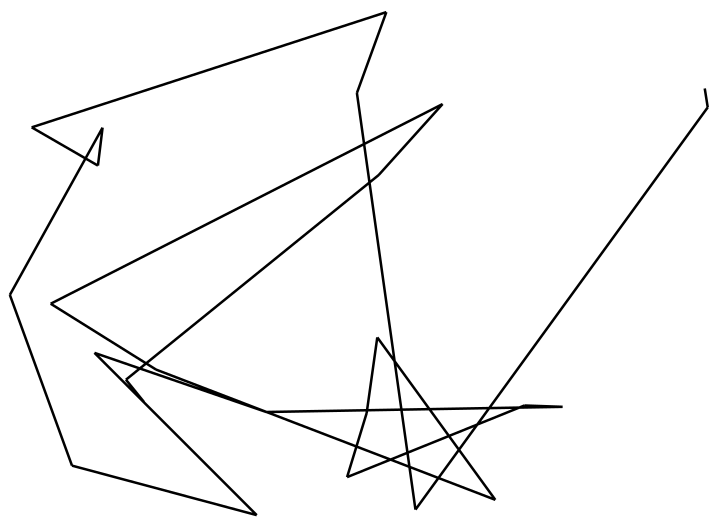
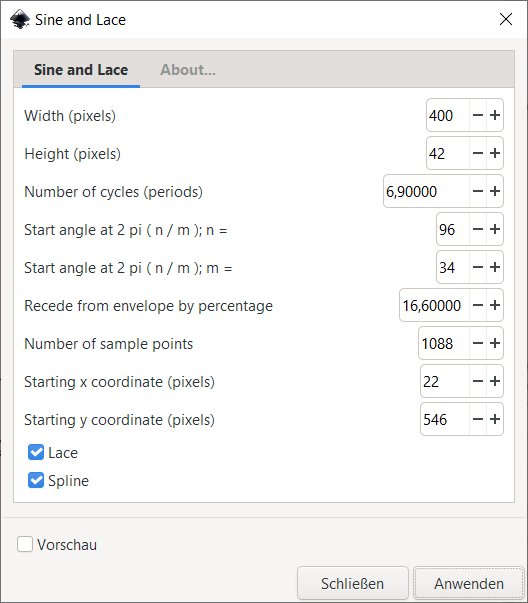
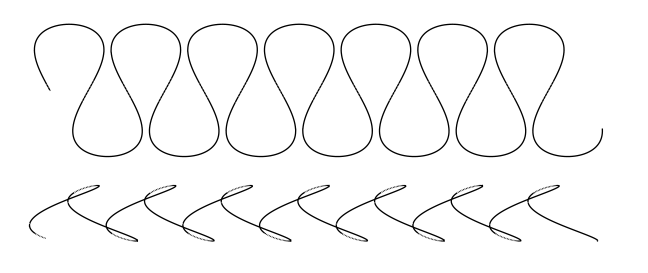
Sine and Lace
Source → https://github.com/vishnu20001/EggBot/tree/master/inkscape_contributed
SpiroGraph
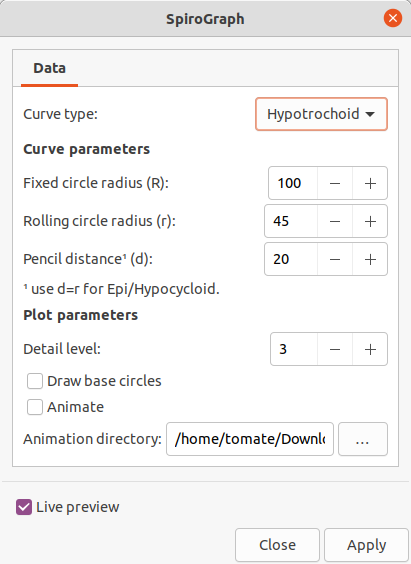
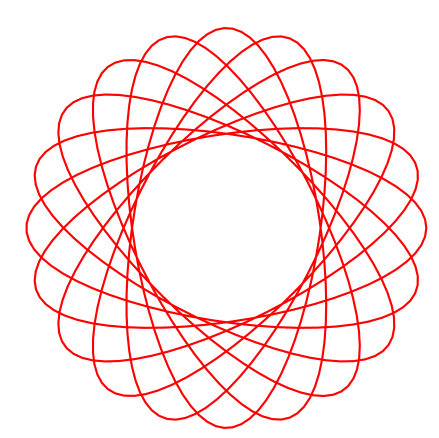
Requirements
- https://github.com/fsmMLK/inkscapeMadeEasy (included in MightyScape)
- https://github.com/fsmMLK/inkscapeSpirograph (included in MightyScape)
Docs
- https://inkscape.org/zh-hans/~fsmMLK/%E2%98%85this-extension-will-assist-you-creating-spirograph-plots
- https://github.com/fsmMLK/inkscapeSpirograph
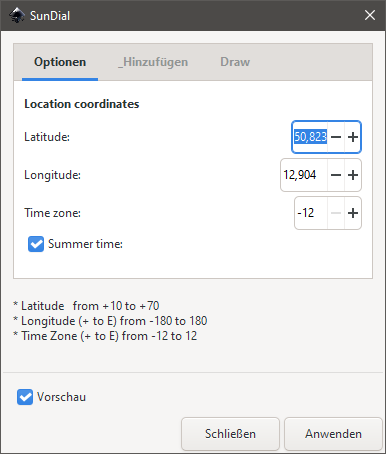
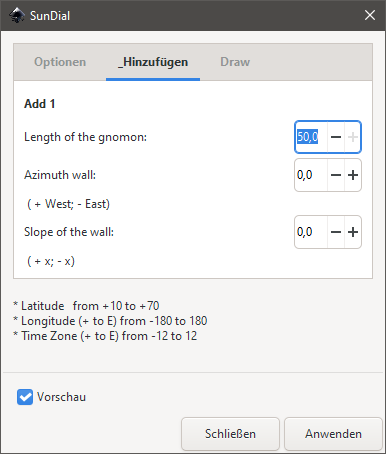
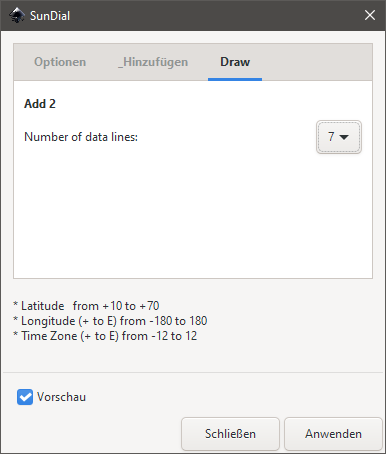
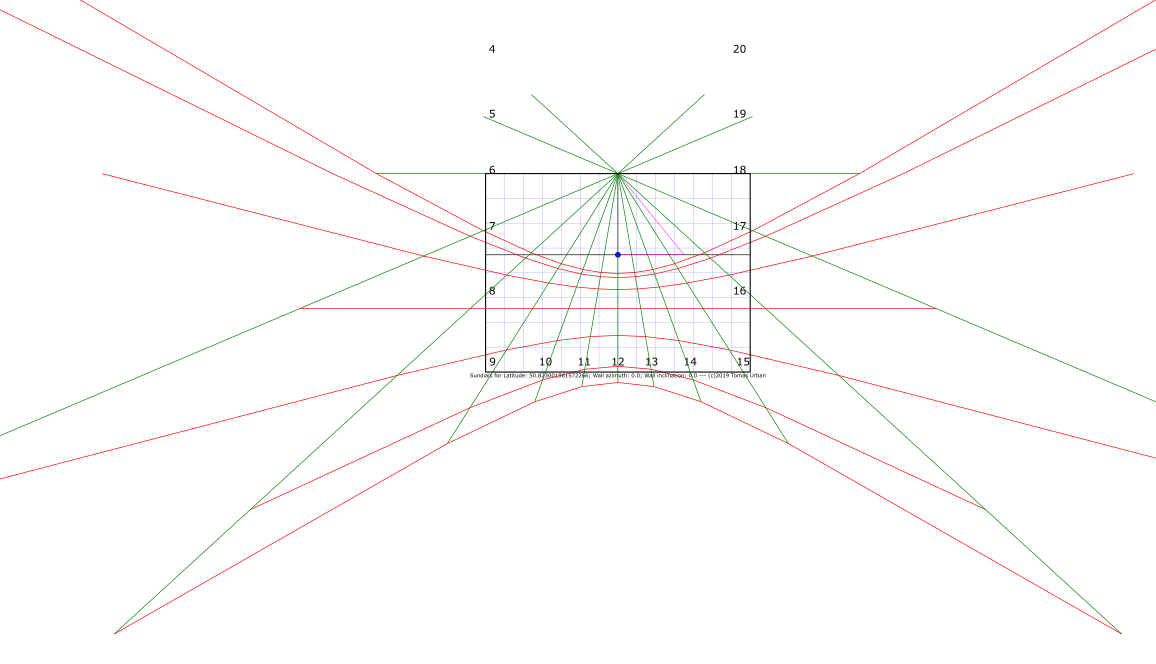
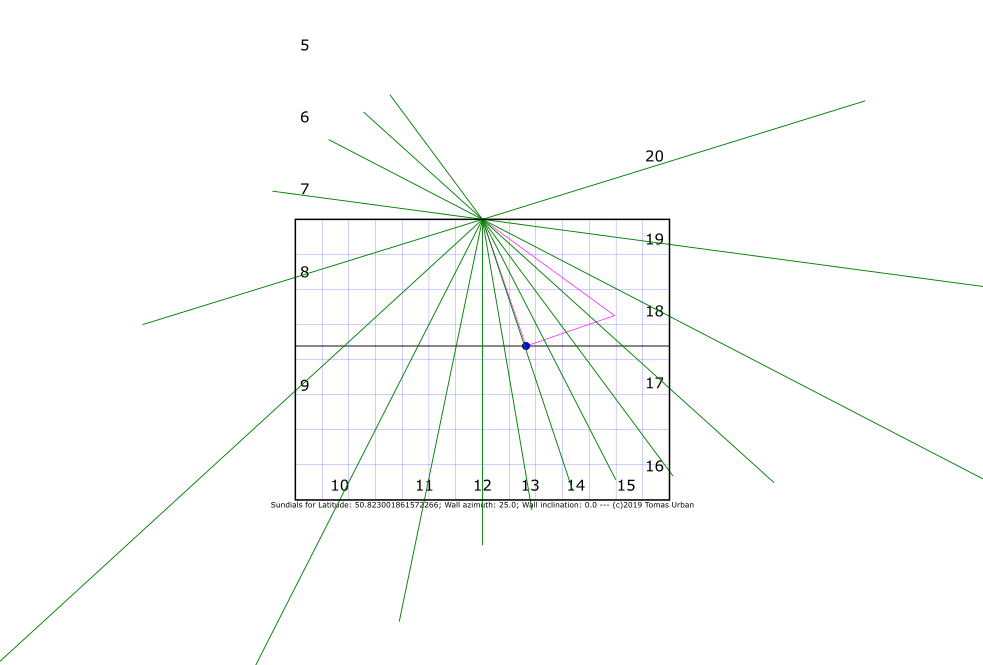
Sundial Declining
https://inkscape.org/de/~TomasUrban/%E2%98%85sundial-declining
You can use mapcoordinates.net to retreive your desired location coordinates
Triangle
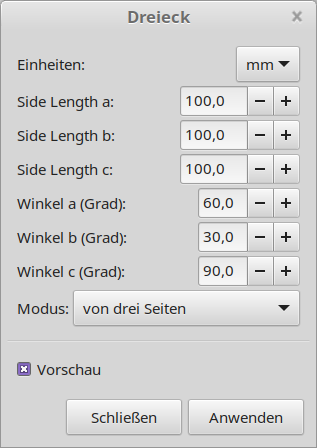
Same triangle generator than default, but with possibility to enter units:
Vektorkollektor
A little contribution to the ongoing Vektorkollektor project by Niklas Roy and Kati Hyyppä.
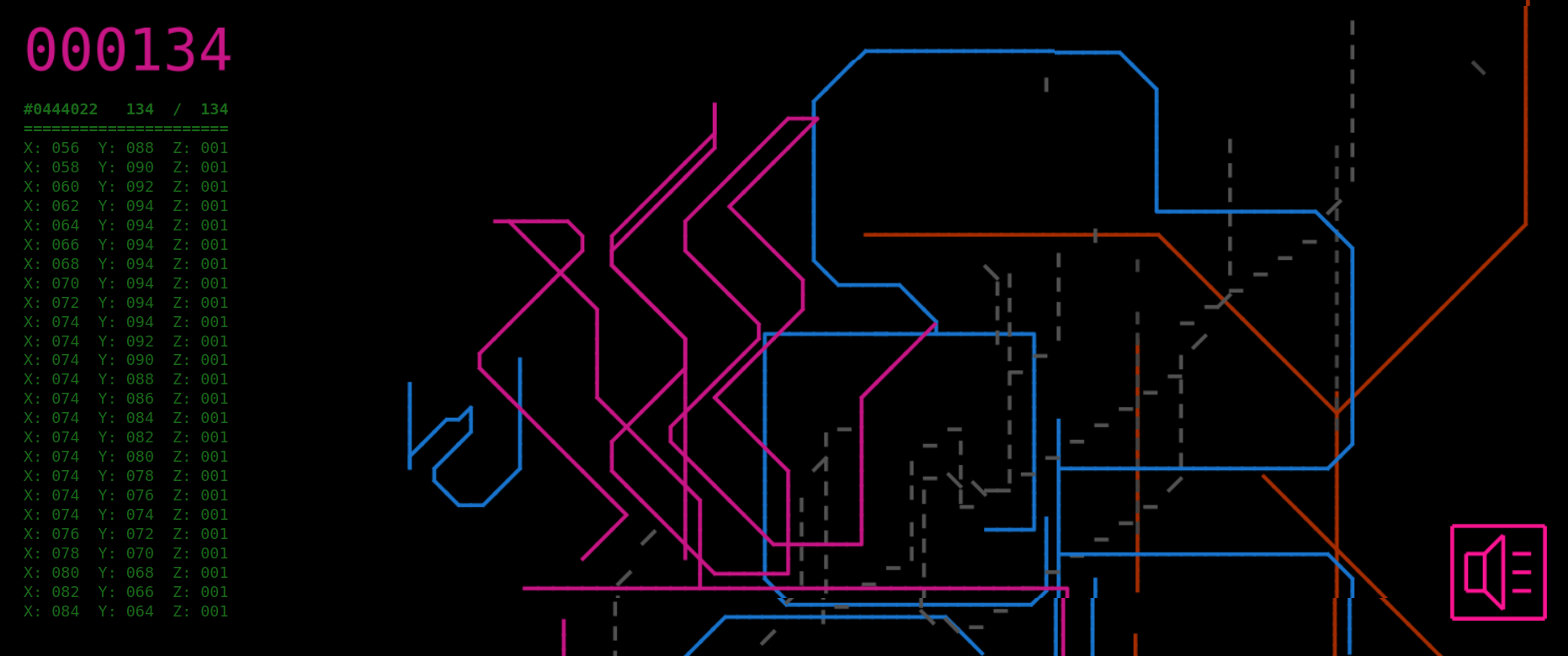
See https://stadtfabrikanten.org/article/offene-werkstatt-mit-vektorkollektor
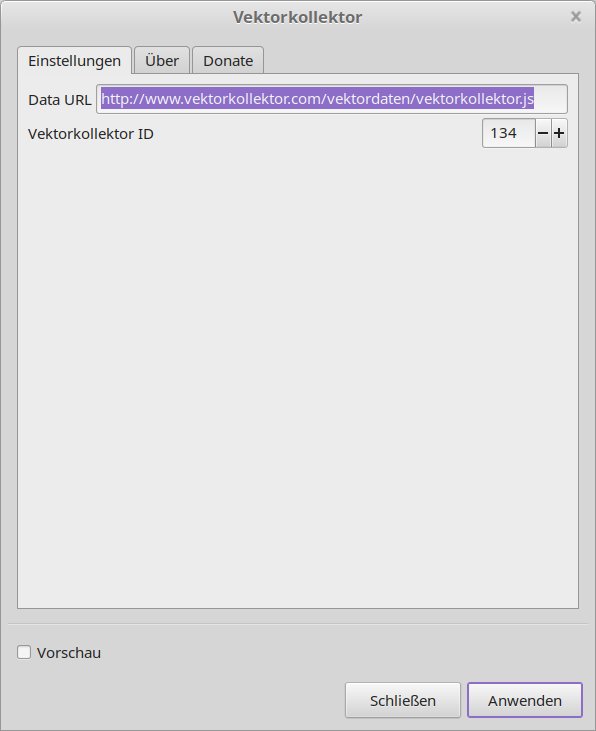
This extensions grabs the live vector data from RAW js file and parses it into usable arrays creating Inkscape SVG lines
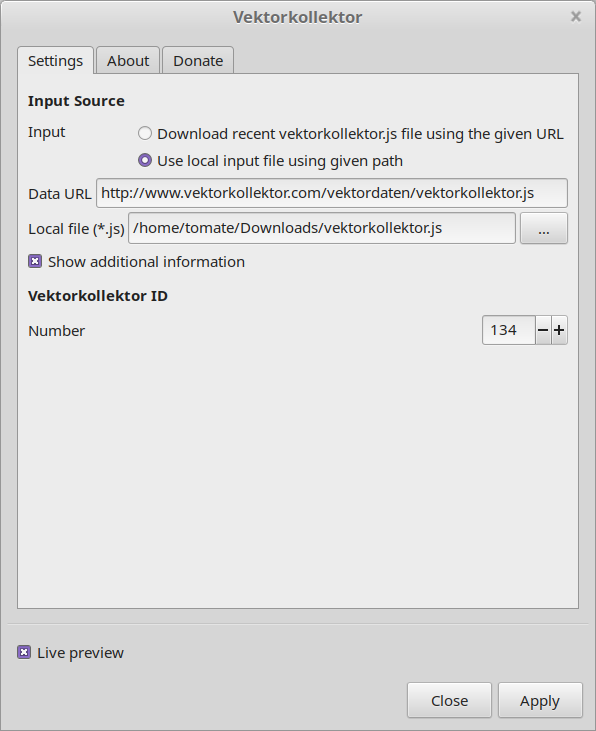
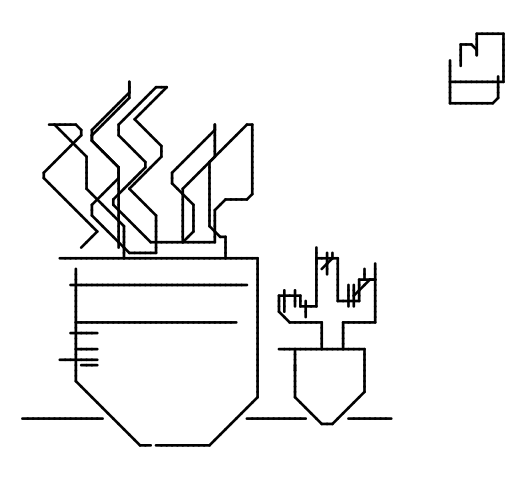
Tips for post processing
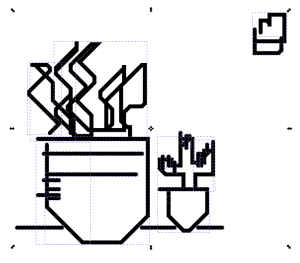
Making files for T Shirts
- select all paths and run Chain Paths
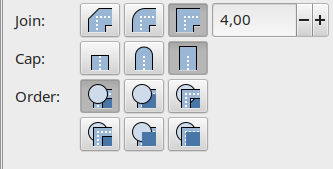
- additionally change miter style / cap style to straight

- thicken up the paths to desired width
- convert the contour to a path. This allows to cut those images with a vinylcutter:

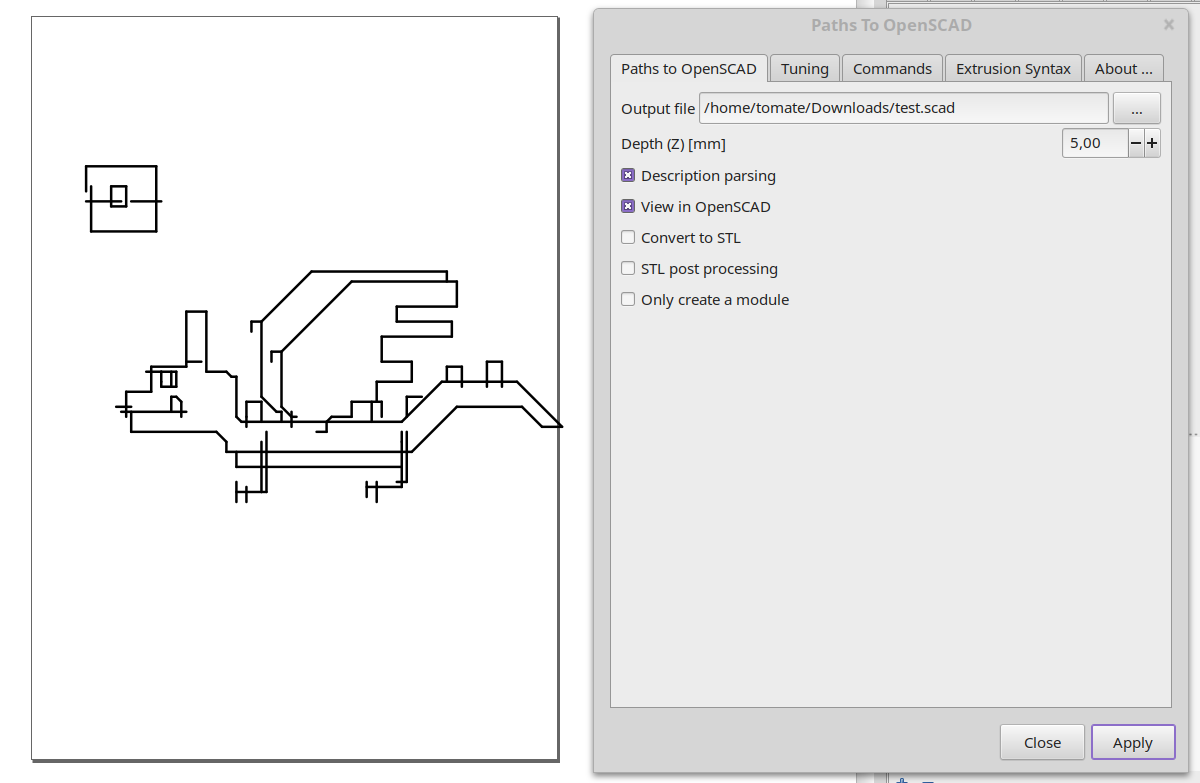
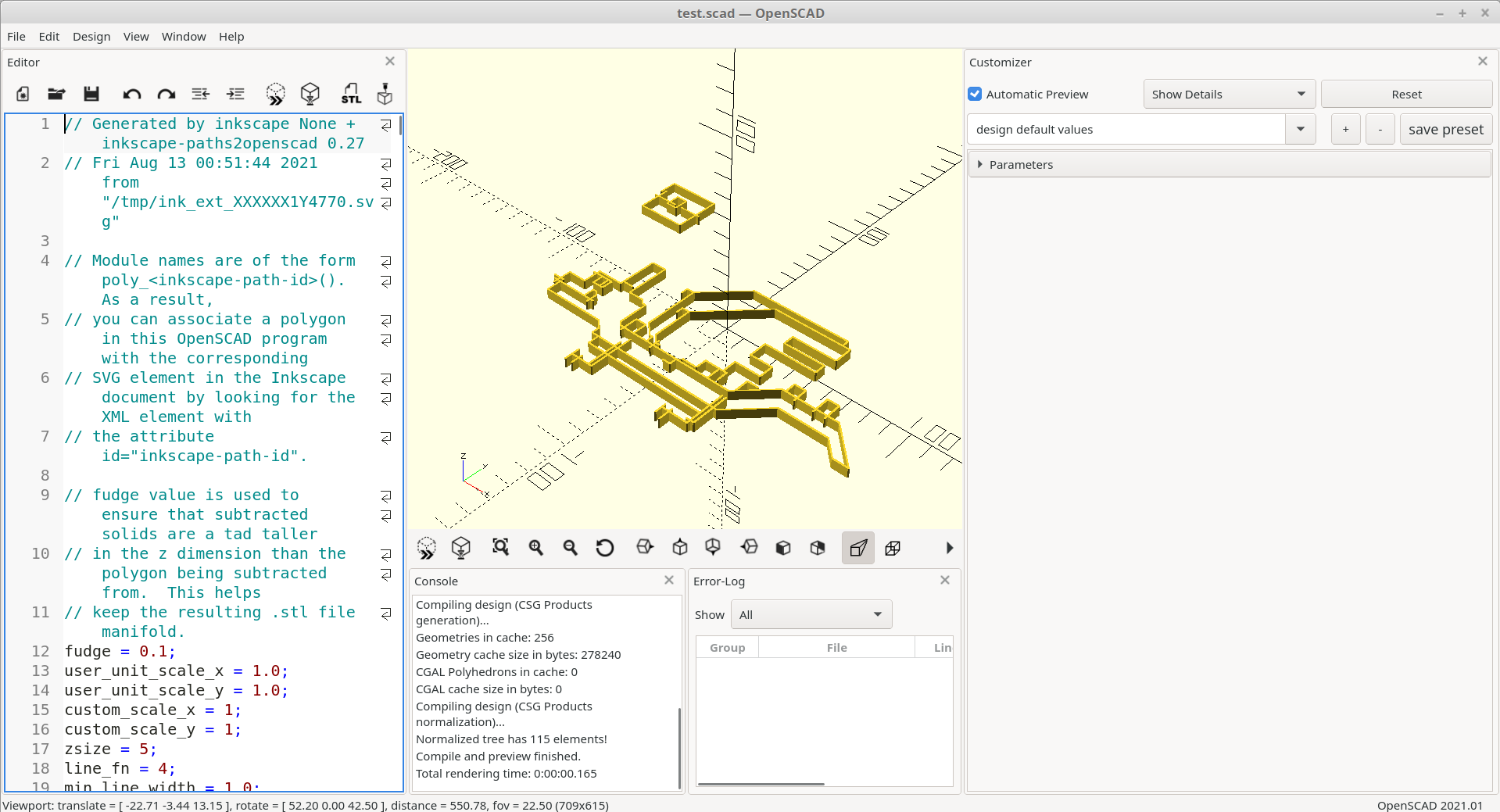
3D Printing
More details:
- http://www.vektorkollektor.com
- http://www.vektorkollektor.com/vektordaten/vektorkollektor.pdf
- http://www.vektorkollektor.com/vektordaten/vektorkollektor.js
- http://www.vektorkollektor.com/vektordaten/vektorkollektor_optimized.js (same format like vektorkollektor.js but with filtered line duplicates / overlapping segments)