Shape/Pattern from existing Object(s)
- Clones In Perspective
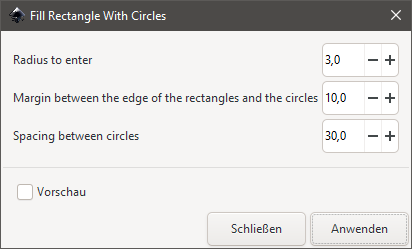
- Fill Rectangle With Circles
- Hatches And Grains
- IFS Fractals
- Living Hinge (Fit To Rectangle)
- Low Poly 2
- Shapes
- Sheriff Star
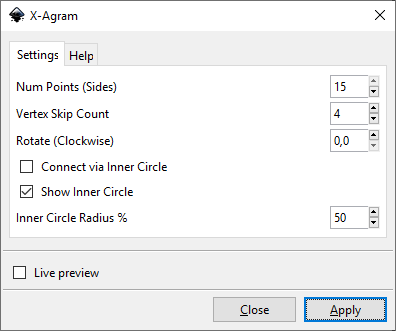
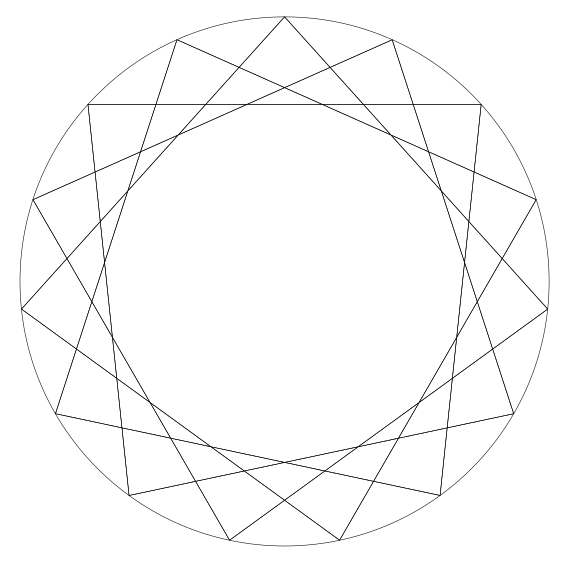
- X-Agram
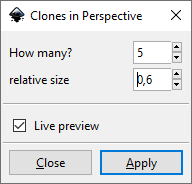
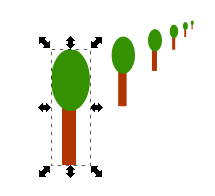
Clones In Perspective
See also Create patterns
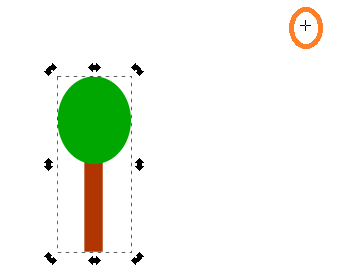
Draw some random stuff and group
Create a whole group of all objects you want to make off some pattern
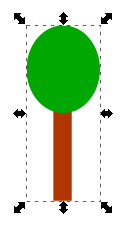
Adjust the center of rotation (move the vanishing point)
Select the group and click one time more to get the object rotation anchors. This will also show the rotation center point which can then be selected and moved
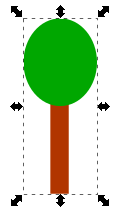
Move the vanishing point
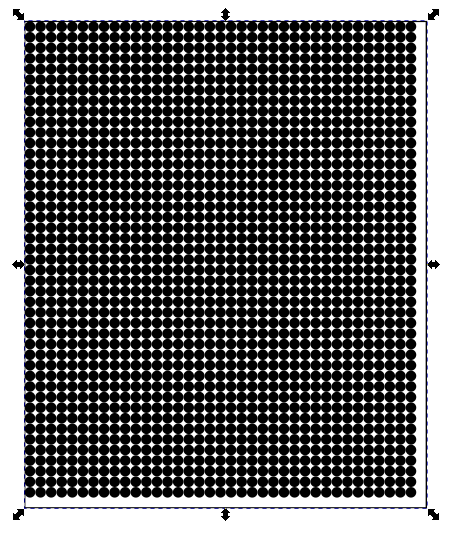
Fill Rectangle With Circles
Hatches And Grains
Source: https://gitlab.com/marcjeanmougin/inkscape-carto-ext/-/tree/master/
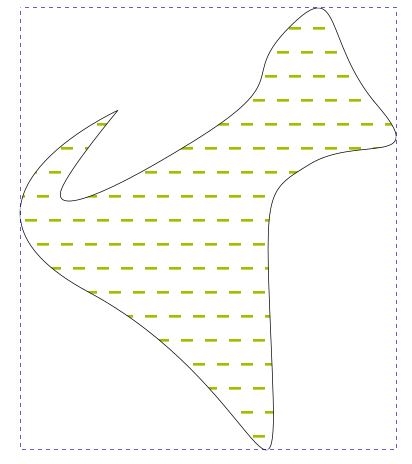
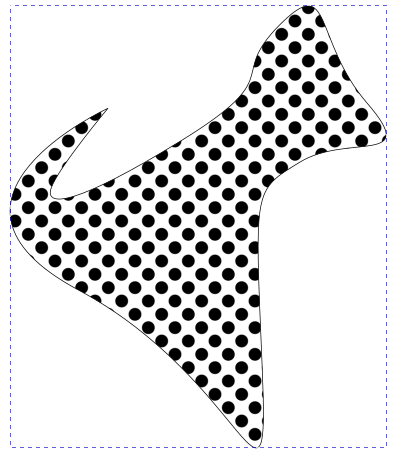
This mapping module is intended for the community of geographers and cartographers. It makes it possible to create visual variables like "hatch" or "grain" on surface or point implantation, in order to differentiate or prioritize the cartographic information.
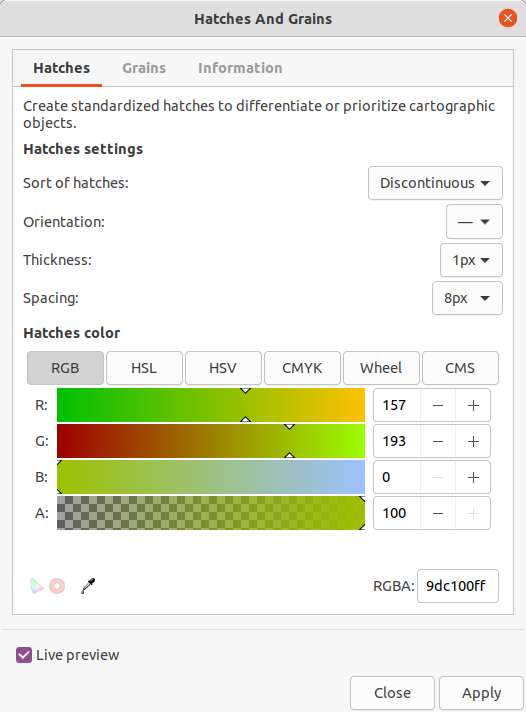
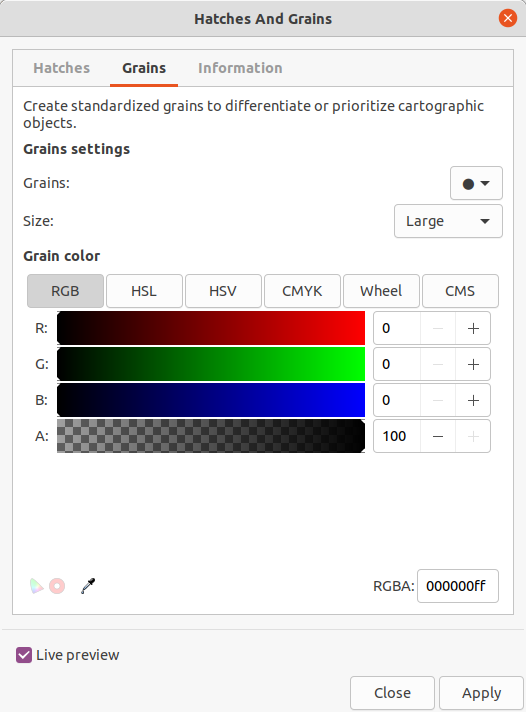
Draw some object or path and apply hatches or grains:
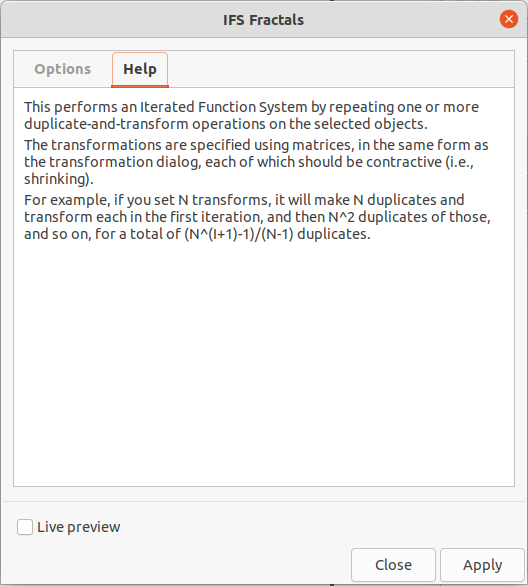
IFS Fractals
https://github.com/dylex/inkscape-ifs
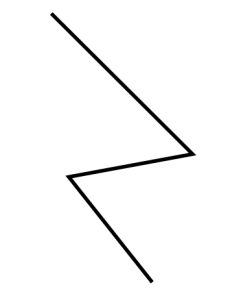
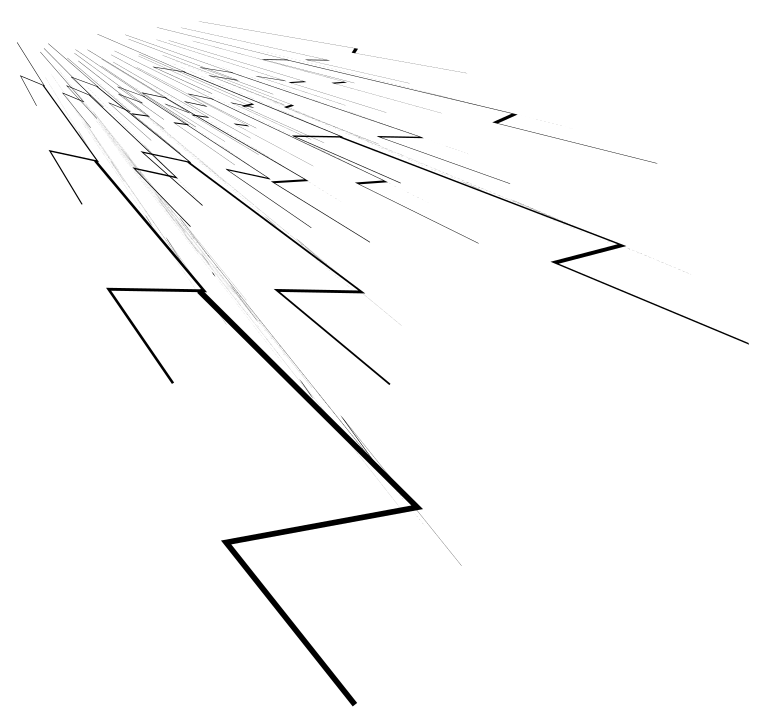
Draw some objects
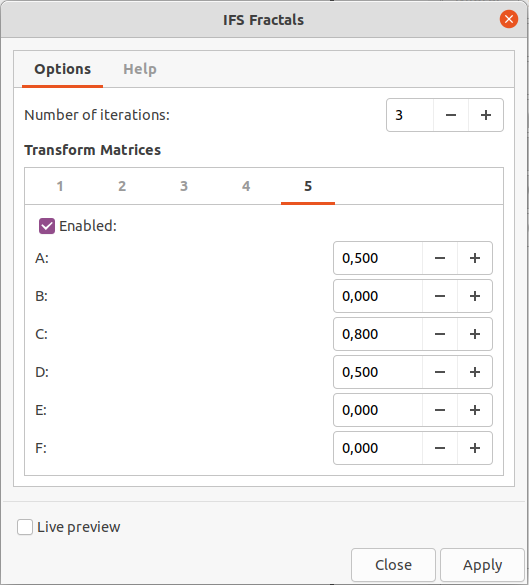
Check the result
Living Hinge (Fit To Rectangle)
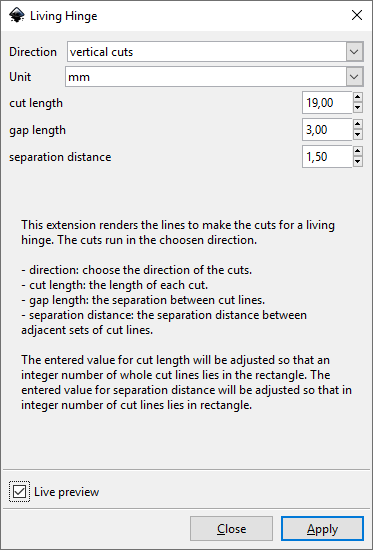
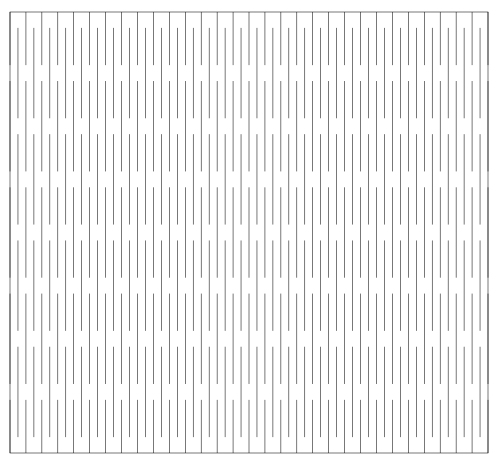
This plugin only works für rectangles of the type "Object". So you may not convert the rectangle to a path before! See https://wiki.lvl1.org/Inkscape_Extension_to_Render_a_Living_Hinge.
Draw a rectangle object (do not convert to path!)

See also
Low Poly 2
This is similar to Low Poly extension but works different regarding to the path handling.
Allure a wannabe cat into Inkscape - thanks Charlie!
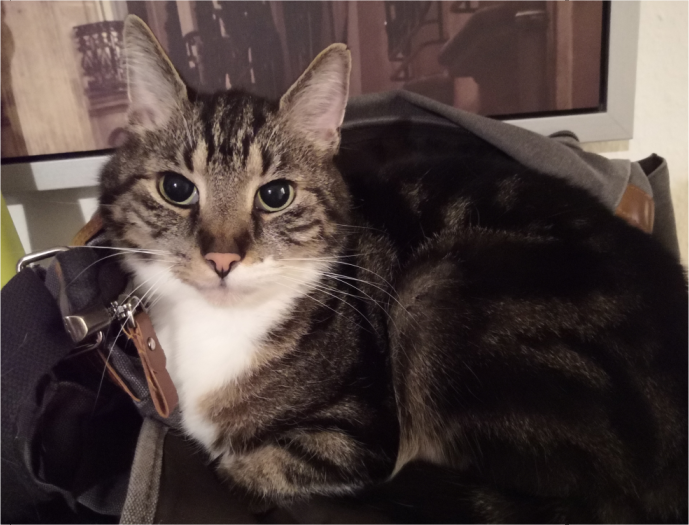
Draw some lines at prominent positions

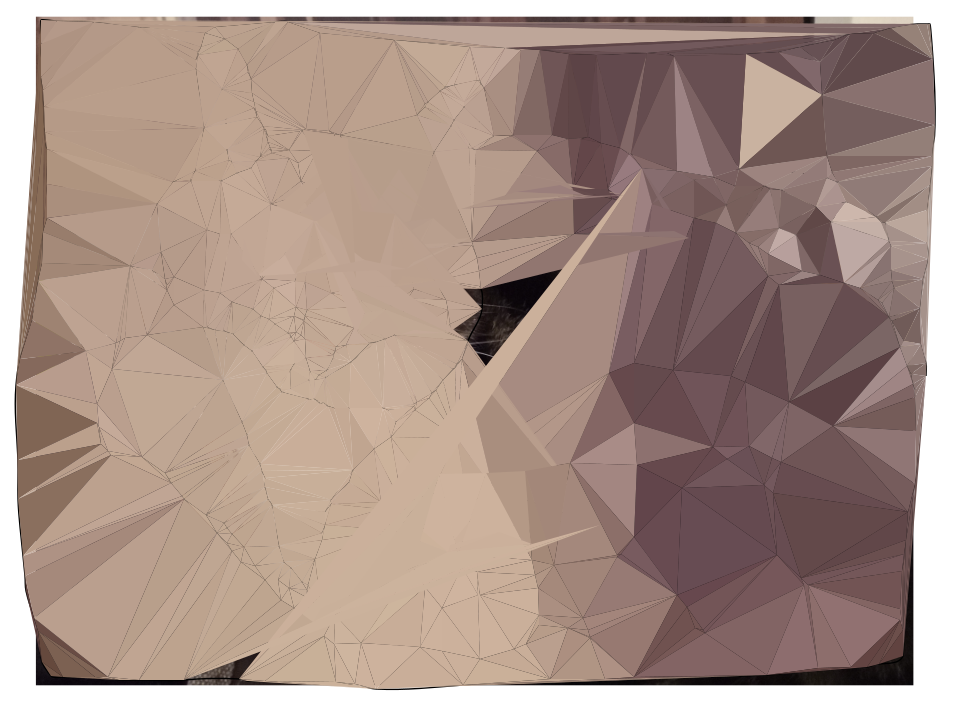
Select all paths and the image, then run the extension
Low Poly Charlie
Not the best example but it shows how the plugin works
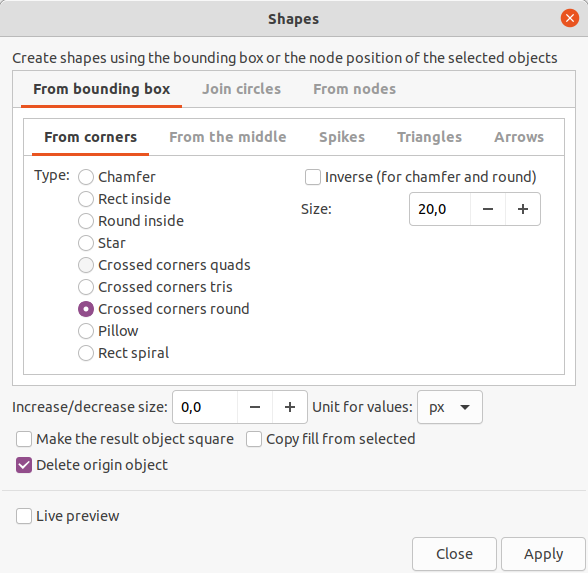
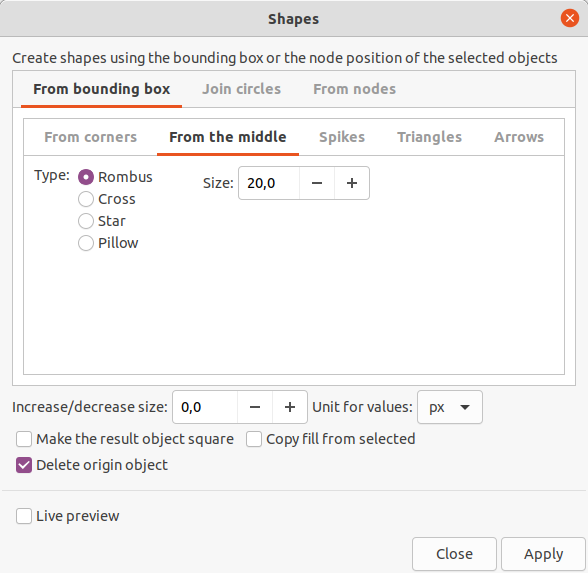
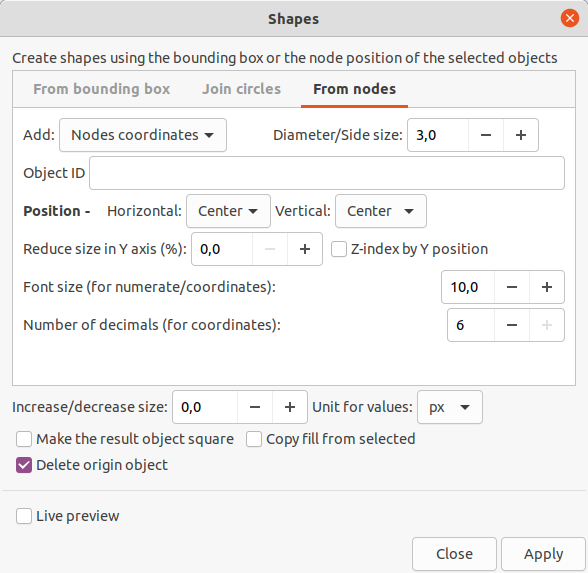
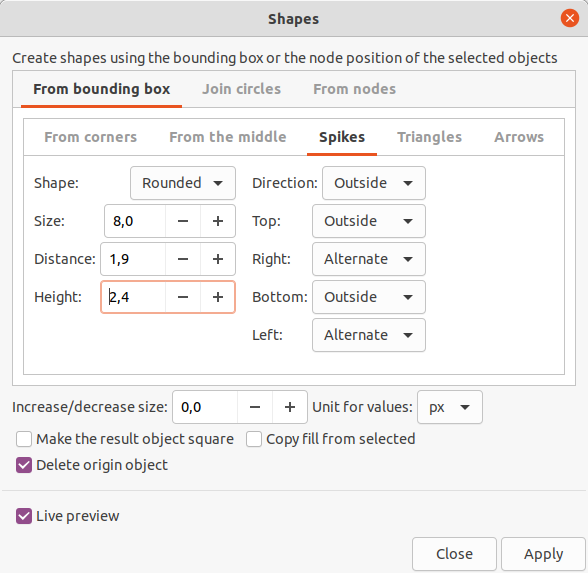
Shapes
Source of documentation: https://www.arakne.es/en/inkscape-1-0-shapes-extension-new-version/
This plugin works for Object selection as well as Path selection
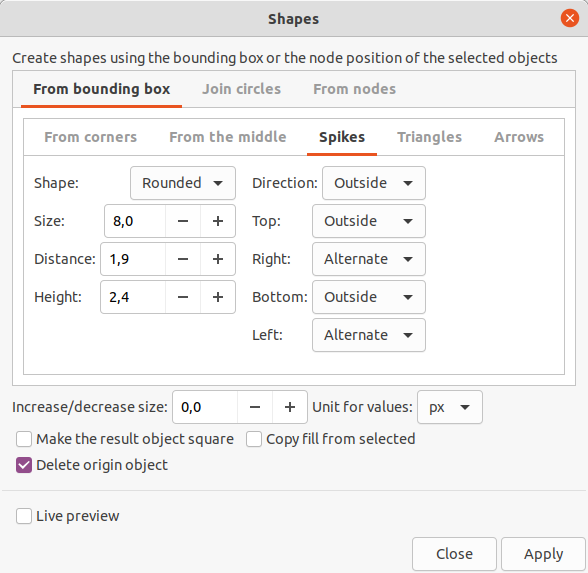
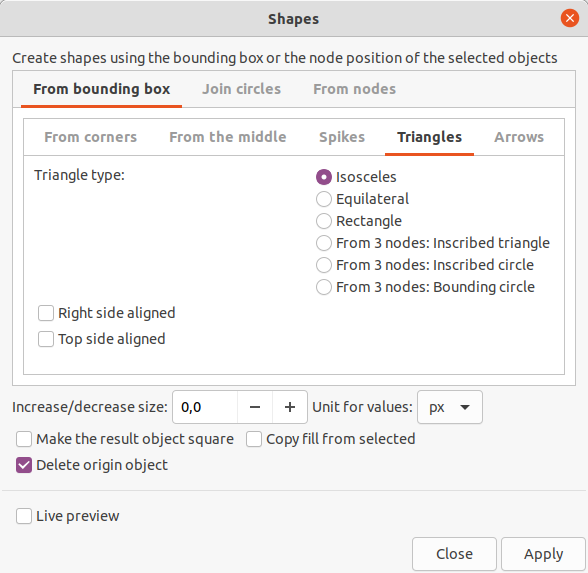
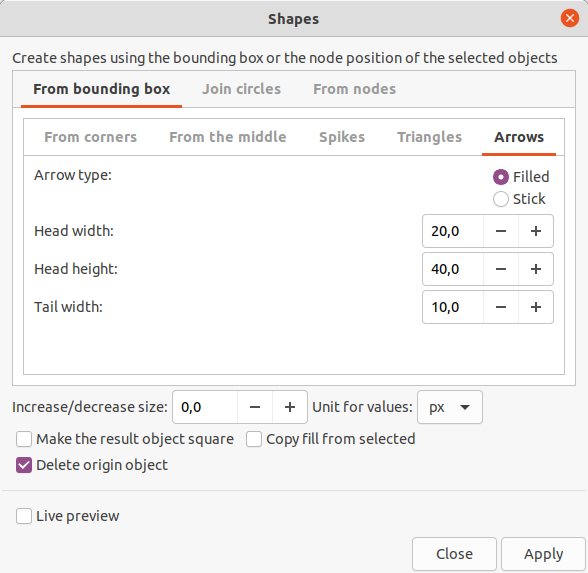
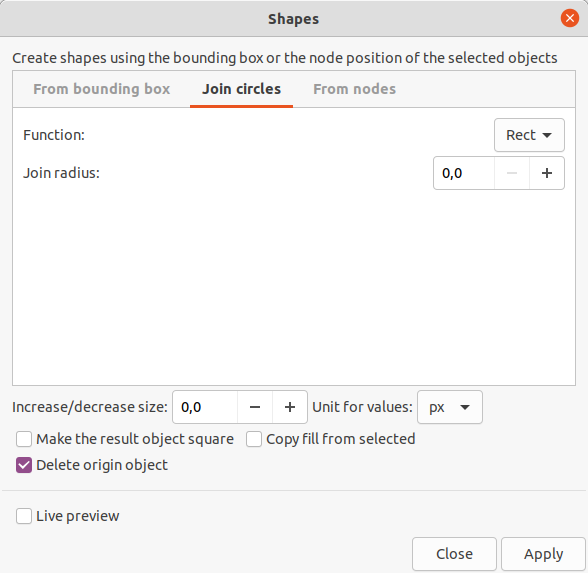
Sheriff Star
Source of documentation: https://github.com/garykac/pathmonkey
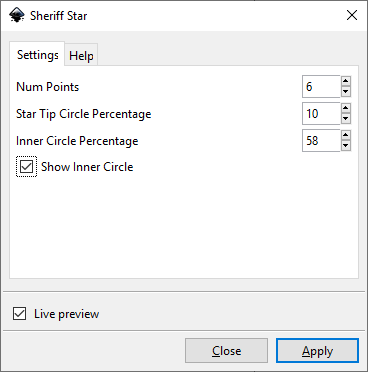
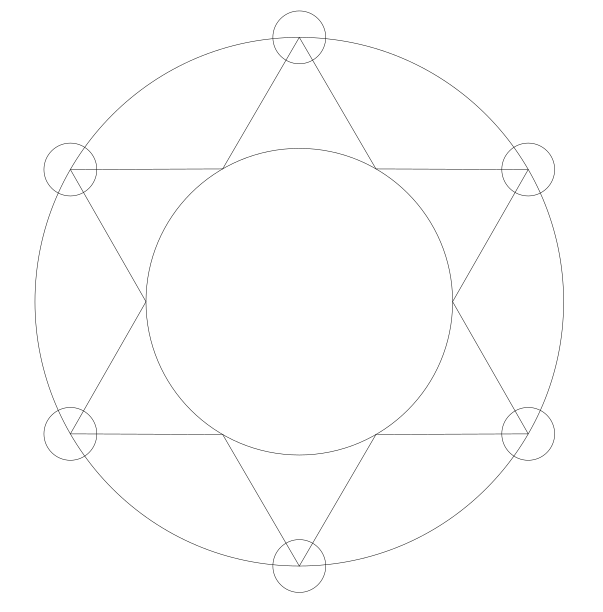
Sheriff stars typically have 5 or 6 points and also have a circle at the end of each point so that the badge can't accidentally stab the officer while they're wearing the badge.
6-pointed Sheriff Stars
| Shapes created by extension | Remove original circle | Union the shapes |
|
|
|
|
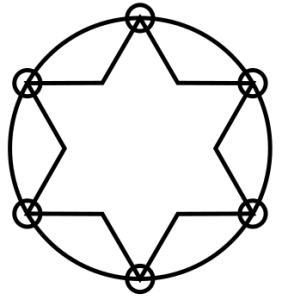
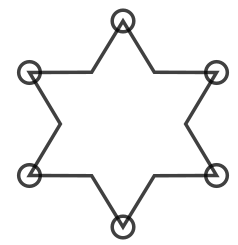
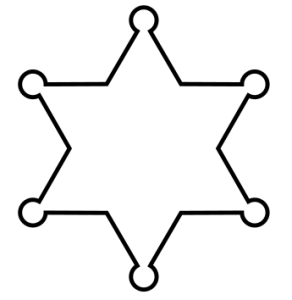
The components (star, circles) are kept separate so that additional processing can be performed on each component if desired. To produce a sheriff star outline, just union the various shapes together.
5- and 7-pointed Sheriff Stars
|
|
|
|
|
|
|
|
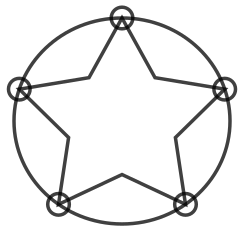
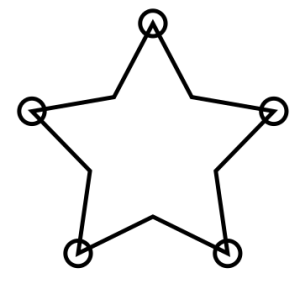
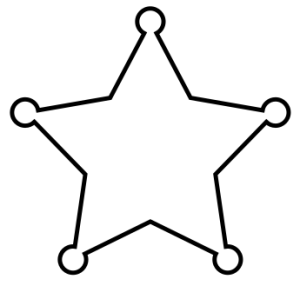
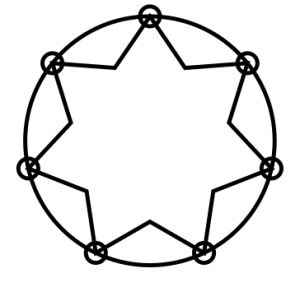
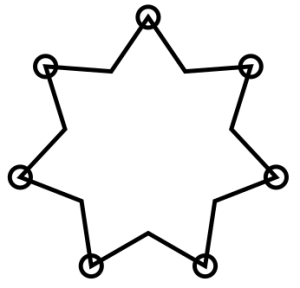
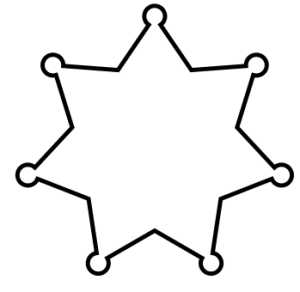
If the "Show inner circle" option is selected, then a circle touching the inner points of the star will be included in the output. Here is an example for a 5-pointed star:
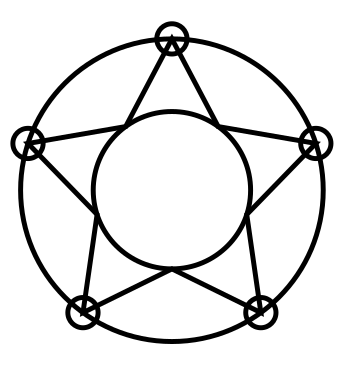
This extension works with circles and ellipsis objects

X-Agram
Source of documentation: https://github.com/garykac/pathmonkey
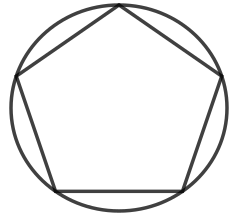
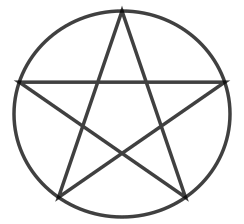
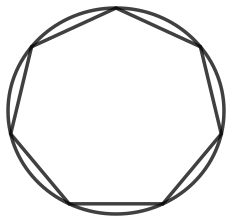
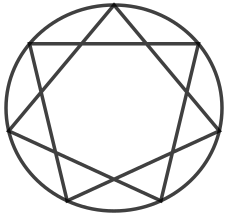
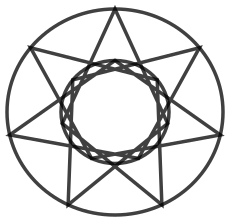
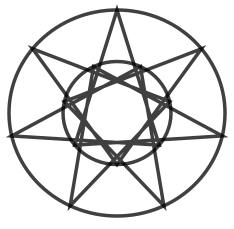
X-agrams are stars with a circumscribed circle. While these can be drawn separately, it can be tricky to properly align the circle and the star, especially for odd-count stars where the center of the star's bounding box is not the true center of the star.
Pentagram (5-agram)
|
|
|
|
| Create and select a circle | Vertex skip = 1 (pentagon) | Vertex skip = 2 (pentagram) |
Septagram (7-agram)
|
|
|
|
| Vertex skip = 1 | Vertex skip = 2 | Vertex skip = 3 |
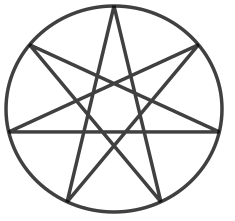
In addition to connecting each point along the outer circle, they can also be connected via an inner circle.
Septagram (7-agram) with inner connection
|
|
|
|
|
|
| Vertex skip = 1 | Vertex skip = 2 | Vertex skip = 3 | Vertex skip = 4 | Vertex skip = 5 |
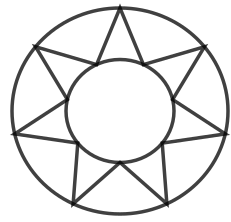
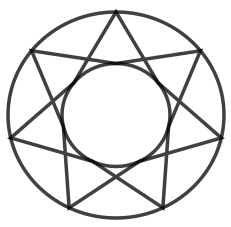
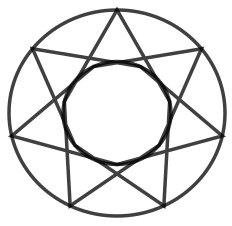
This extension works with circles and ellipsis objects
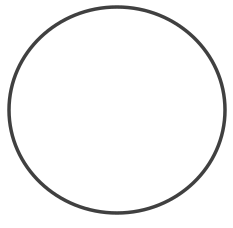
Draw a circle object