Modify existing Path(s)
- Blueprint Maker
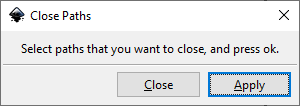
- Close Paths
- Convert To Polylines
- Convert Vertical/Horizontal To Line
- Ellipse by Five Points (Replaced by LPE)
- Fillet And Chamfer (Replaced by LPE)
- Flevobezier
- Guilloche Contour
- Guilloche Pattern
- Open Closed Path
- Paths To Lowlevel Strokes
- Round Corners (Replaced by LPE)
- Rounder
- Snap Object Points
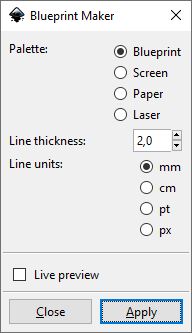
Blueprint Maker
Example Output
Close Paths
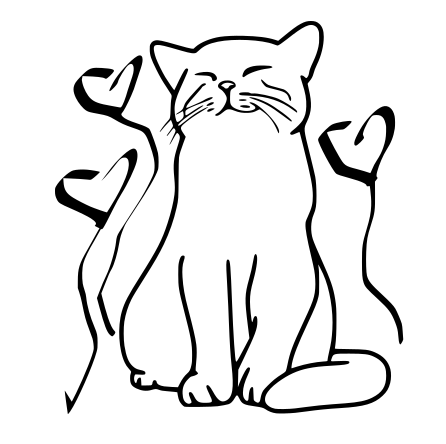
This is similar to Chain Paths extension but it has less features and only "one job". It helps to close open contours. This will connect the first point and the last point of a path which has no "Z" flag (which indicates for a closed path). If the first and the last point are already coincident it will just add the Z flag to the end of the path. If there's a distance left between the points a new line segment will be created to close the path. "Close Paths" extensions is also similar to Join Paths / Create Tabs And Dimples and Line Merging (Combine Paths).
This plugin does not apply for paths in groups. Please ungroup before!
Draw some path
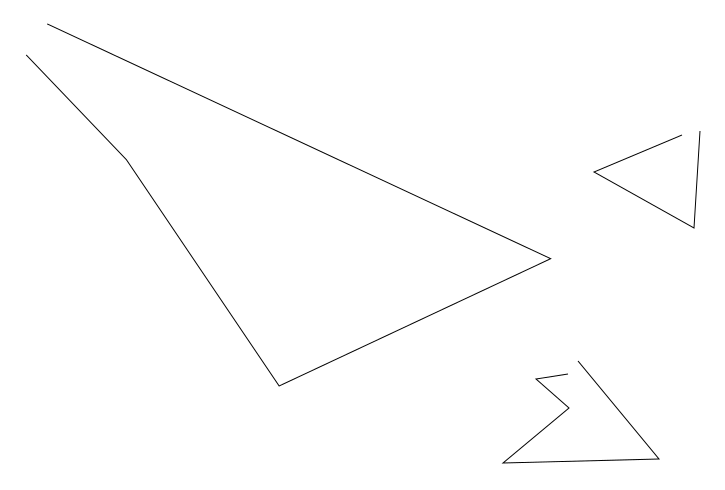
Make the path ends overlapping
This won't close these contours automatically. That's the reason to use this plugin
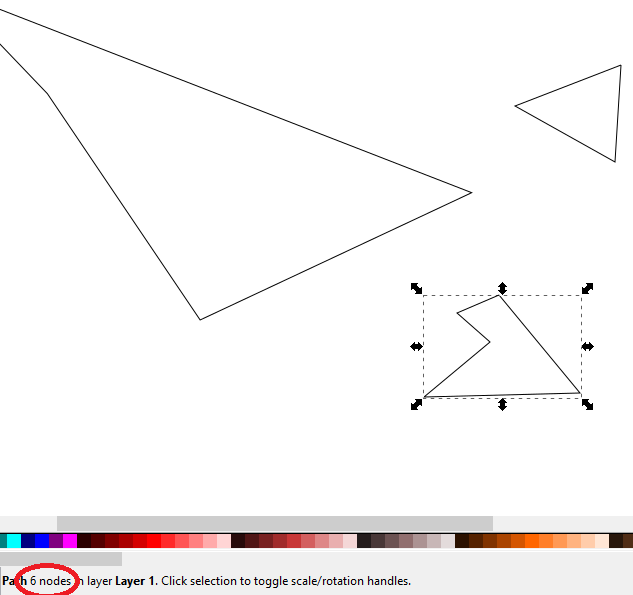
Select the paths you want to close and run extension
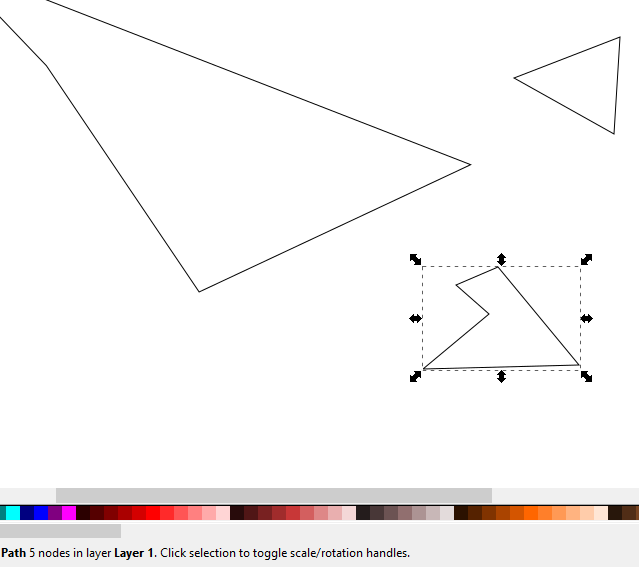
Notice that the path was reduced from 6 to 5 nodes. This happened to the other selected paths too.
Convert To Polylines
This extension takes the points of a path and make a straight polyline out of it. Nothing less, nothing more. ou can do the same with default Inkscape UI (select the path → Node Tool → Straighten lines) but it might be quicker to use in some use cases. This extension handles duplicate points on a path by removing them. This extension is similar to Approximate Curves by Straight Lines (Flatten Beziers) but works much easier (but has less control over elements).
Example 1
Red outline is original curve, black one is the converted one
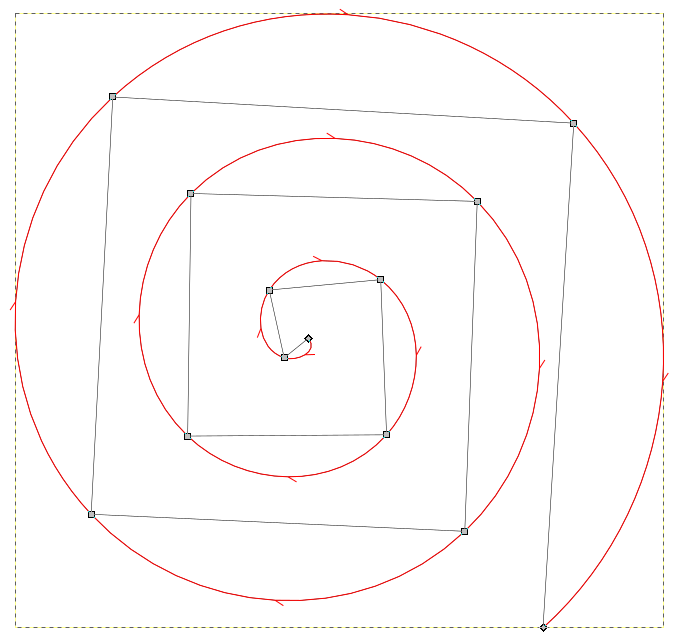
Example 2
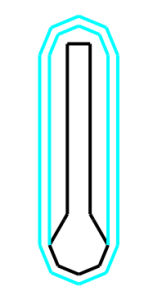
Left is before, right is after conversion
Convert Vertical/Horizontal To Line
This extension converts an SVG path's d attribute the following way: find each V (vertical line) and each H (horizontal line) and replace it by a generic line (L type). A lot of extensions do not work with V and H, but with L commands. So this is just a helper extension for other extensions. It behaves similar to To Absolute
Example conversion
from:
M 60.403,71.0937 V 89.268022 135.773
to:
M 60.403 71.0937 L 60.403 89.268 L 60.403 135.773
Ellipse by Five Points (Replaced by LPE)
Note that this feature is obsolete / legacy in InkScape 0.92 and higher because of https://wiki.inkscape.org/wiki/index.php/LPE:_Ellipse_from_Points
Usage (with a workaround)
Draw some path with 5 control points
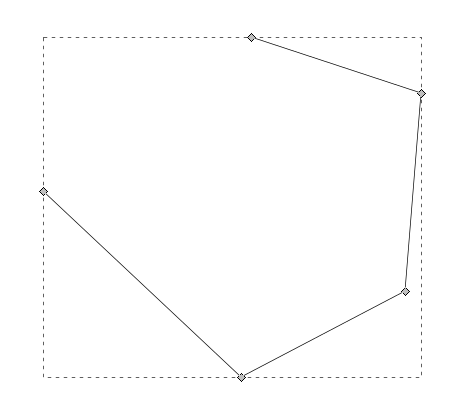
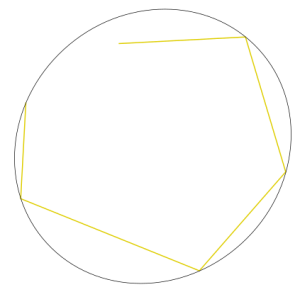
Select the object and run extension → the plugin will rotate the object
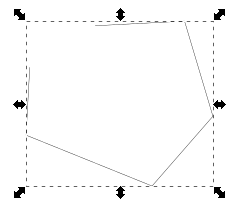
Input vs Output
Fillet And Chamfer (Replaced by LPE)
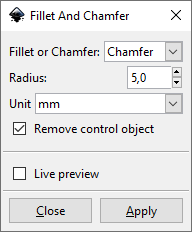
This extension is similar to the built-in Live Path Effect "Corners (Fillet/Chamfer)" of Inkccape and similar to Round Corners (Replaced by LPE) but it's great advantage is the possibility to quickly chamfer complete paths. This extension requires python library svgpathtools.
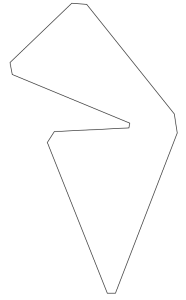
Method description
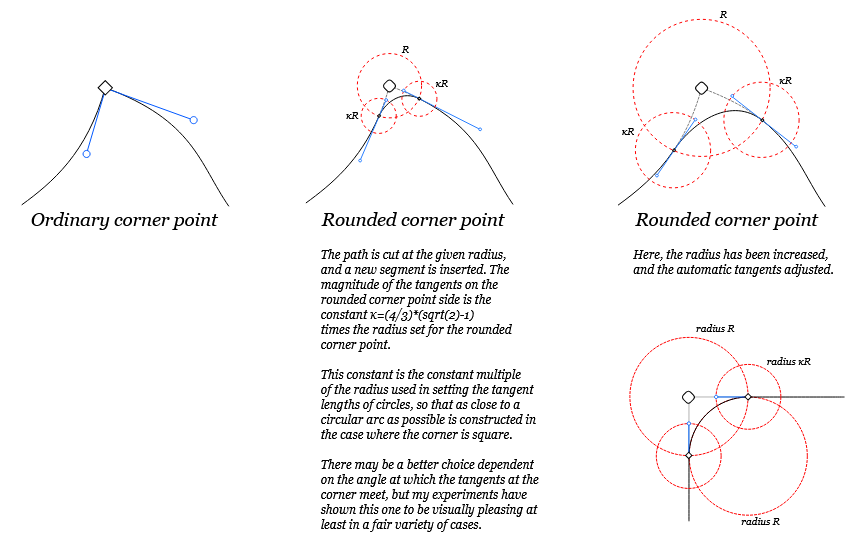
Source of image: http://launchpadlibrarian.net/12692602/rcp.svg

Draw some path
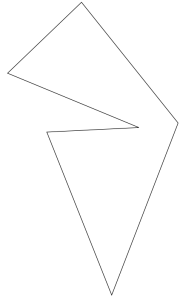
Run the exension and get the result
Flevobezier
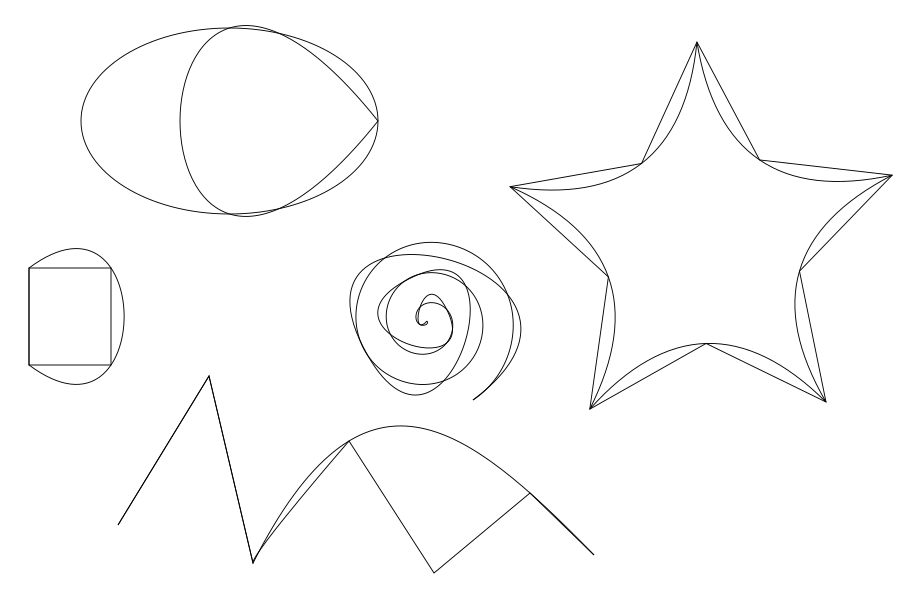
Documentation for approximation algorithm can be found at https://gitlab.com/parclytaxel/Kinross/-/blob/master/programs/arp.pdf
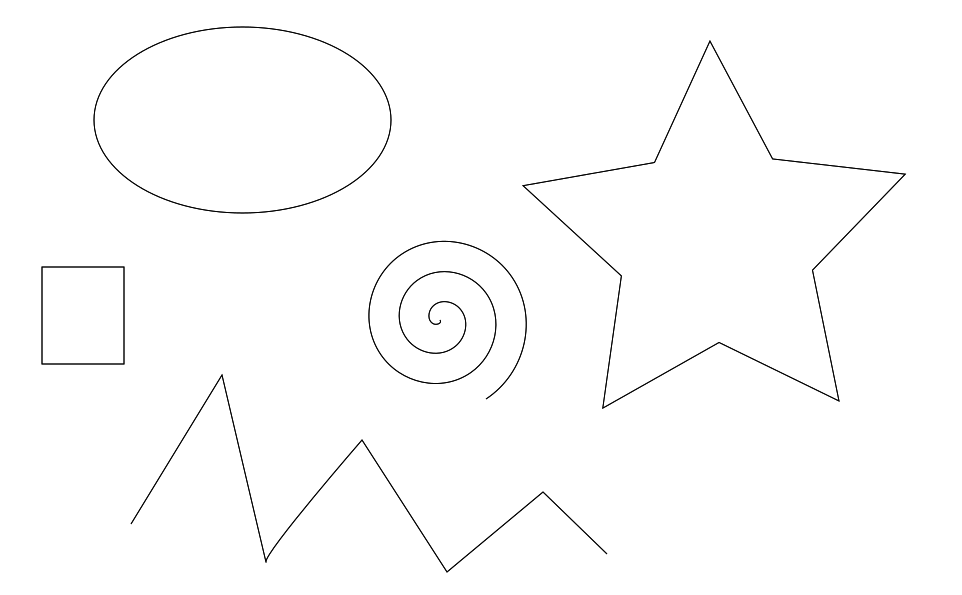
Draw some paths
Apply the extension and get result
Guilloche Contour
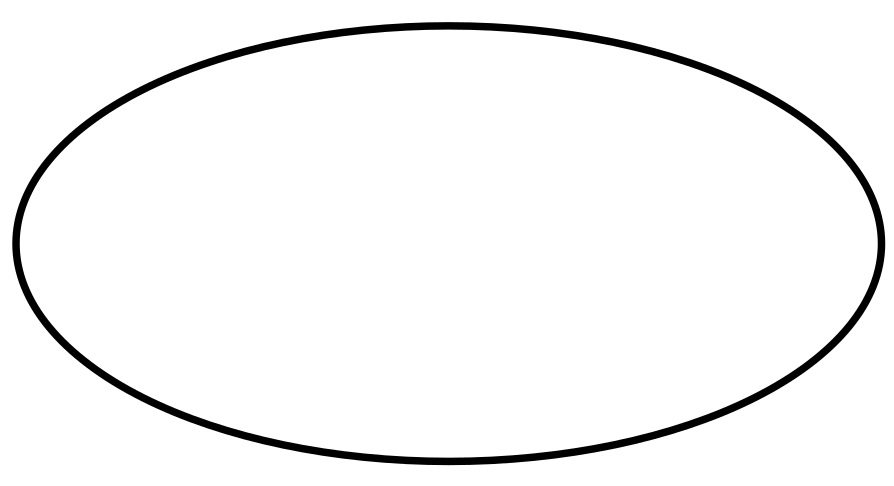
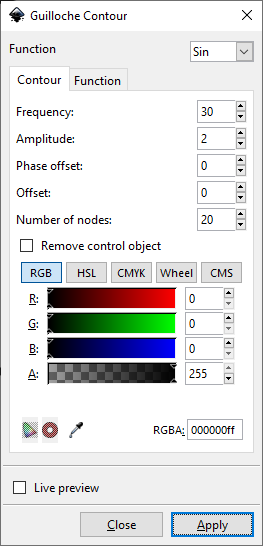
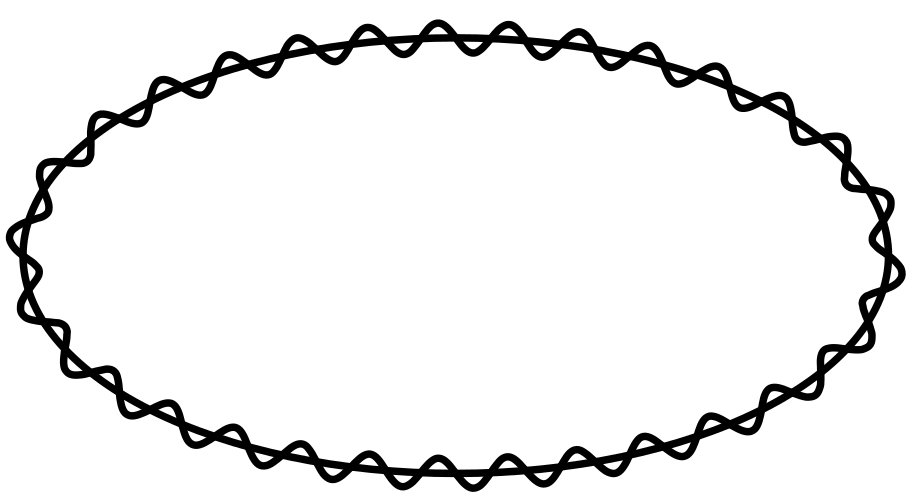
This extension creates a Guilloche Contour from a regular path. It is needed for Guilloche Pattern extension.
Guilloche Pattern
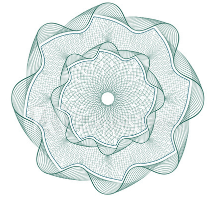
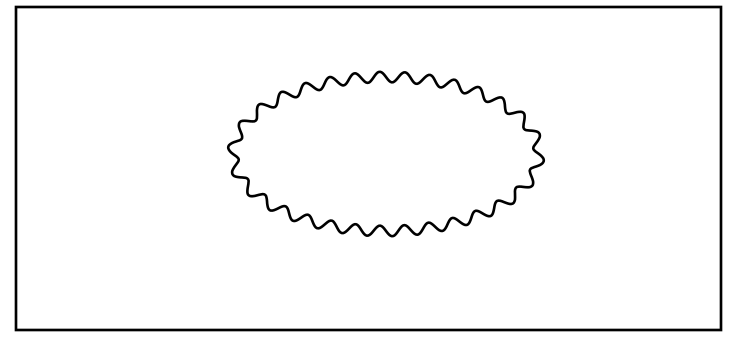
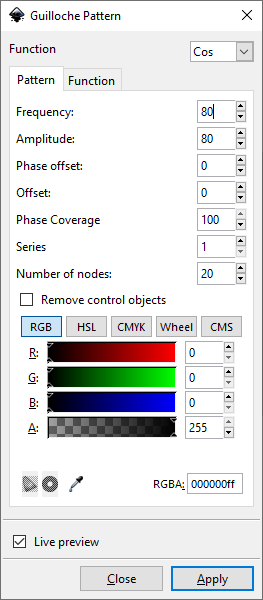
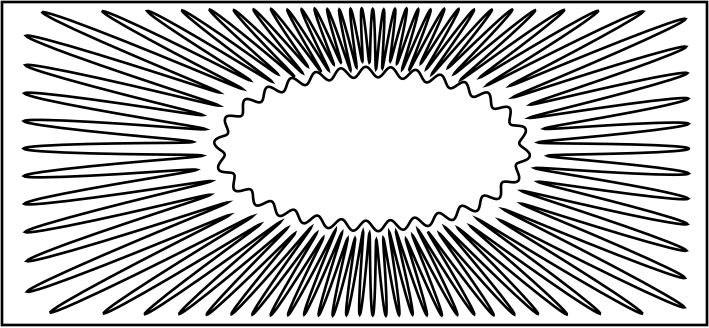
This extension allows to create patterns like this:
Example
Draw a rectangle and some Guilloche Contour:
Run the extension and get the result
Open Closed Path
Source: https://gitlab.com/EllenWasbo/inkscape-extension-openpaths
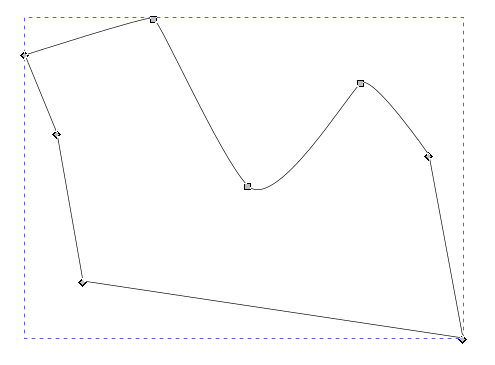
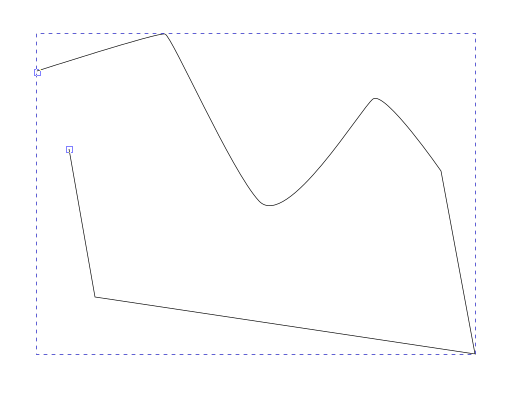
This extension will open up closed paths by removing all z-commands from the selected paths. Possible purposes: to save single line svg-fonts as otf or ttf fonts. These font formats require closed paths and will add a closing command to the glyphs. This closing can be removed by converting the text to paths, ungroup and then using this extension.
Paths To Lowlevel Strokes
This extensions does the opposite of "Strokes To Paths"
Round Corners (Replaced by LPE)
Source: https://github.com/jnweiger/inkscape-round-corners
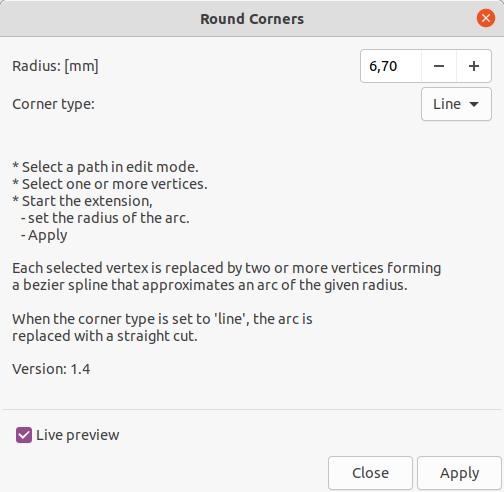
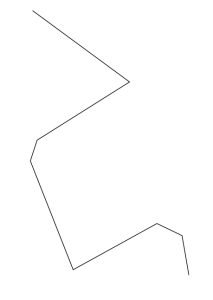
This extension is similar to the built-in Live Path Effect of InkScape and similar to Fillet And Chamfer (Replaced by LPE) but it's great advantage is the easy selection of individual path nodes (points) instead the whole path element. More details about this extension can be found in the source repository.
Warning: the results may be error prone. See https://github.com/jnweiger/inkscape-round-corners/issues/9
Example
Draw some path
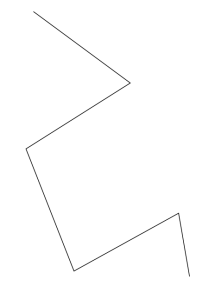
Run the extension and get the result
Rounder
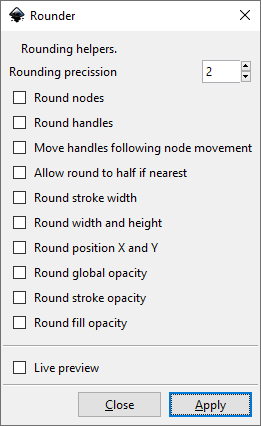
Round internal SVG data to a fixed decimal positions. Added options to also round stroke width X ,Y, Width and Height, opacity and more. Does only apply to svg:path elements.
Source: https://inkscape.org/~jabiertxof/%E2%98%85rounder-04
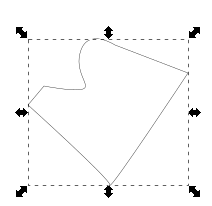
Draw some example
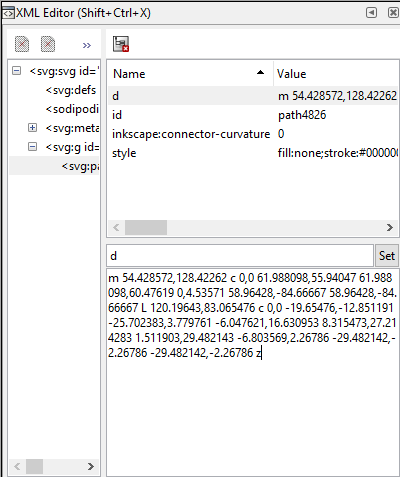
Have a view on the 'd' attribute of the path:
Run the extension and get the result
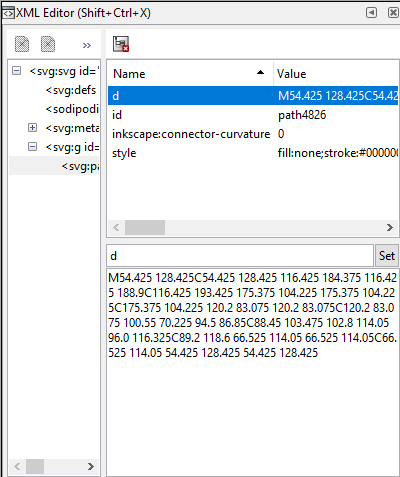
Have a view on the 'd' attribute of the path again:
Snap Object Points
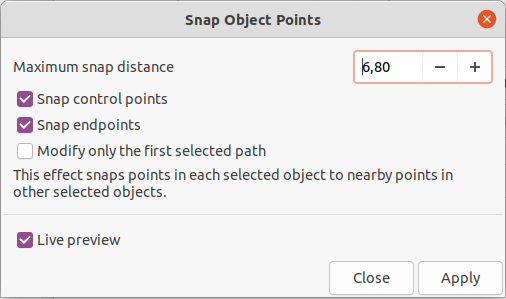
This effect snaps points in each selected object to nearby points in other selected objects.
Source: https://inkscape.org/de/~pakin/%E2%98%85snap-object-points
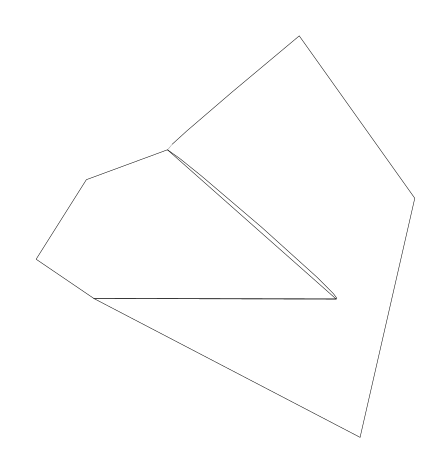
Draw some objects
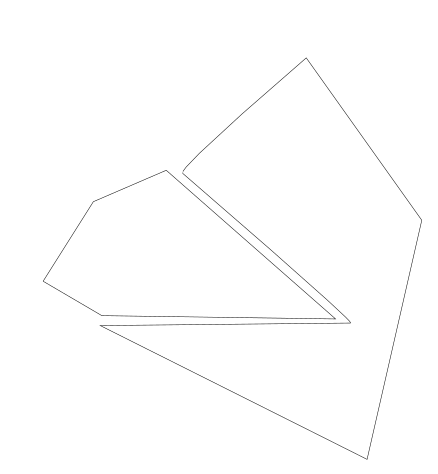
Run the extension and get the result