Groups and Layers
- Eraser Layer
- Filter To Layer
- Group To Layer
- Remove Empty Groups
- Styles To Layers
- Ungrouper And Element Migrator/Filter
Eraser Layer
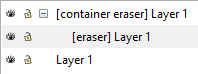
This plugin will erase selected shapes in same layer. Ueful for objects! It won't remove the original objects
Draw some objects and put them on the same layer
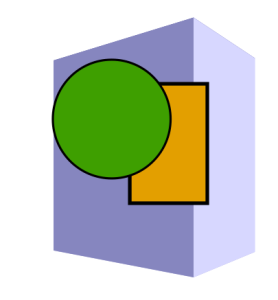
Select some objects to erase (leave a hole in layer) and run extension

Filter To Layer
Source: https://inkscape.org/~jabiertxof/%E2%98%85filter-layer
Draw some object and and apply some filter
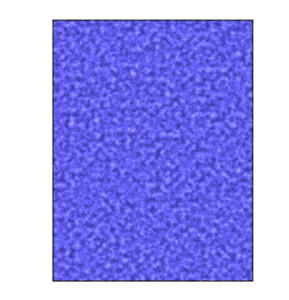
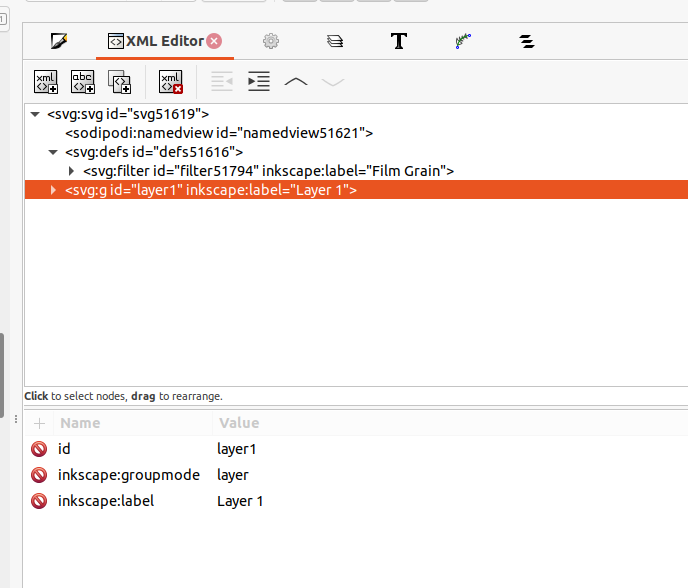
Check the XML structure
Run the extension and get results
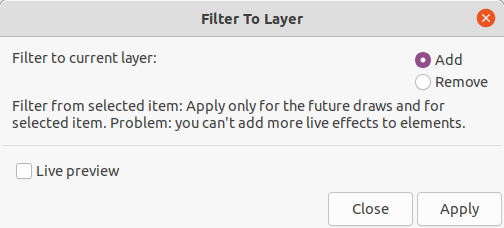
"Filter to current layer" → choose "add"
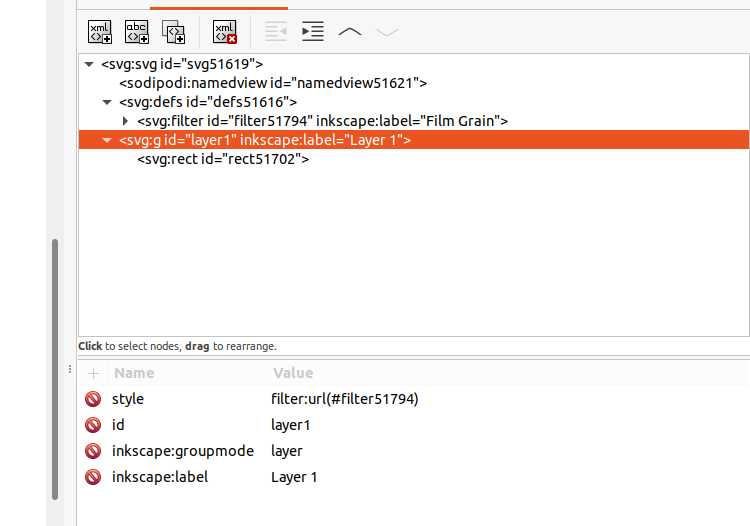
The layer got some new attribute "style" with filter:url content
Group To Layer
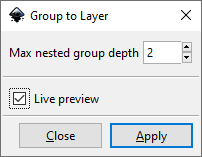
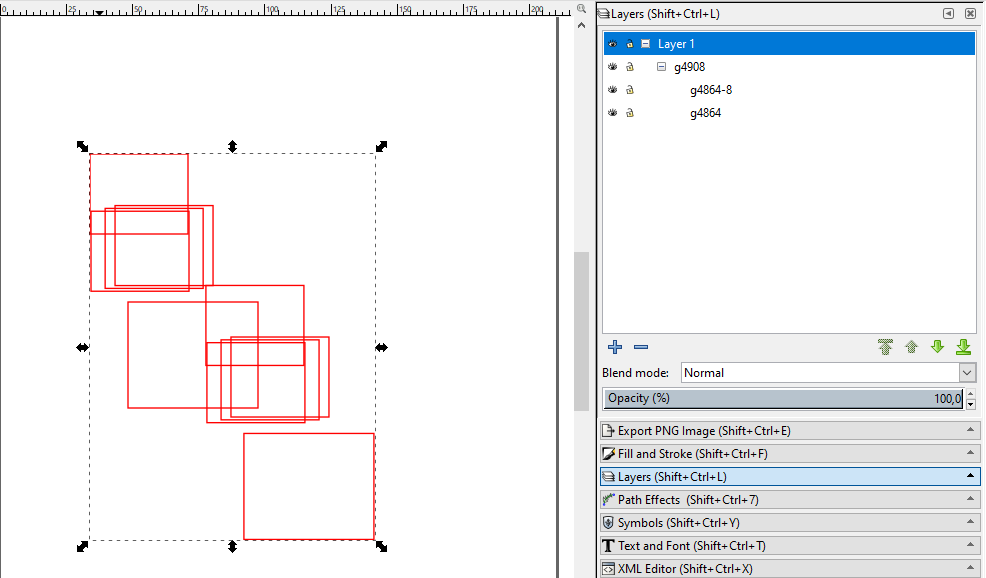
This extension converts groups to layers. You can pick the desired depth.
Draw some objects and make some groups
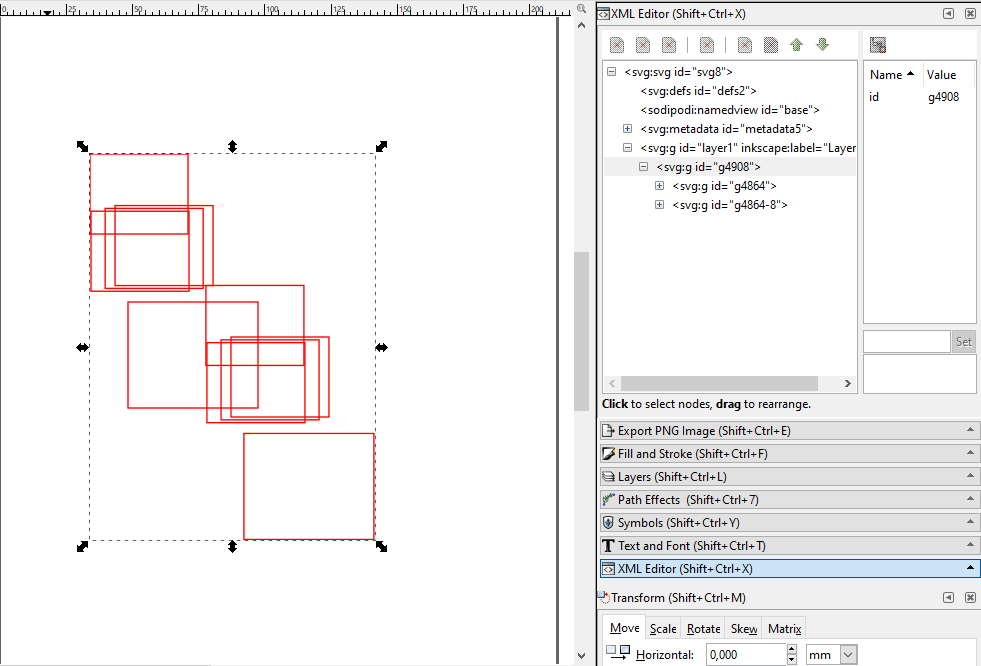
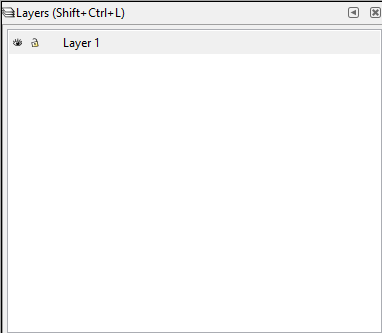
Run the extension
Remove Empty Groups
This extension is totally minimal. It will just clean the whole document from groups without content (dangling groups). That usually happens if you have a group but remove it's paths for example. The group will possibly stay in the XML tree. This also applies for layers because layers are just special types of groups.
See also Optimized with svgo (*.svg)
Styles To Layers
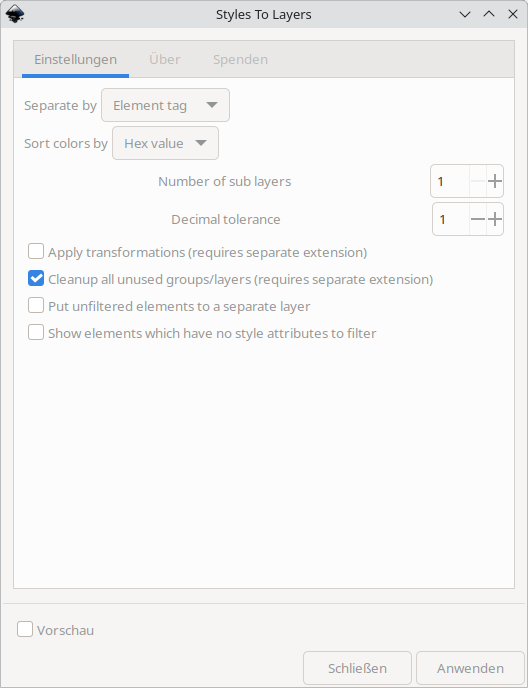
This extension will re-layer your selected items or the whole document according to their color (stroke or fill). Each style will be put onto it's own layer. This way you can devide elements by their colors with ease. If you have empty layers after sorting with different types (strokes, then first or vice versa) you can use Remove Empty Groups to cleanup.
You can use the separate Cleanup Styles extension to migrate these separated attributes into style attribute.
This extension has possible parallels with https://wiki.evilmadscientist.com/Inkscape_and_WaterColorBot#Snap_Colors_to_Layers_.28beta.29
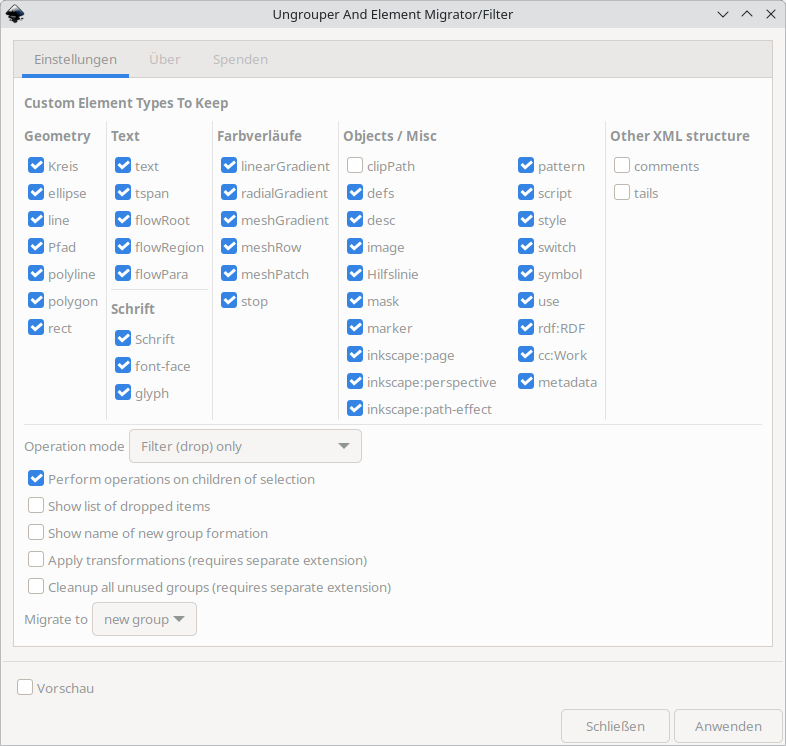
Ungrouper And Element Migrator/Filter
This extension parses the selection and will put all elements into one single group. If you have a cluster with lots of groups and elements you will clean up this way (one top level group, all elements below it). If you select a single element or a set of elements you just wrap it like using CTRL + G (like making a usual group). You can also use this extension to filter out unwanted SVG elements at all. If your drawing gets wasted by running this extension please use Apply Transformations before because your groups just may contain some unwanted transformations like scalings and shiftings. If you have empty layers after sorting with different types (strokes, then first or vice versa) you can use Remove Empty Groups to cleanup.
See also Optimized with svgo (*.svg)