Papercraft Flatteners
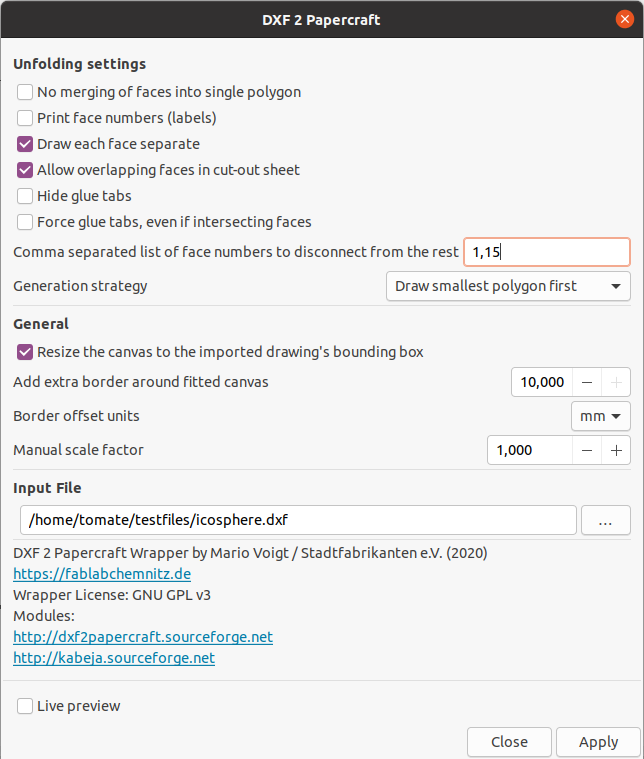
DXF 2 Papercraft
DXF 2 Papercraft is a small Inkscape wrapper for dxf2papercraft
Documentation page: https://dxf2papercraft.sourceforge.net
We can use Purge Duplicate Path Segments to remove duplicate lines to cleanup the generated output.
Tested to work with DXF version "R12 Binary DXF". You can use ODA File Converter to convert down to this older format. See DXF/DWG Importer for some hints.
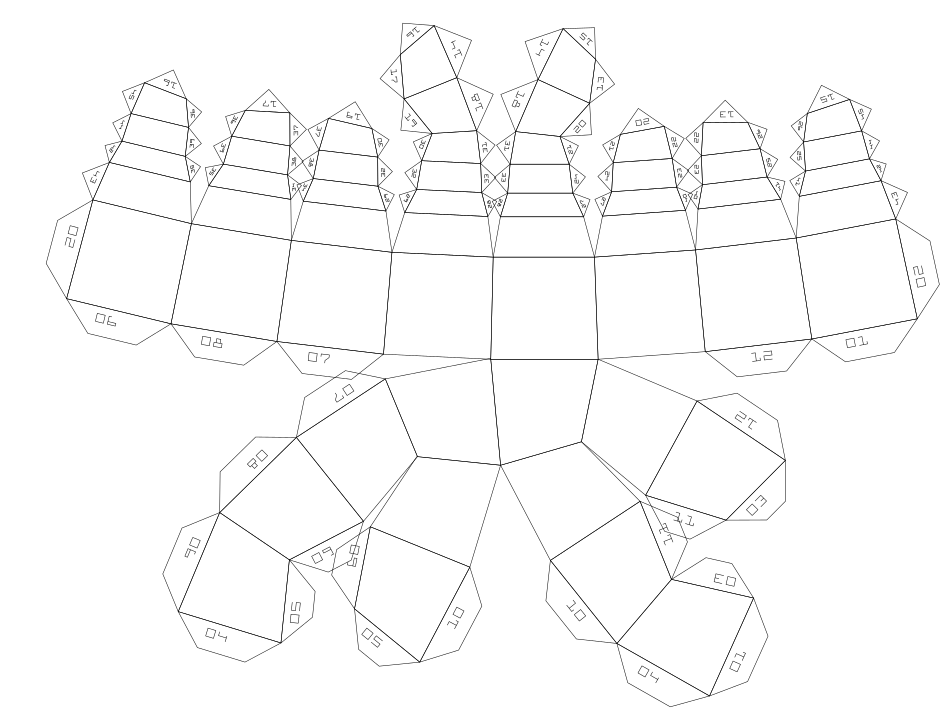
Example Output
Papercraft Unfold
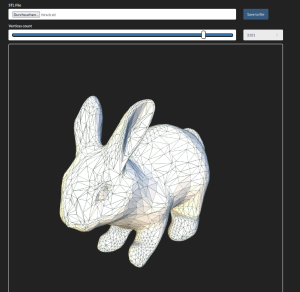
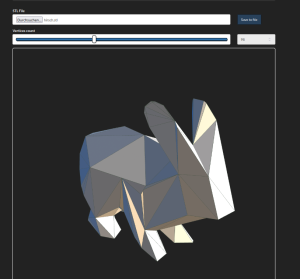
This tool converts a STL/OFF/PLY/OBJ into binary STL Format. The STL then gets unfolded (flattened) to make a papercraft model.
It utilizes https://github.com/osresearch/papercraft and https://github.com/admesh/admesh
Avoid importing STL files with a lot of surfaces. Larger files require intense computing power. It's better to use simplified low-poly models (with a decent amount of triangles). See Simplification and remeshing of STL parts
| 3D STL preview | Papercraft Unfold output |
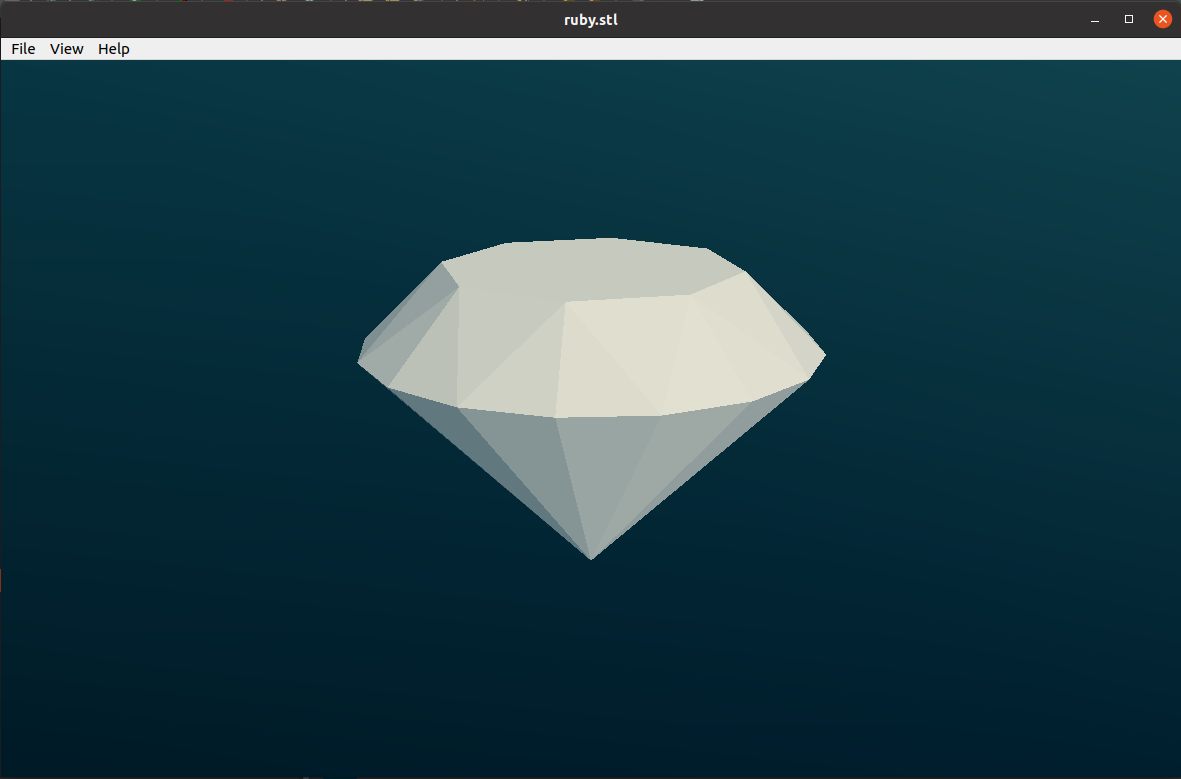 |
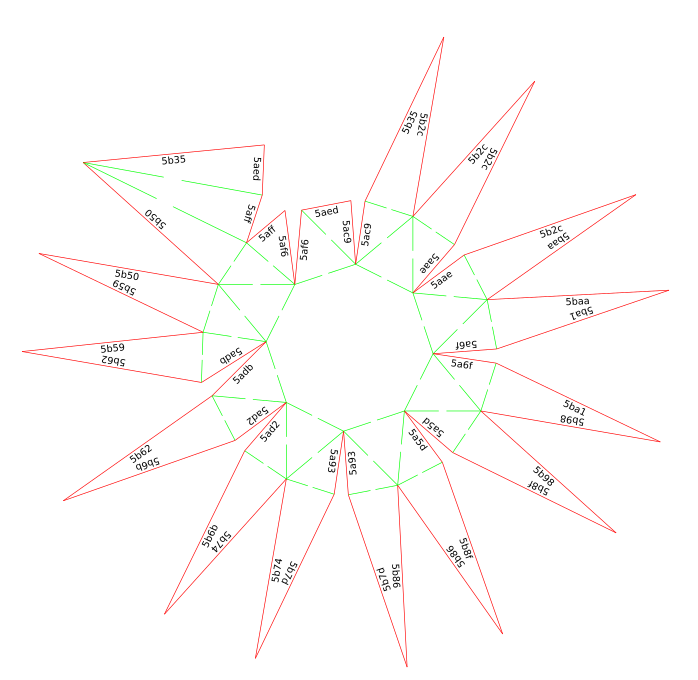 |
Usage
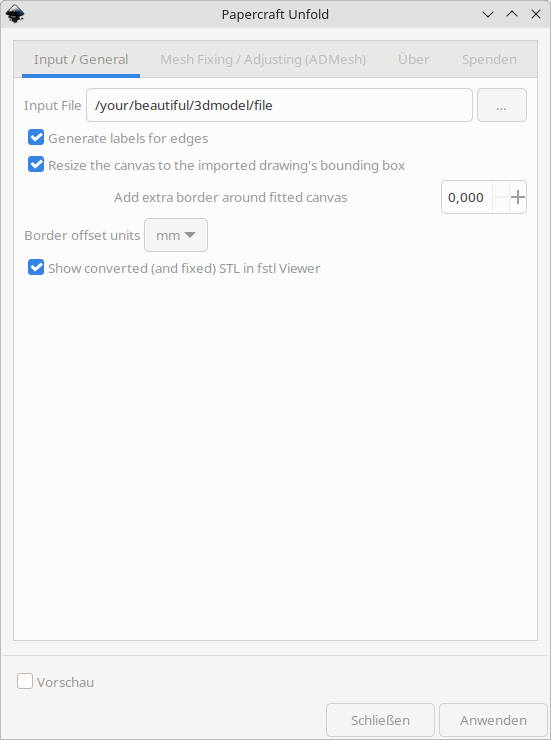
Manual steps
PaperCraft Unfold tool compilation on Windows (and Linux)
The folowing steps how to compile unfold binary which is used for the upper mentioned Inkscape plugin.
Start Cygwin (Windows) or use your regular bash shell (Linux)
On Linux we can easily compile using gcc and make. For Windows executable we can use cygwin with installed gcc and make libraries.
Compile
cd /c/
git clone https://github.com/osresearch/papercraft
cd papercraft
make
cp C:\Babun\.babun\cygwin\bin /c/papercraft/
explorer .
Papercraft Unfold supports option to generate labels for edges. We can make separate compilations to have both variants. (variable: static int draw_labels = 0;)
Start cmd shell
cd C:\papercraft
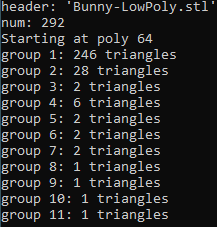
unfold < Bunny-LowPoly.stl > bunny.svg
#or explicitely with extension .exe
unfold.exe < Bunny-LowPoly.stl > bunny.svg
Check output and compare with input
| Bunny-LowPoly.stl | unfold < Bunny-LowPoly.stl > bunny.svg | bunny.svg |
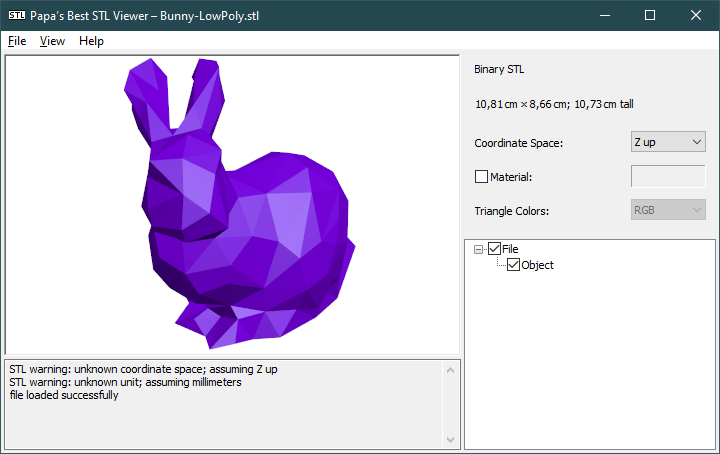 |
 |
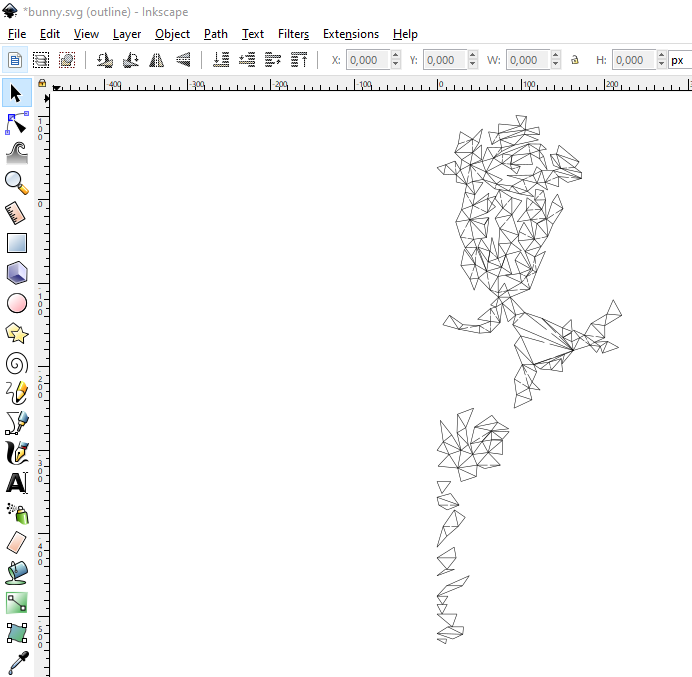 |
Paperfold
About
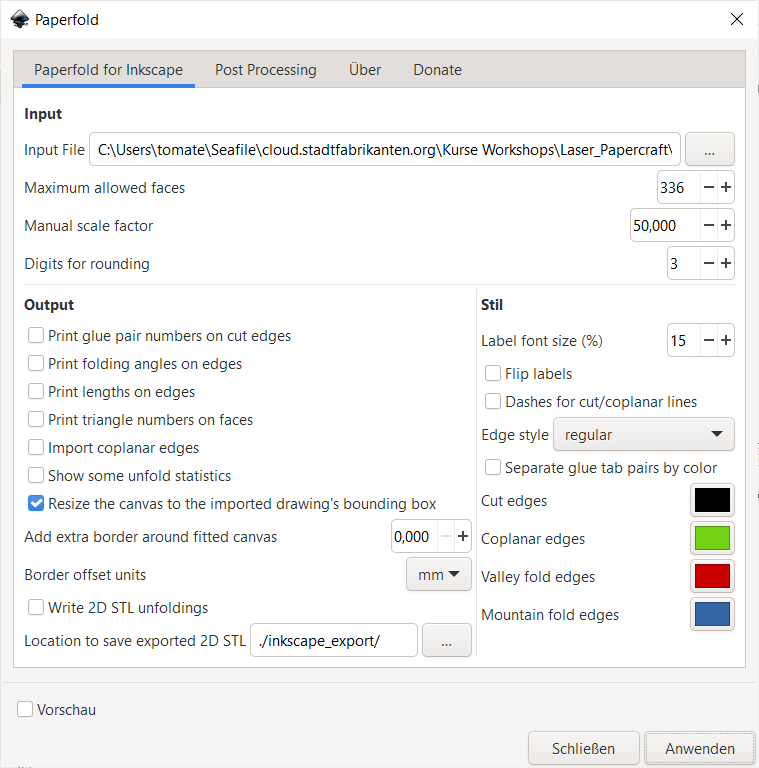
Paperfold is another flattener for triangle mesh files, heavily based on https://github.com/felixfeliz/paperfoldmodels by Felix Scholz aka felixfeliz.
Possible input files are STL, Wavefront OBJ, PLY and OFF. (possible import file types with OpenMesh in principle: https://www.graphics.rwth-aachen.de/media/openmesh_static/Documentations/OpenMesh-8.0-Documentation/a04096.html)
Prepare to install openmesh
To run this extension you need to install OpenMesh bindings with python pip. When installing Paperfold by installing MighyScape, this will already be done for you on Linux systems. Else:
Ubuntu
sudo apt install cmake
sudo apt install g++
sudo apt install python3-dev
pip3 install openmesh
Fedora
sudo dnf install cmake
sudo dnf install g++
sudo dnf install python3-devel
pip3 install cmake
pip3 install pybind11
pip3 install openmesh
Windows
-
Windows requires CMake executable (but version 3, not 4!)
-
Install MS Visual Studio Community Edition → If you receive an error like "NMake Makefiles does not support platform specification, but platform x64 was specified." In case the instalation fails you can also try to install precompiled Windows binaries from https://gitlab.vci.rwth-aachen.de:9000/OpenMesh/OpenMesh
-
Install openmesh bindings
pip3 install openmesh
How it works
The algorithm of paperfoldmodels consists of three steps:
- Find a minimum spanning tree of the dual graph of the mesh.
- Unfold the dual graph.
- Remove self-intersections by adding additional cuts along edges.
Reference: The code is mostly based on the algorithm presented in a by Straub and Prautzsch (https://geom.ivd.kit.edu/downloads/proj-paper-models_cut_out_sheets.pdf).
Please also have a look at DXF 2 Papercraft and Papercraft Unfold.
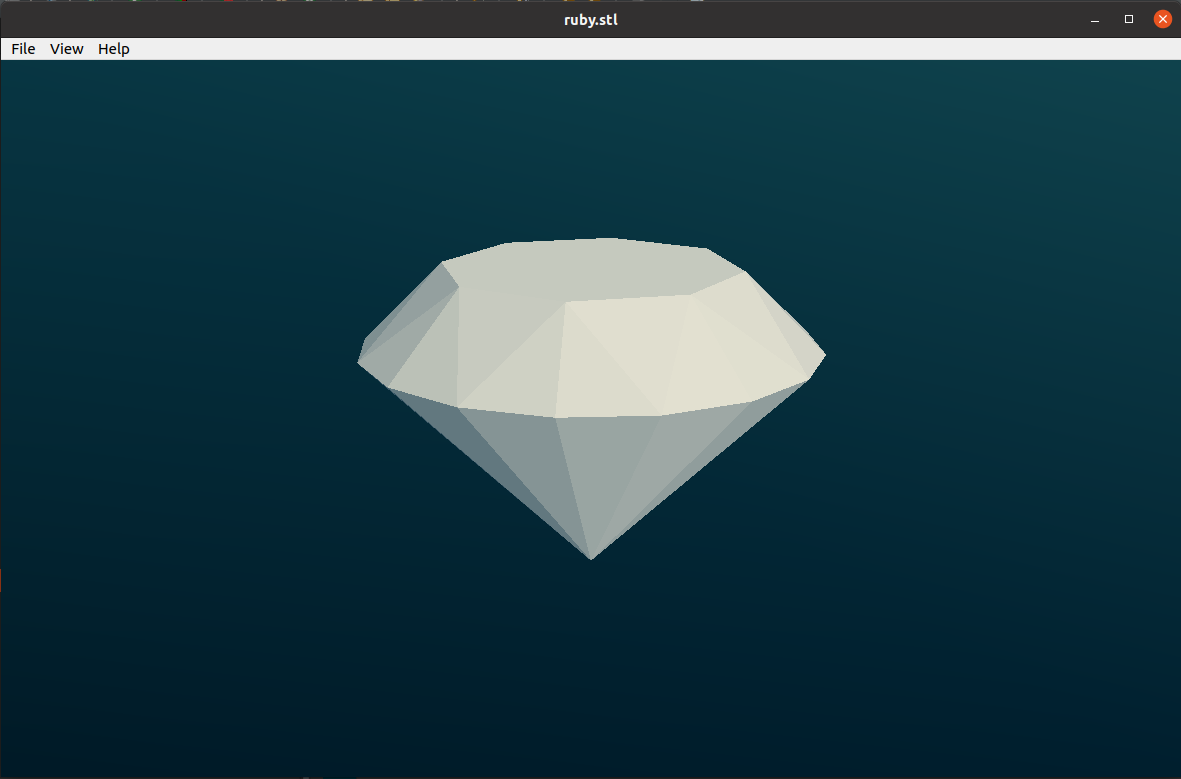
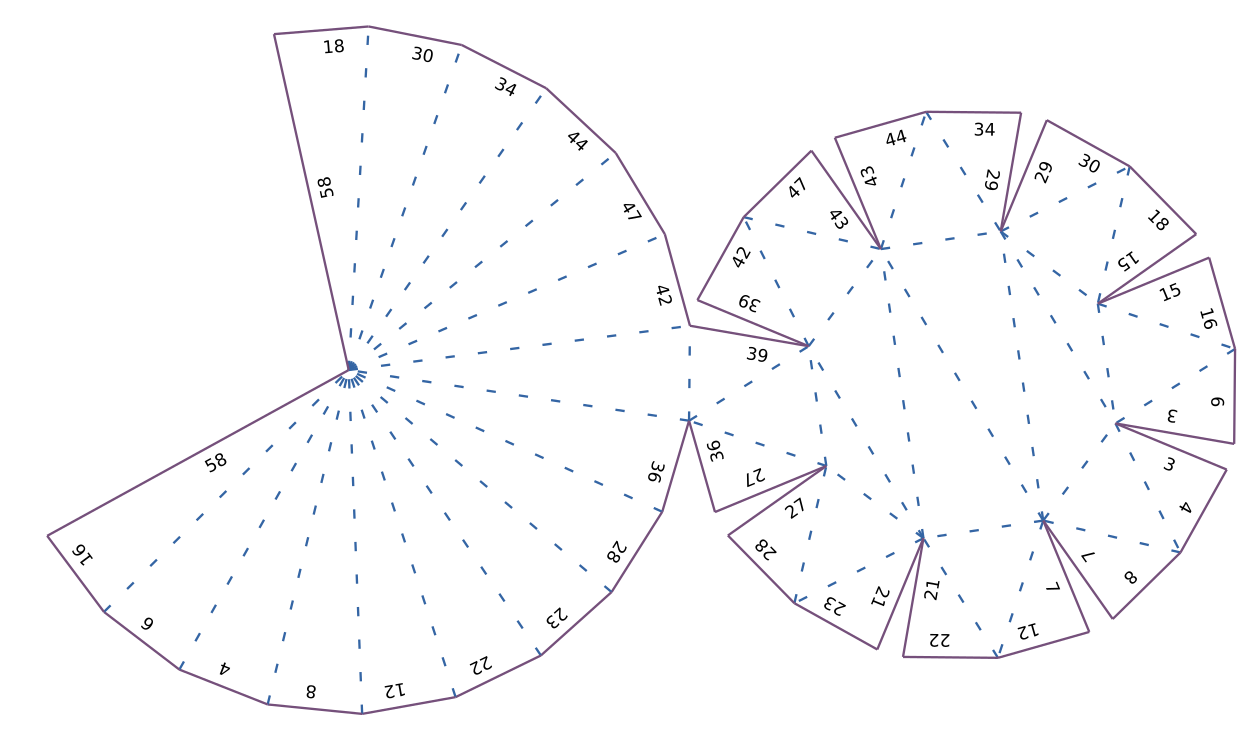
Example with a Ruby model file
https://www.thingiverse.com/thing:1315127/files
| STL preview | Unwrapped by Paperfold |
 |
 |
|
|
|
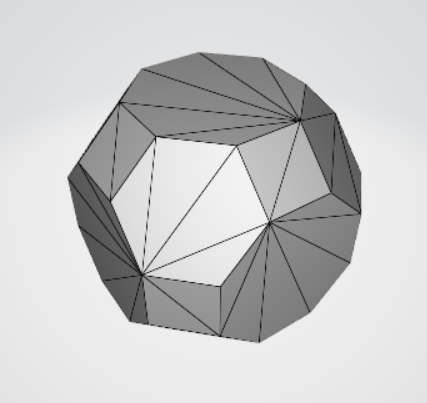
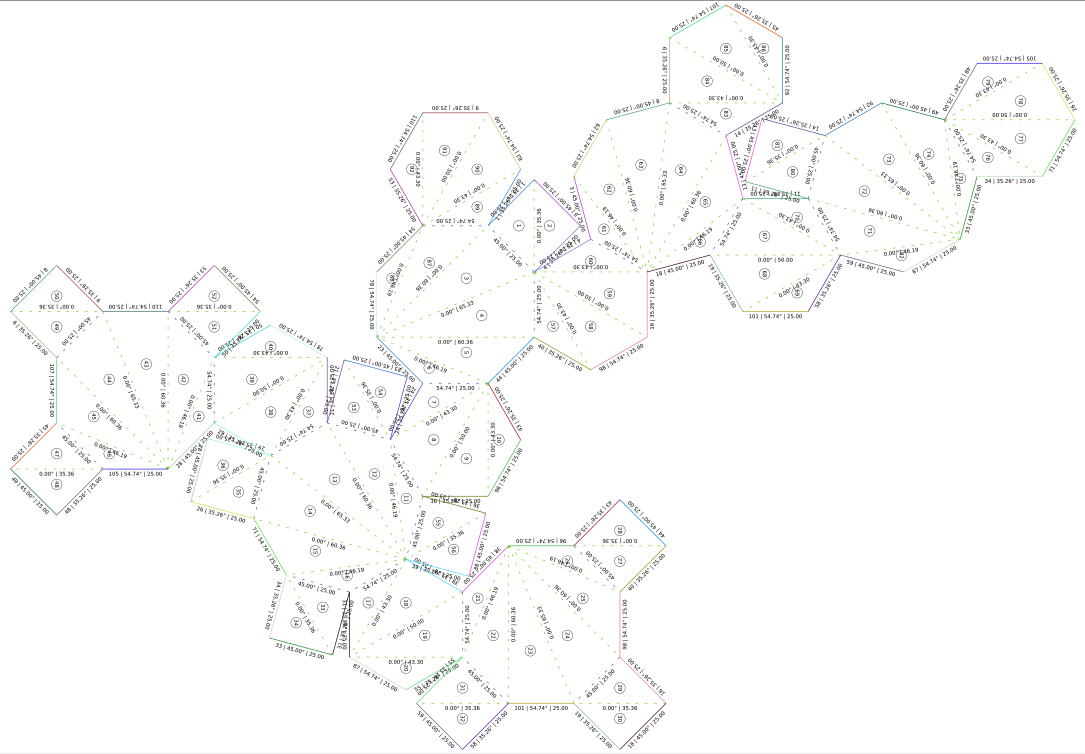
Differences between poly facets and triangles
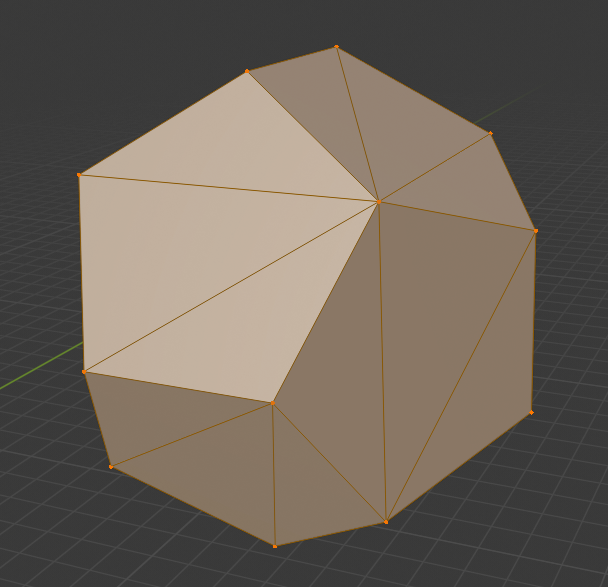
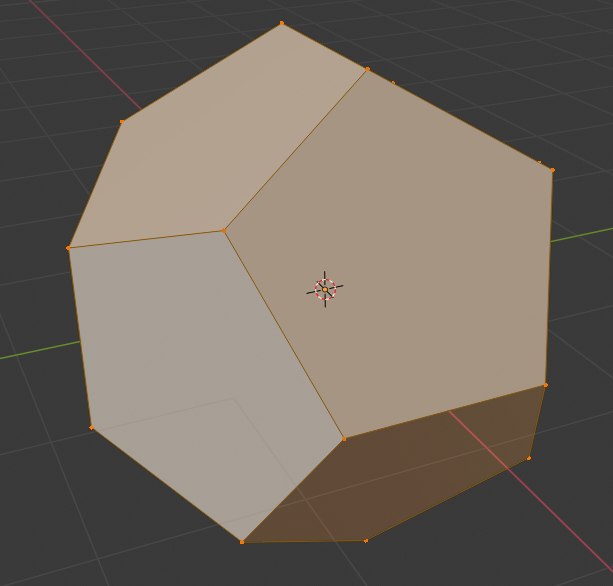
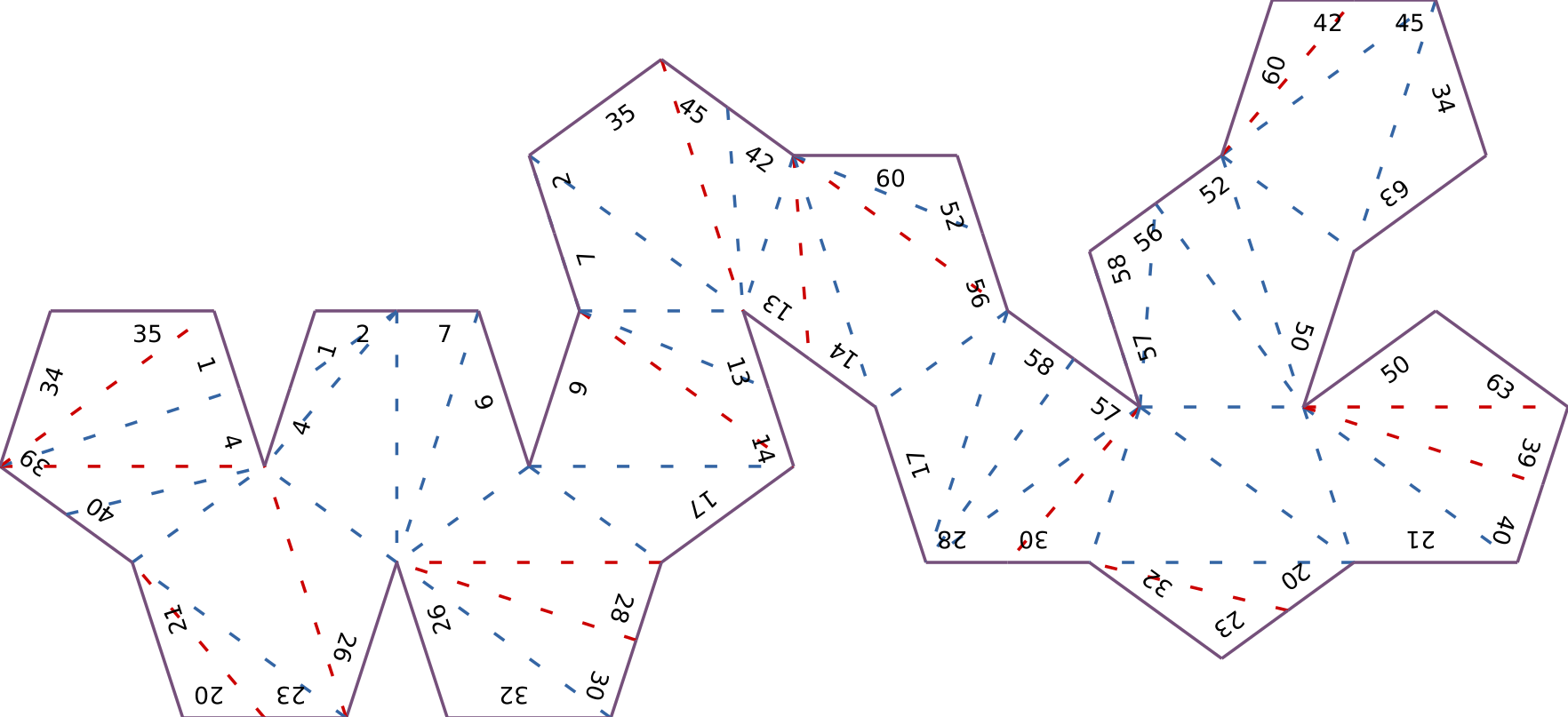
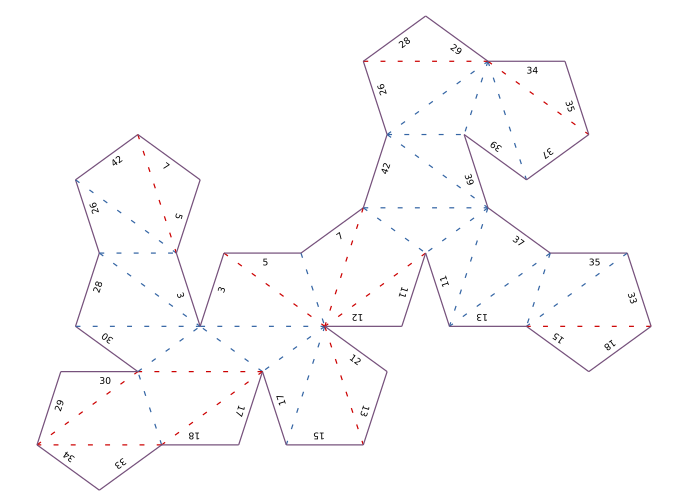
There is a great difference which comes fromt the input file. If you use polygonal input file, the unfolded mesh looks better because it has less useless folds and glue tab numbers. There is no algorithm to remove fold lines for coplanar adjacent triangles which form a polygon facet.
| Triangle mesh file (model saved stl) | Polygonal facets (model saved as .obj) | |
| 3D mesh preview (Blender) |
|
|
| Unfolding |
|
|
Hot tips
- Add some joints to your paperfold using Joinery
- ...or add tabs using Tab Generator
- Simulate using Origami Simulator
- generate cool model files from more complex 3d models using a vertice reducing tool: